System maintenance 119
Add the toner
Introduction
Task for: operator
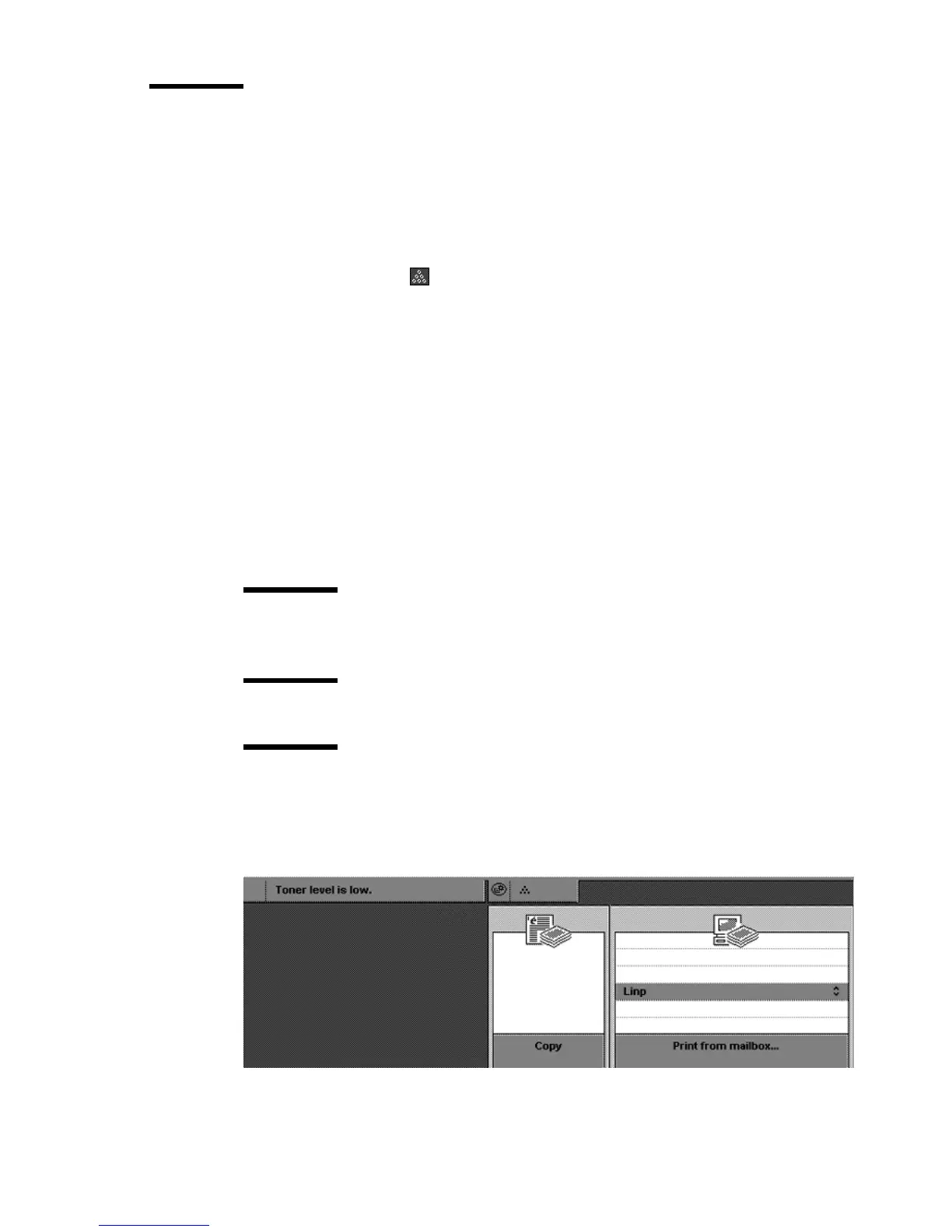
When the toner level of the Océ VarioPrint 2090 is low, the operator panel
displays a toner icon to inform the user of the status of the toner supply. In
the 'System information' section, the toner warning indication is highlighted
when the toner level is low or all toner is used.
When to do
Add the toner if you get the graphical warning and the warning message on the
display of the operator panel.
Before you begin
Follow the instructions on the screen of the operator panel.
Attention: Only add the toner if the Océ VarioPrint 2090 asks you to add
the toner. Only use Océ F11 toner. Never add more than 1 bottle at a time.
Attention: The Océ VarioPrint 2090 must be switched on to add the toner.
Attention: If you spill some toner, refer to 'Safety data sheets' in appendix B
for information about removal and cleaning.
Illustration
[63 ] Toner lev el is low warn ing
[63] Toner level is low warning














 To Next Page