System configuration 41
Set the operator panel time-out
Introduction
If you create a copy job, you make settings for that job at the operator panel.
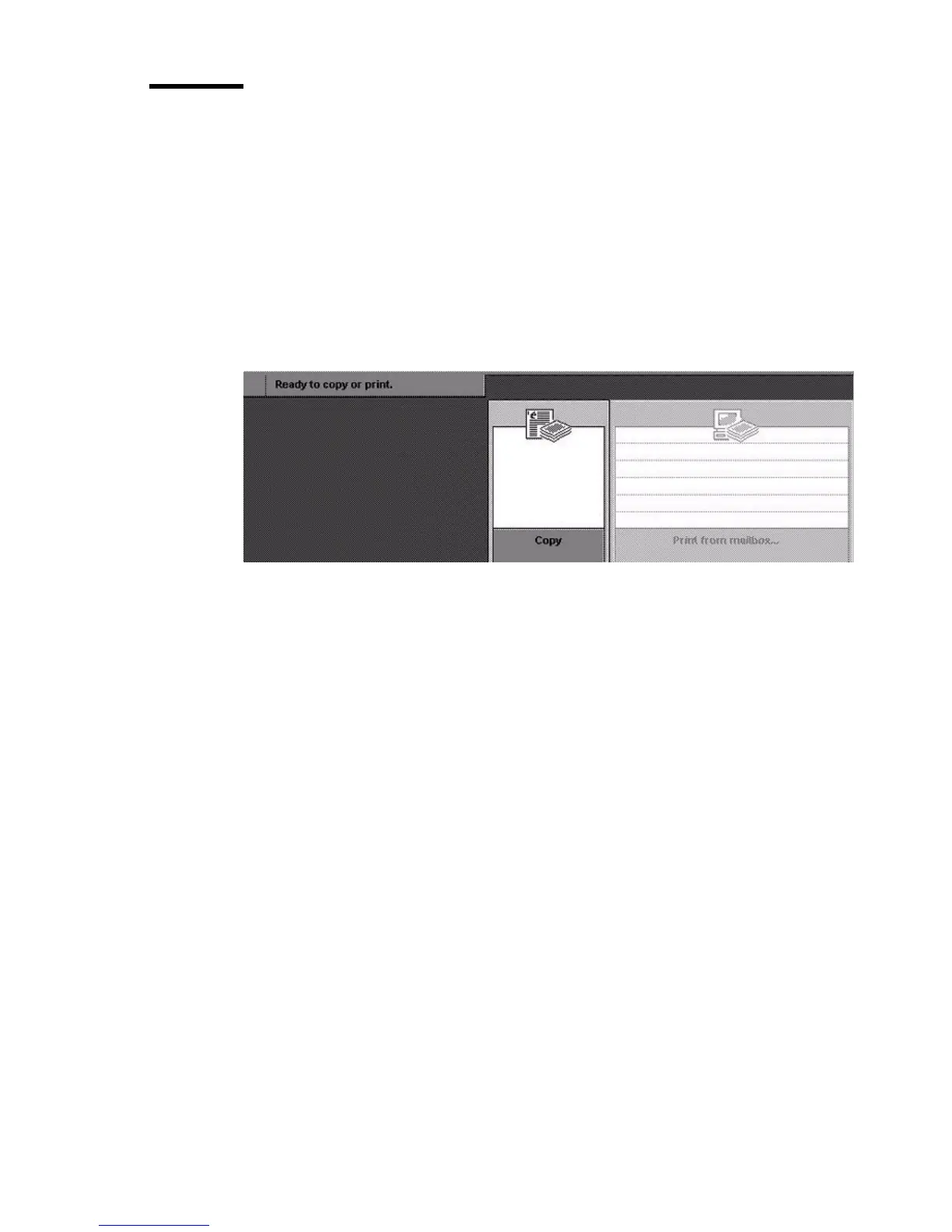
When you wait for some time (e.g. you leave the machine), the default start-up
screen will be displayed on the screen again (see figure). This reset of the
screen is called 'Operator panel time-out'.
You can set the value for the 'Operator panel time-out' timer in the Océ
VarioPrint 2090 Settings Editor (default value is 30 seconds).
[17] The defa ult start-up screen
[17] The default start-up screen
Before you begin
Start the Océ VarioPrint 2090 Settings Editor in your web browser in the key
operator mode (see ‘Access the Océ VarioPrint 2090 Settings Editor in key
operator mode’ on page 9).














 To Next Page