System configuration 39
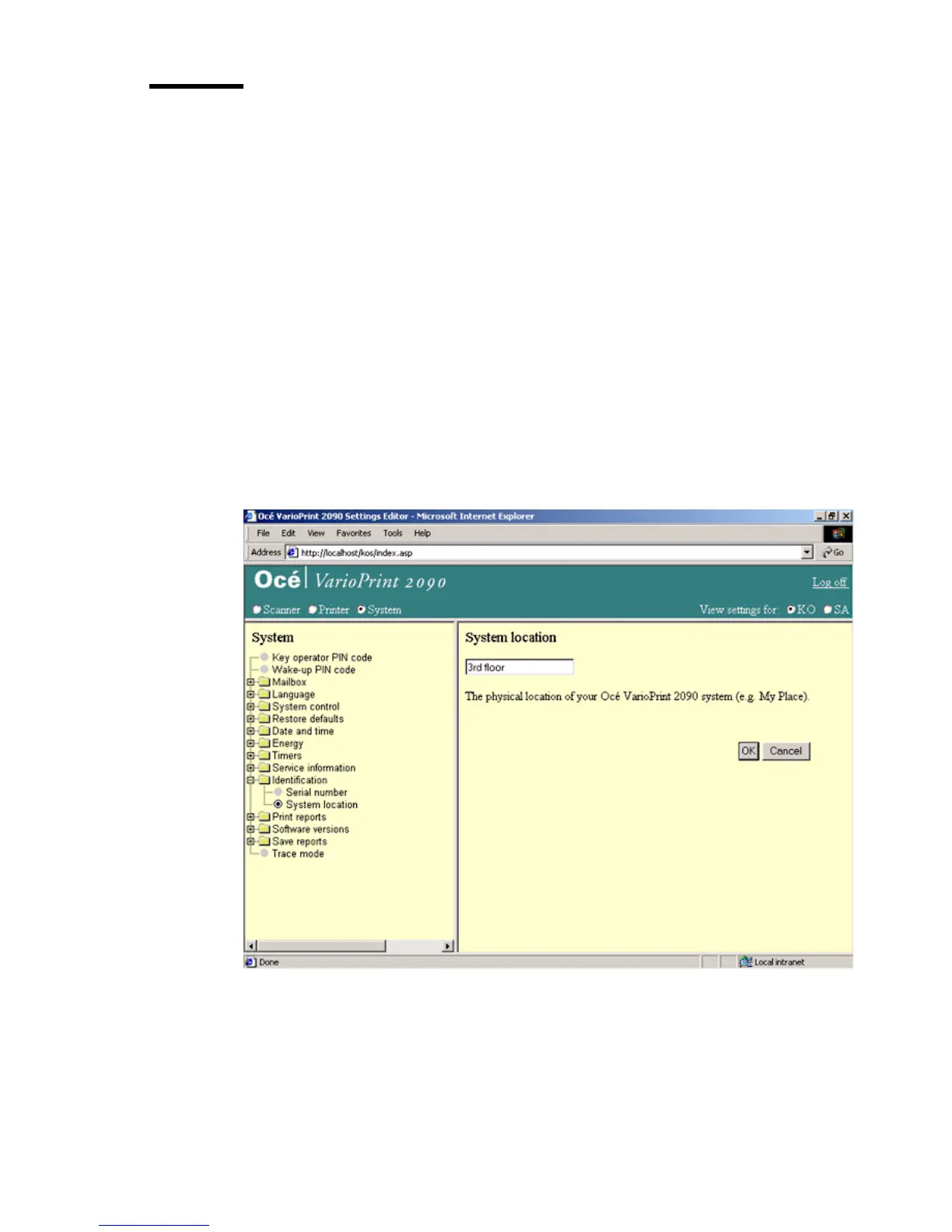
Define the system location
Introduction
Task for: key operator
You can describe the location of the system (for example My place).
You can use this information to see the differences between several systems.
Before you begin
Start the Océ VarioPrint 2090 Settings Editor in your web browser in the key
operator mode (see ‘Access the Océ VarioPrint 2090 Settings Editor in key
operator mode’ on page 9).
Illustration
[16] Location of the system
[16] Location of the system














 To Next Page