System configuration 37
Change the Océ telephone number
Introduction
Task for: key operator
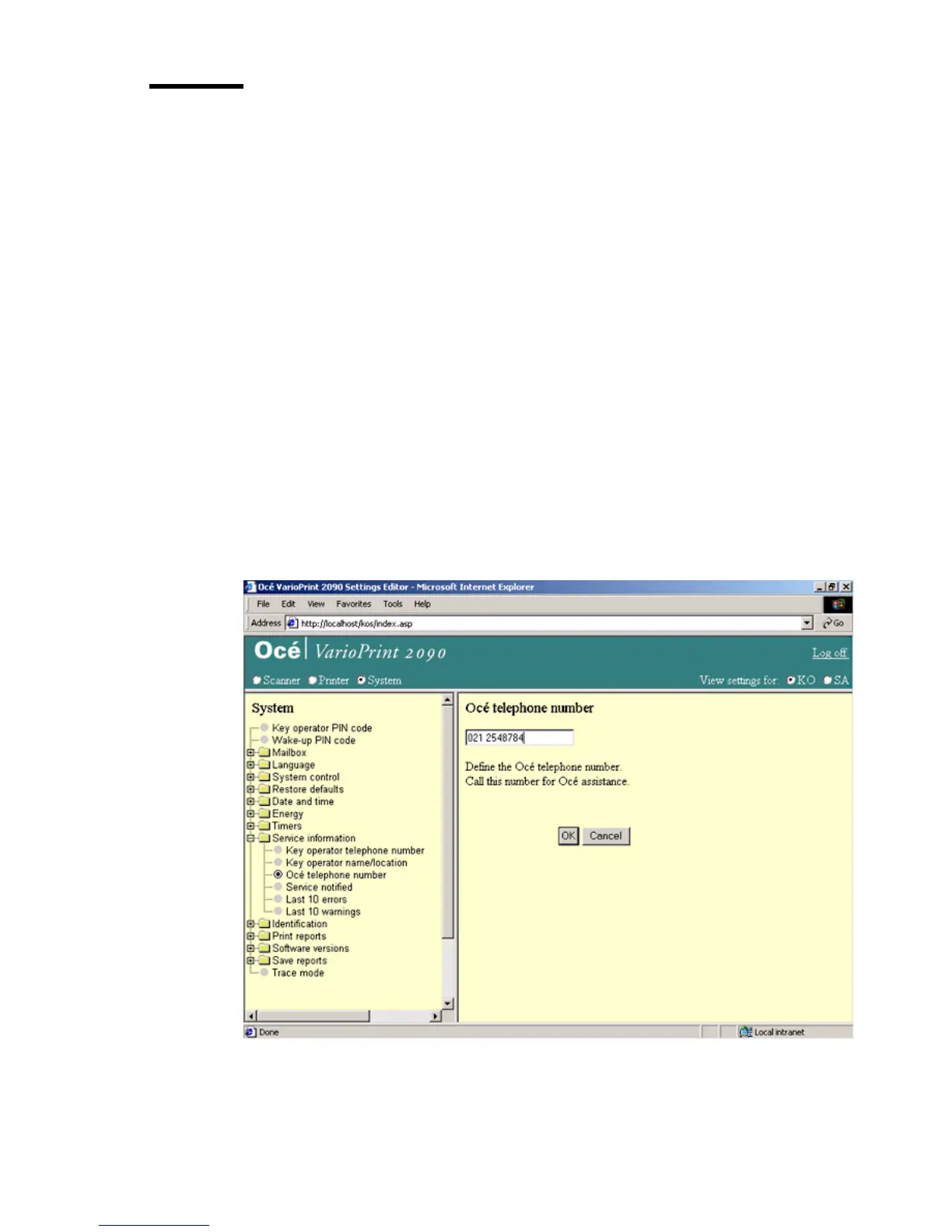
If you have to call the local Océ department, you can find the Océ telephone
number in the Océ VarioPrint 2090 Settings Editor. The key operator can enter
the number of the nearest Océ department.
This telephone number appears in the configuration report.
Before you begin
Start the Océ VarioPrint 2090 Settings Editor in your web browser in the key
operator mode (see ‘Access the Océ VarioPrint 2090 Settings Editor in key
operator mode’ on page 9).
Illustration
[15] Enter the Océ te lephone nu mber
[15] Enter the Océ telephone number














 To Next Page