56 Océ VarioPrint 2090 Configuration and maintenance manual
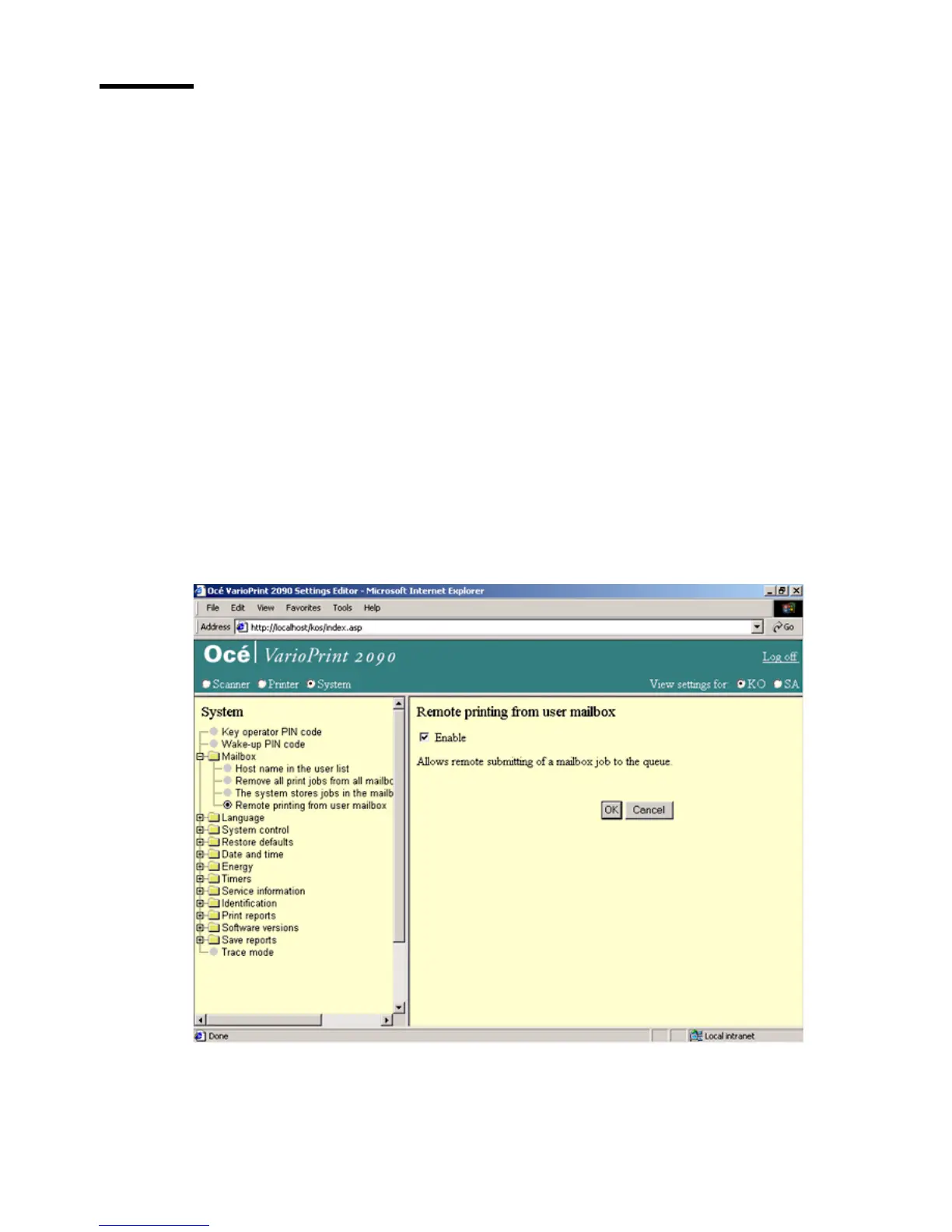
Allow remote printing from the user mailbox
Introduction
Task for: key operator
The key operator can allow users to print mailbox jobs from a remote
workstation.
You can, for example, use Océ Intra Logic to submit the print jobs.
If you do not allow to print from a remote workstation, you must submit the
print jobs on the operator panel.
Before you begin
Start the Océ VarioPrint 2090 Settings Editor in your web browser in the key
operator mode (see ‘Access the Océ VarioPrint 2090 Settings Editor in key
operator mode’ on page 9).
Illustration
[25] Allow remote printing
[25] Allow remote printing














 To Next Page