86 Océ VarioPrint 2090 Configuration and maintenance manual
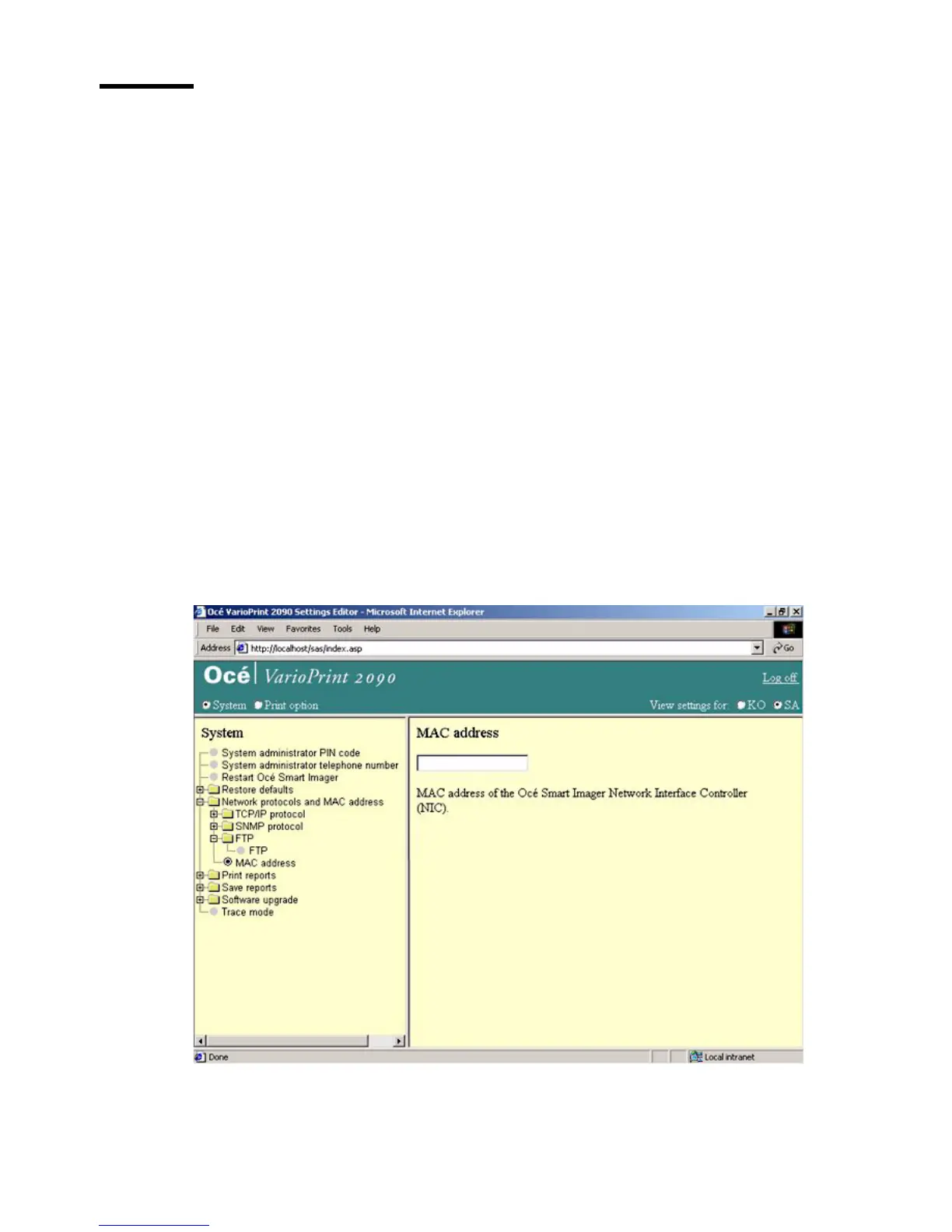
Read the MAC address
Introduction
Task for: system administrator
To configure the controller in your network environment, it may be necessary
to know the MAC address of the controller.
The MAC (Media Access Control) address is your controller's unique
hardware number.
Note: The MAC address is read-only.
Before you begin
Start the Océ VarioPrint 2090 Settings Editor in your web browser in the
system administrator mode (see ‘Access the Océ VarioPrint 2090 Settings
Editor in system administrator mode’ on page 12).
Illustration
[42] Read the MAC addr ess
[42] Read the MAC address














 To Next Page