System maintenance 115
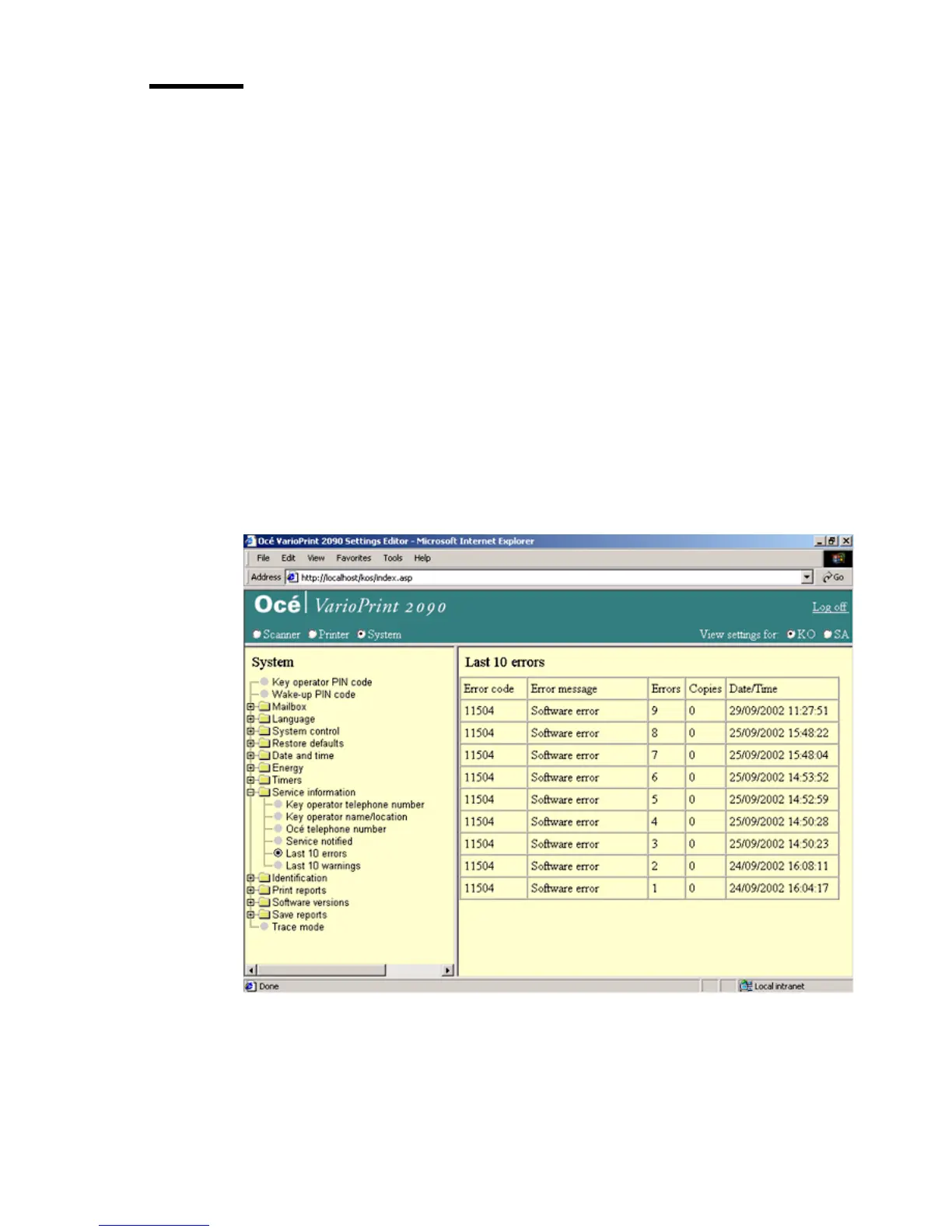
Show the last 10 errors and warnings
Introduction
Task for: key operator
The Océ Smart Imager remembers the last 10 errors or the last 10 warnings that
are detected on the system. To solve a problem, a service technician can ask
you to show these errors.
Before you begin
Start the Océ VarioPrint 2090 Settings Editor in your web browser in the key
operator mode (see ‘Access the Océ VarioPrint 2090 Settings Editor in key
operator mode’ on page 9).
Illustration
[60] The last 10 errors
[60] The last 10 errors














 To Next Page