Introduction 17
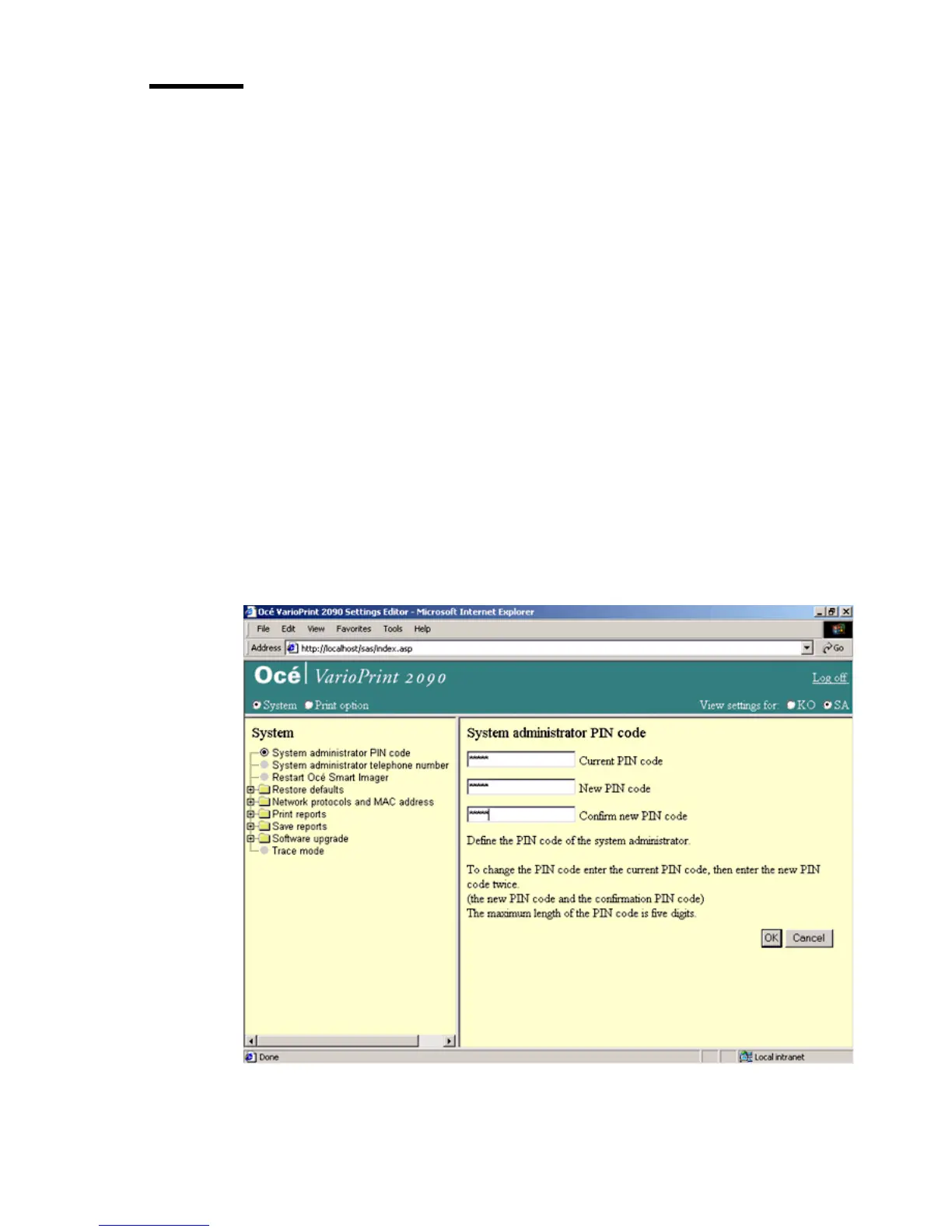
Change the PIN code for the system administrator
Introduction
Task for: system administrator
Océ supplies the Océ VarioPrint 2090 with the default PIN code for the system
administrator.
The PIN code for the system administrator consists of 0 to 5 digits. Enter the
Océ VarioPrint 2090 Settings Editor in the system administrator mode to
assign a new PIN code.
Before you begin
Start the Océ VarioPrint 2090 Settings Editor in your web browser in the
system administrator mode (see ‘Access the Océ VarioPrint 2090 Settings
Editor in system administrator mode’ on page 12).
Illustration
[5] PIN c ode system administrator
[5] PIN code system administrator














 To Next Page