System configuration 45
Originals configuration
Define the paper size detection defaults
Introduction
Task for: key operator
The automatic document feeder automatically detects the size and the feed
direction of the originals.
However, the automatic detection can not detect a difference between some
paper sizes (e.g. Legal Standard and Legal).
In a paper group, you find 2 paper sizes. The automatic detection can not
decide what paper size to select within a paper group. You define what paper
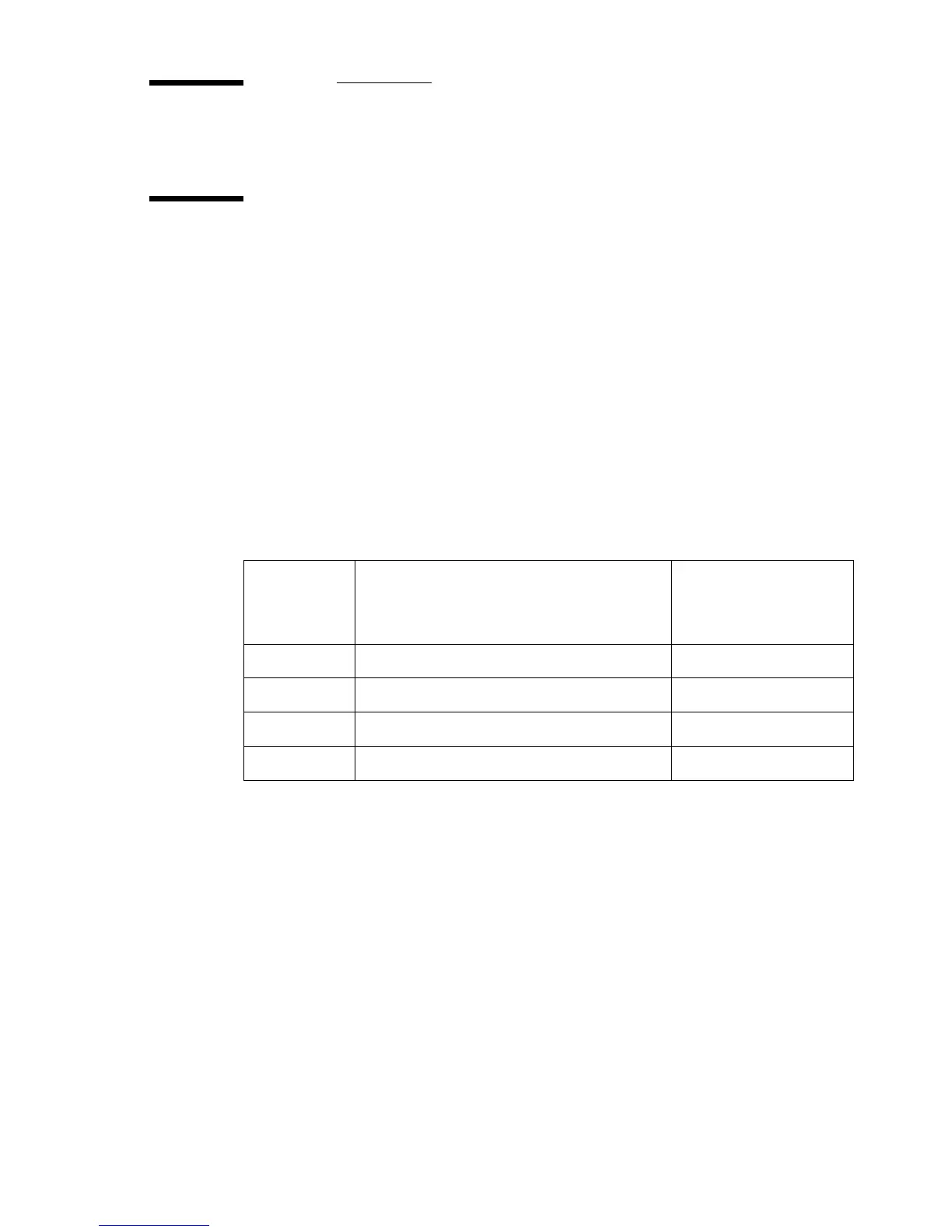
size the scanner must select in such case. See the following table.
[2] Ambiguou s paper groups
[2] Ambiguous paper groups
Before you begin
Start the Océ VarioPrint 2090 Settings Editor in your web browser in the key
operator mode (see ‘Access the Océ VarioPrint 2090 Settings Editor in key
operator mode’ on page 9).
Amiguous
paper
group
Paper sizes Default
1 B5, Letter Government B5
2 Letter Standard, Legal Government Letter Standard
3 Legal, Legal Standard Legal Standard
4 US Government, Commercial US Government














 To Next Page