46 Océ VarioPrint 2090 Configuration and maintenance manual
Illustration
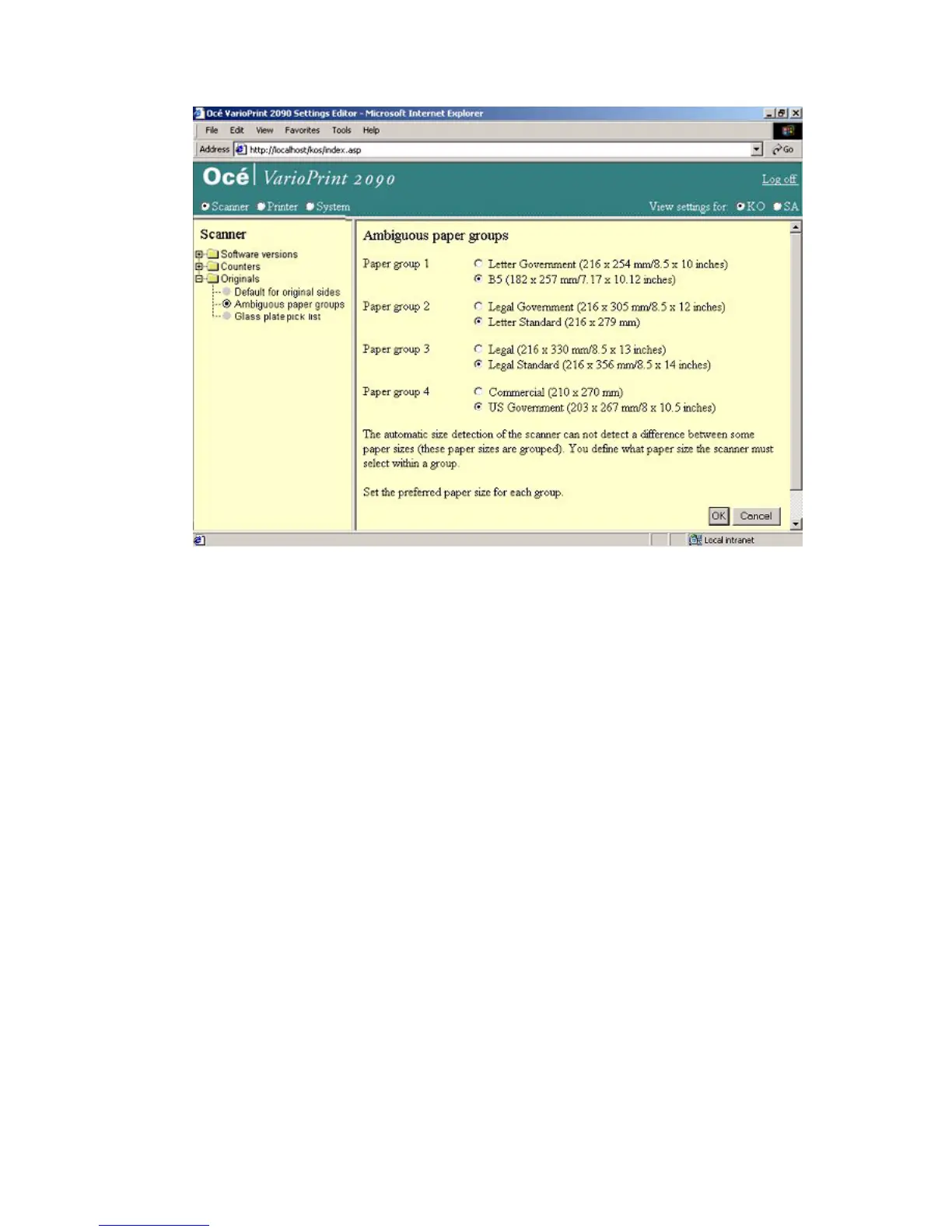
[20] Define paper size detection preferences
[20] Define paper size detection preferences
How to define the paper size detection preferences
1
Select 'Scanner' in the title bar of the Océ VarioPrint 2090 Settings Editor.
2 Select 'Originals'.
3 Select 'Ambiguous paper groups'.
4 Check the radio buttons of the paper sizes you prefer (1 in each group).
5 Click the 'OK' button to apply the changes.














 To Next Page