Printer configuration 85
Illustration
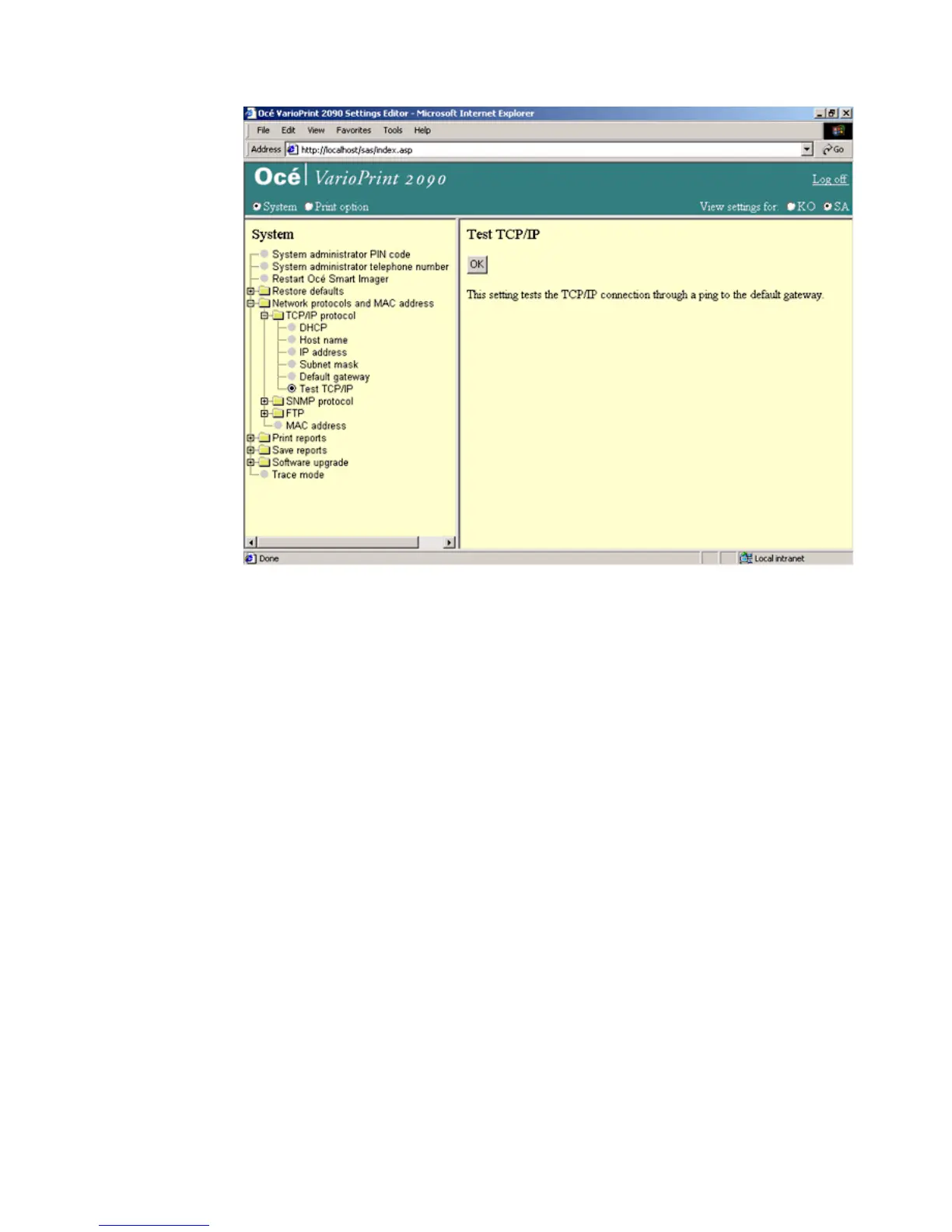
[41] Test the TCP/IP connection
[41] Test the TCP/IP connection
How to test the TCP/IP connection
1
Select 'System' in the title bar of the Océ VarioPrint 2090 Settings Editor.
2 Click 'Network protocols'.
3 Select 'Test the TCP/IP' to activate the test mode.
4 Click the 'OK' button to start the connection test.
Result
Possible values that return after the test are:
■ OK
■ unreachable
■ transmission error
■ time out
In case of an error, check the network and the local network settings.














 To Next Page