84 Océ VarioPrint 2090 Configuration and maintenance manual
Illustration
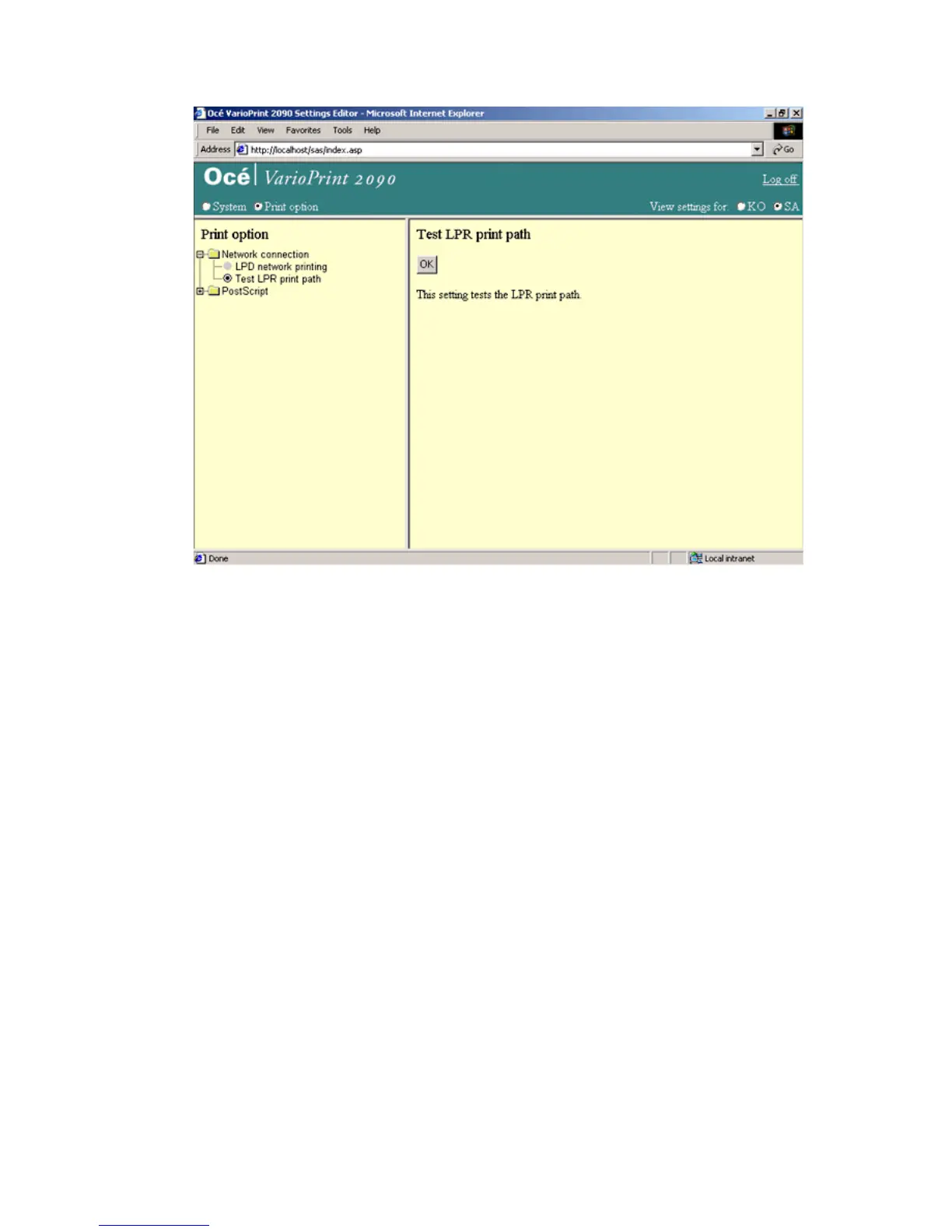
[40] Test the LPR print path
[40] Test the LPR print path
How to test the LPR print path
1
Select 'Print option' in the title bar of the Océ VarioPrint 2090 Settings Editor.
2 Click 'Network Connection'.
3 Select 'Test LPR print path' to activate the test mode.
4 Click the 'OK' button to start the connection test.
Result
Possible values that return after the tests
■ test OK , a single page print job with the character 'A' is printed.
■ test failed.














 To Next Page