System configuration 55
Illustration
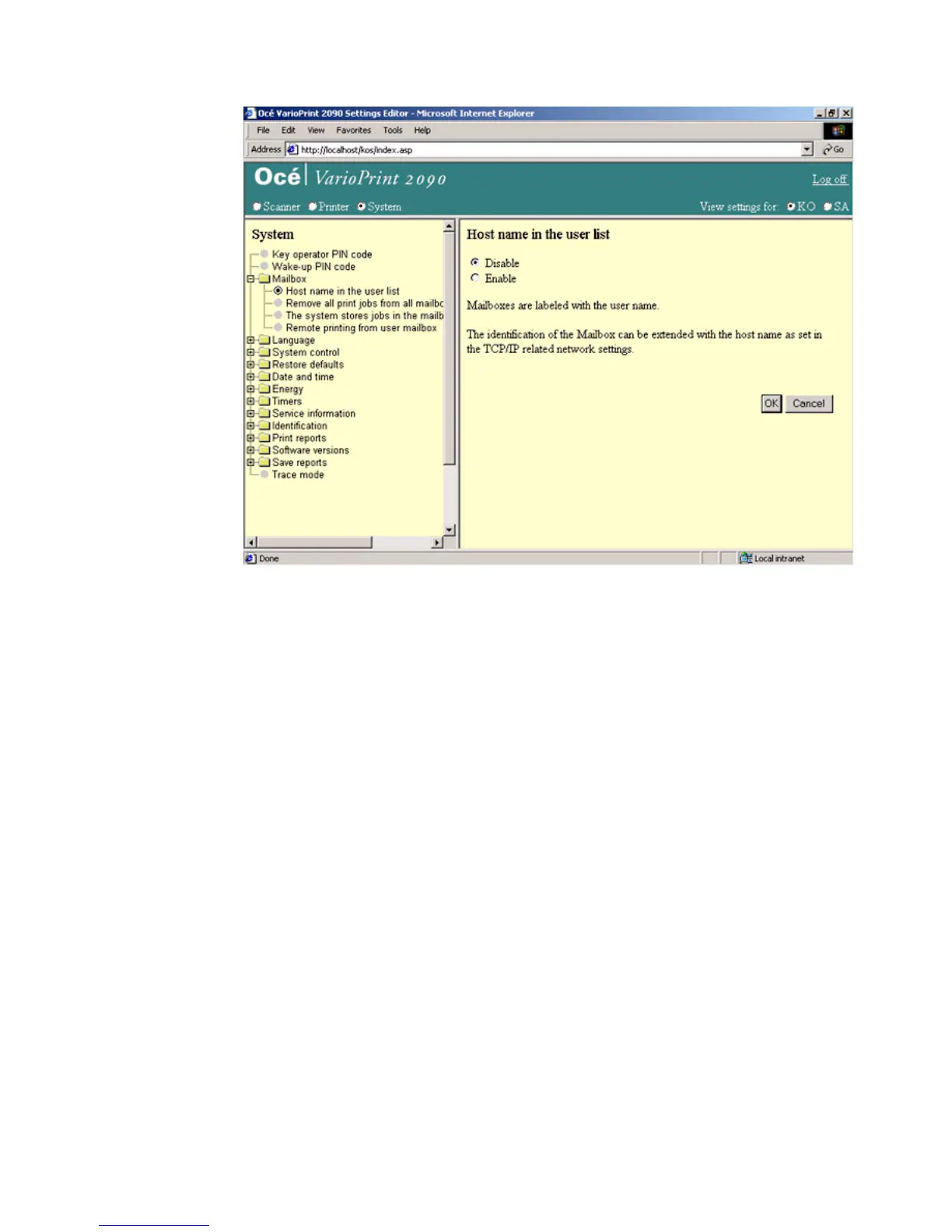
[24] Show the hos t na me in the us er list
[24] Show the host name in the user list
How to show the host name in the user list
1
Select 'System' in the title bar of the Océ VarioPrint 2090 Settings Editor.
2 Click 'Mailbox'.
3 Click 'Host name in the user list'.
4 Click the 'OK' button to apply the changes.














 To Next Page