System maintenance 105
Illustration
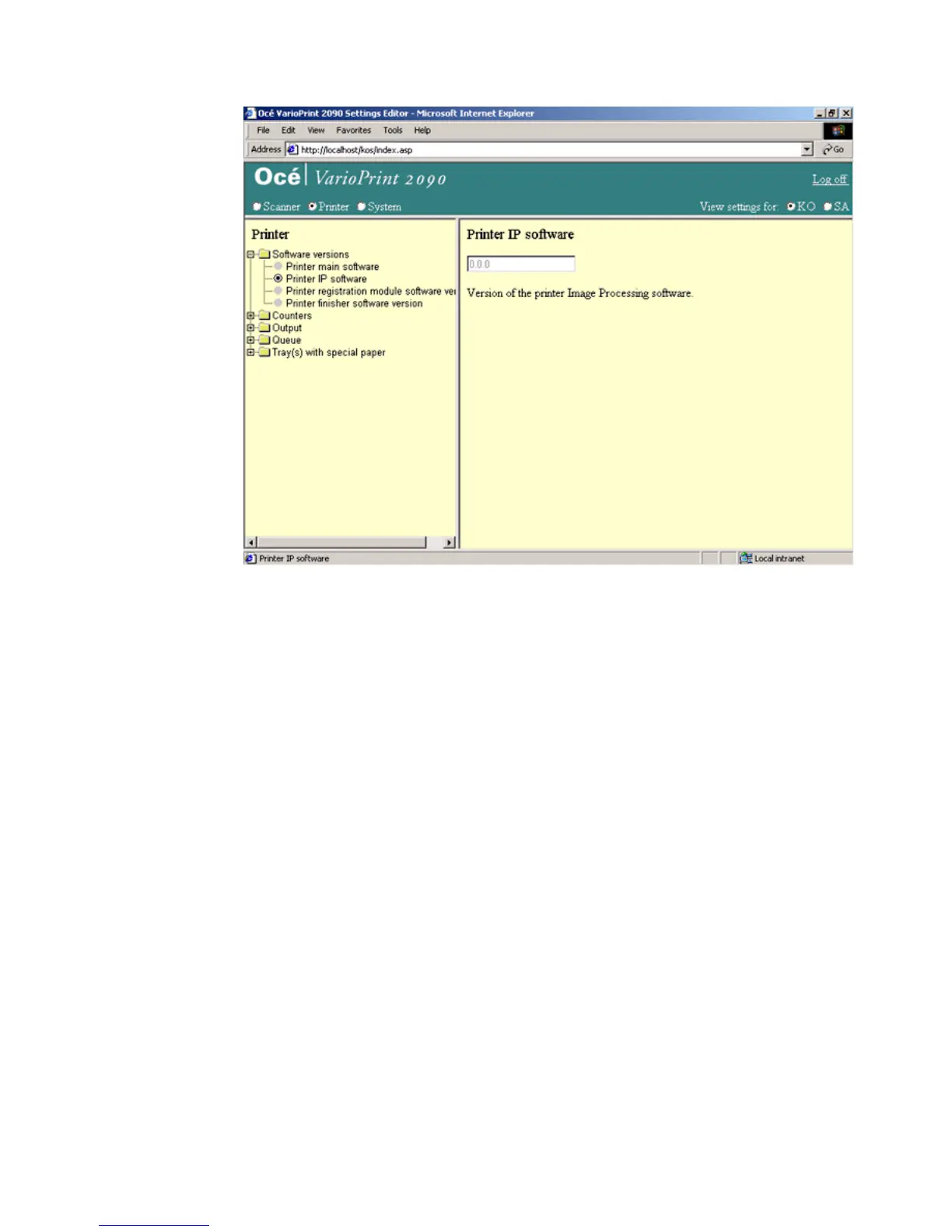
[53] The print er Image P rocess ing softwa re version
[53] The printer Image Processing software version
How to show the printer IP software version
1
Select 'Printer' in the title bar of the Océ VarioPrint 2090 Settings Editor.
2 Click 'Software versions'.
3 Select 'Printer IP software version'.
4 The version of the software appears in the right-hand window.














 To Next Page