System maintenance 121
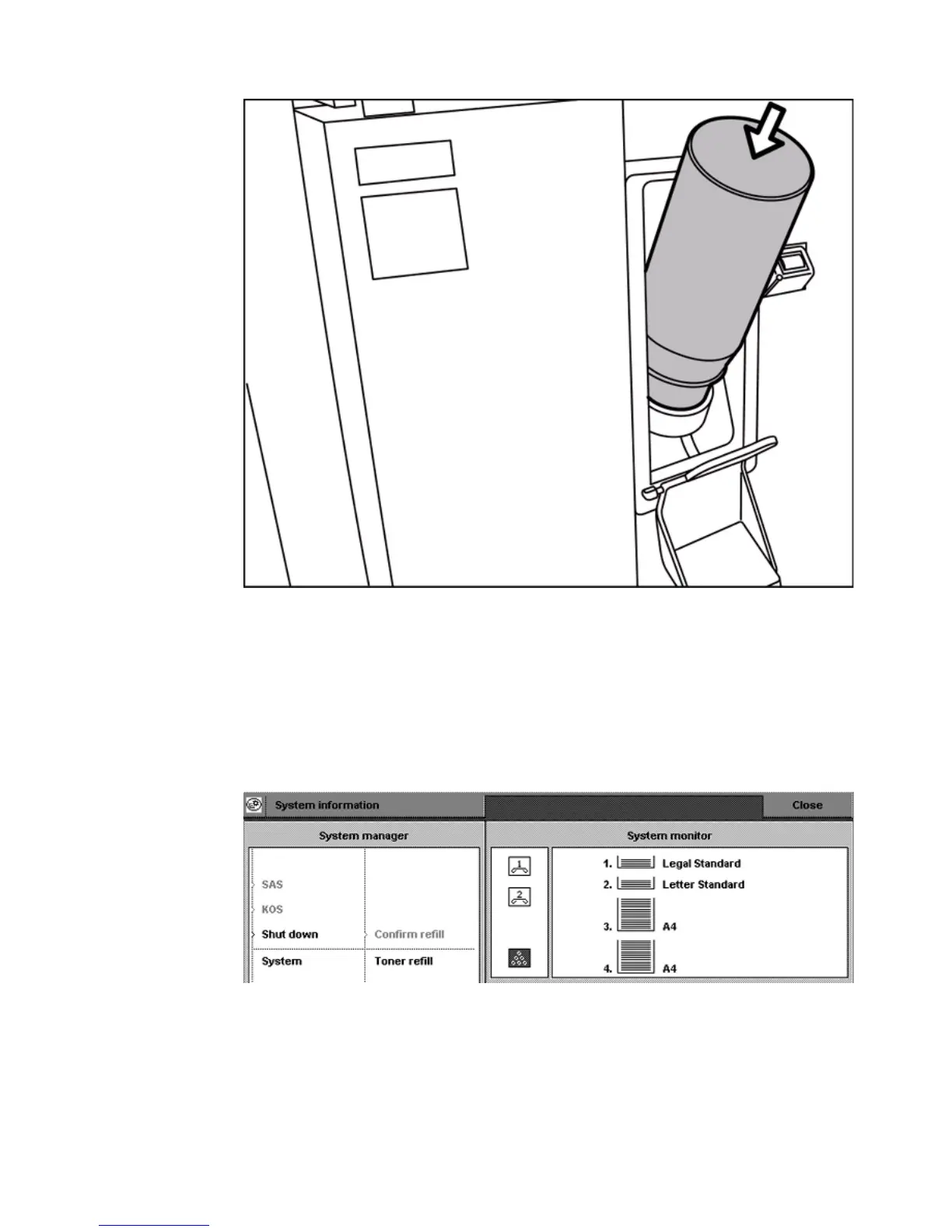
3 Push the toner bottle into the toner reservoir.
Note: You can not rotate the bottle when the bottle is in the toner reservoir.
Check the ridge to put the bottle into the right position.
4 Remove the bottle when empty. Be careful, do not spill toner.
5 Put the cap back on the empty toner bottle.
6 Close the cover of the toner reservoir.
7 Close the front panel.
8 Access the 'System information' section on the operator panel.
9 Select 'Confirm refill'.
10 Close the 'System information' section on the operator panel.














 To Next Page