10 Océ VarioPrint 2090 Configuration and maintenance manual
Illustration
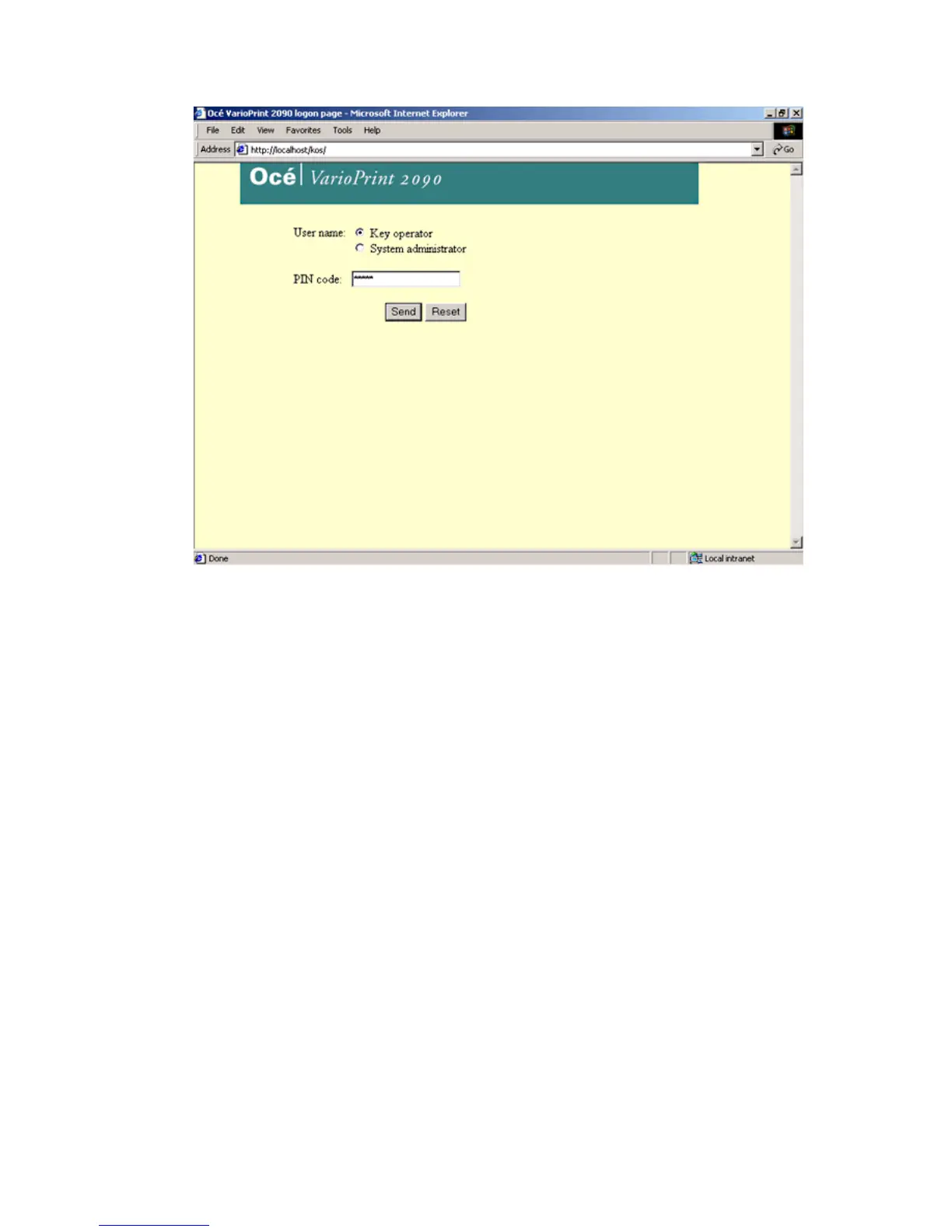
[1] Logon screen Océ V arioPrint 2090 Settin gs Edito r
[1] Logon screen Océ VarioPrint 2090 Settings Editor
How to access the Océ VarioPrint 2090 Settings Editor in key operator mode
1
Start your web browser (e.g. Internet Explorer).
2 Enter the URL to connect to the Océ VarioPrint 2090 Settings Editor in the key
operator mode, URL = http://<hostname>/kos (The host name describes the
Océ VarioPrint 2090 name on the TCP/IP network).
You now see the logon page of the Océ VarioPrint 2090 Settings Editor. (see
figure)
Note: A URL (Uniform Resource Locator) is the address of a file (resource)
accessible on the Internet. The type of resource depends on the Internet
application protocol. The URL contains the name of the protocol required to
access the resource, a domain name that identifies a specific computer on the
Internet, and a hierarchical description of a file location on the computer.
3 Select the key operator mode to enter.
4 Enter the special PIN code.
Note: If you enter an incorrect PIN code, an encrypted code appears on the
logon screen. If you do not remember your PIN code, call the Help desk. The
encrypted code enables the Help desk to return your PIN code.
5 Press 'Enter' or click'Send' .
Note: You can view the settings for the system administrator when you logged
on as key operator. Select 'View settings for SA' to activate the view mode for
SA settings (you can not change settings).














 To Next Page