System configuration 25
Before you begin
Start the Océ VarioPrint 2090 Settings Editor in your web browser in the key
operator mode (see ‘Access the Océ VarioPrint 2090 Settings Editor in key
operator mode’ on page 9).
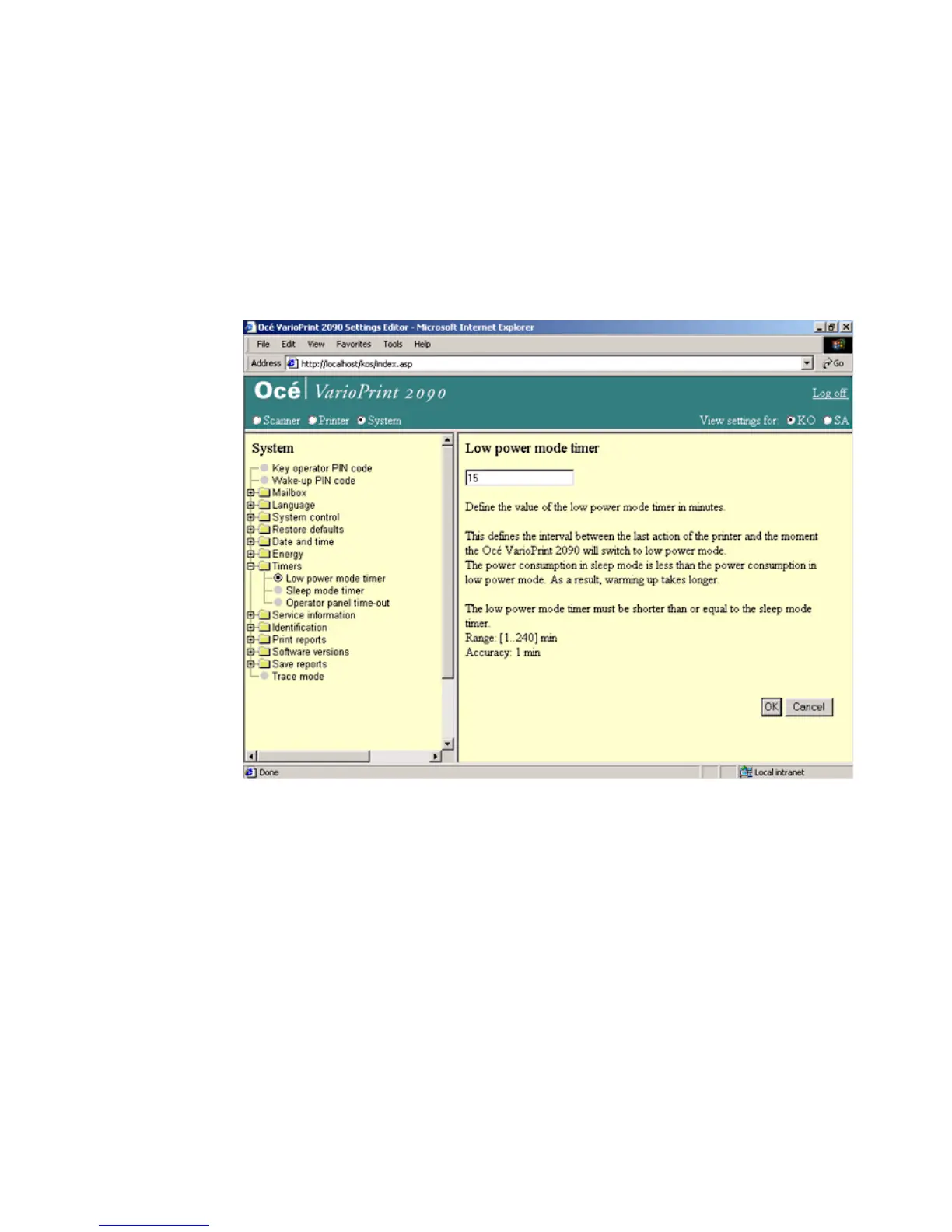
Note: The time of the 'Sleep mode timer' must be longer than or equal to the
'Low power mode timer'.
Illustration
[8] The low power mode timer
[8] The low power mode timer














 To Next Page