32 Océ VarioPrint 2090 Configuration and maintenance manual
Illustration
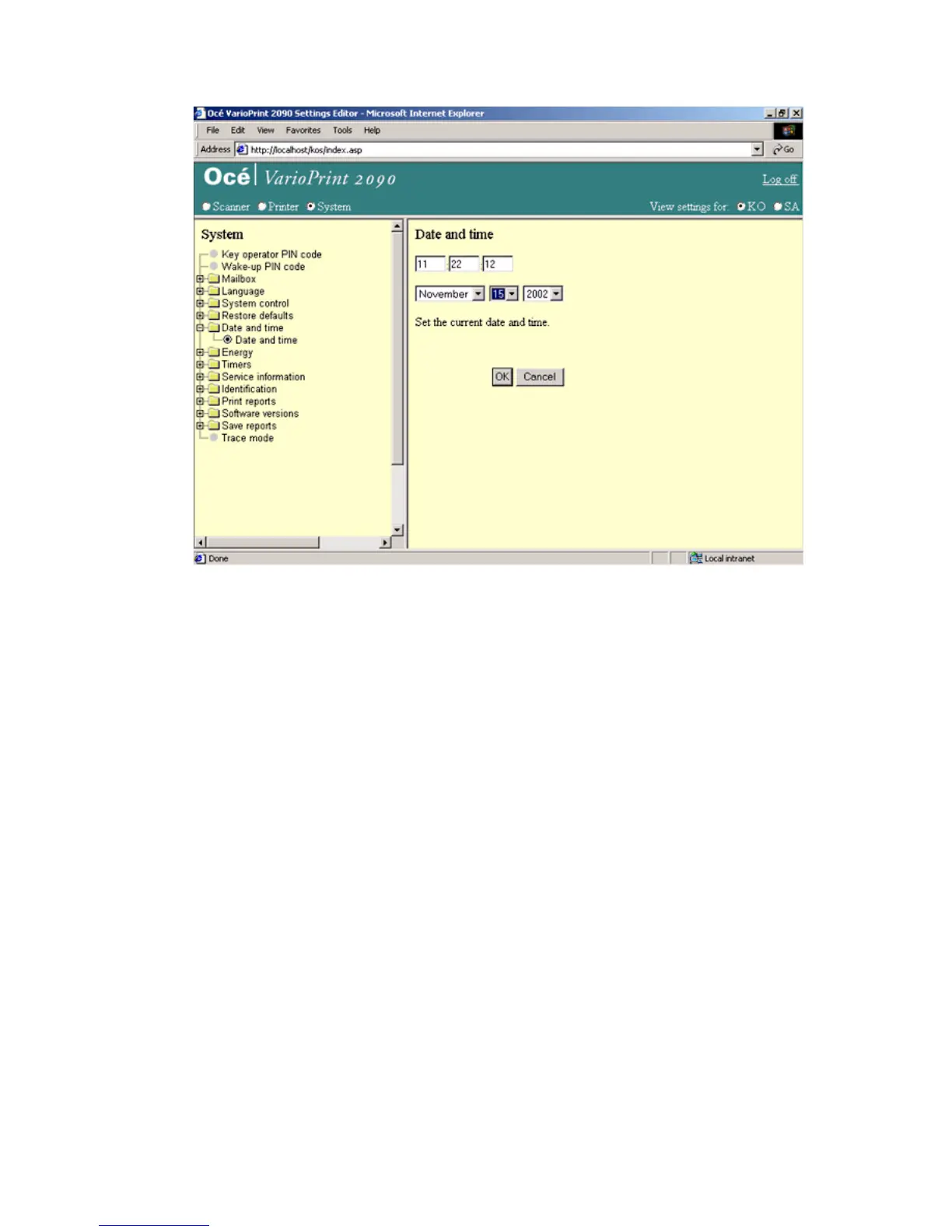
[12] Set the date and time
[12] Set the date and time
How to set the date and time
1
Select 'System' in the title bar of the Océ VarioPrint 2090 Settings Editor.
2 Select 'Date and Time'.
3 Enter the current time in the upper text box (hh:mm:ss).
4 Select the month, day and year in the drop-down list box below the time text
box.
5 Click 'OK' to apply the changes.














 To Next Page