System configuration 53
Illustration
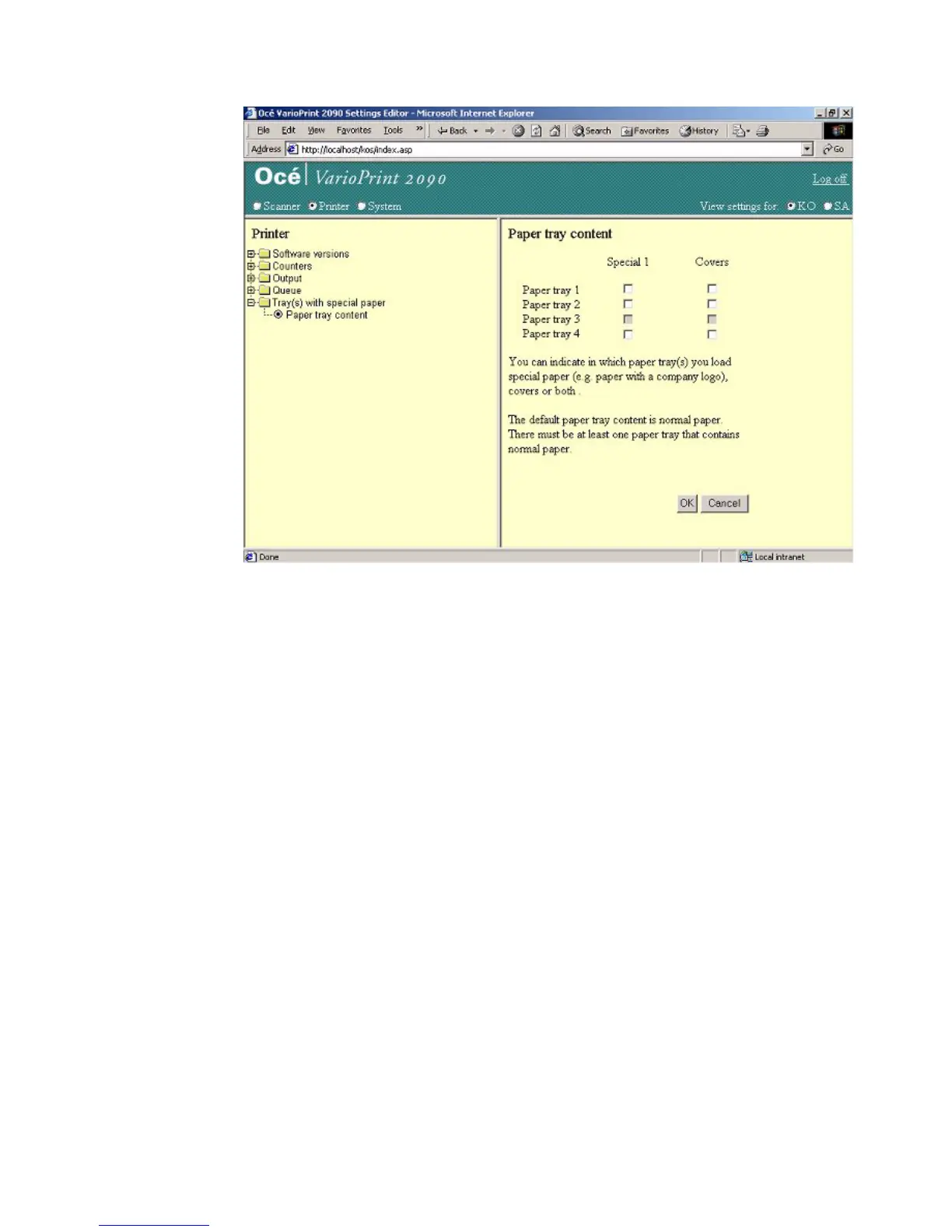
[23] Defin e the paper tray conte nt
[23] Define the paper tray content
How to define the content of the paper trays
1
Select 'Printer' in the title bar of the Océ VarioPrint 2090 Settings Editor.
2 Click 'Tray(s) with special paper'.
3 Click 'Paper tray content'.
4 Select the content for the paper trays.
5 Click the 'OK' button to apply the changes.














 To Next Page