System configuration 59
Illustration
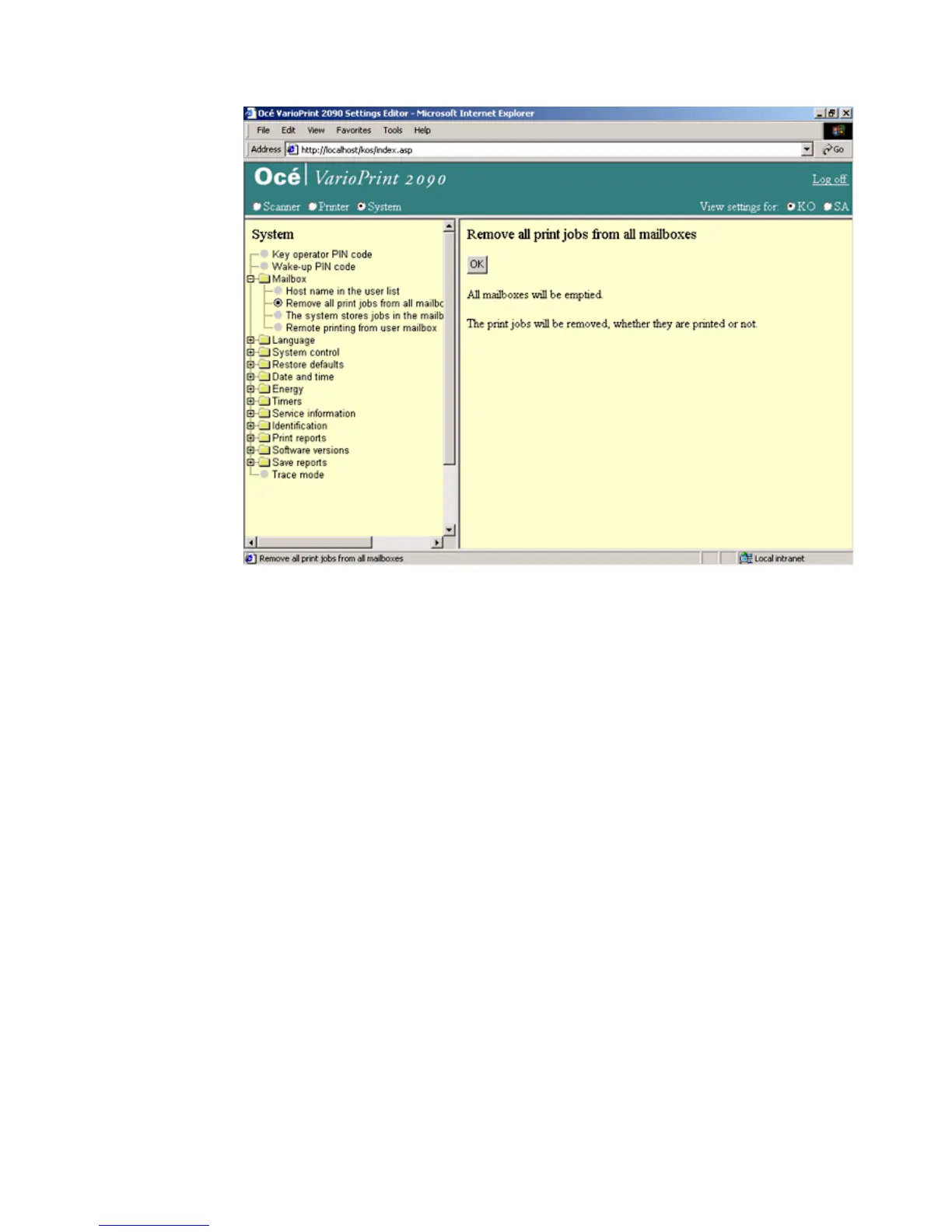
[26] Remove al l print jobs from the m ailbox
[26] Remove all print jobs from the mailbox
How to remove all print jobs from the mailbox
1
Select 'System' in the title bar of the Océ VarioPrint 2090 Settings Editor.
2 Click 'Mailbox'.
3 Click 'Remove all print jobs from the network mailbox'.
4 Click the 'OK' button to confirm.














 To Next Page