Printer configuration 89
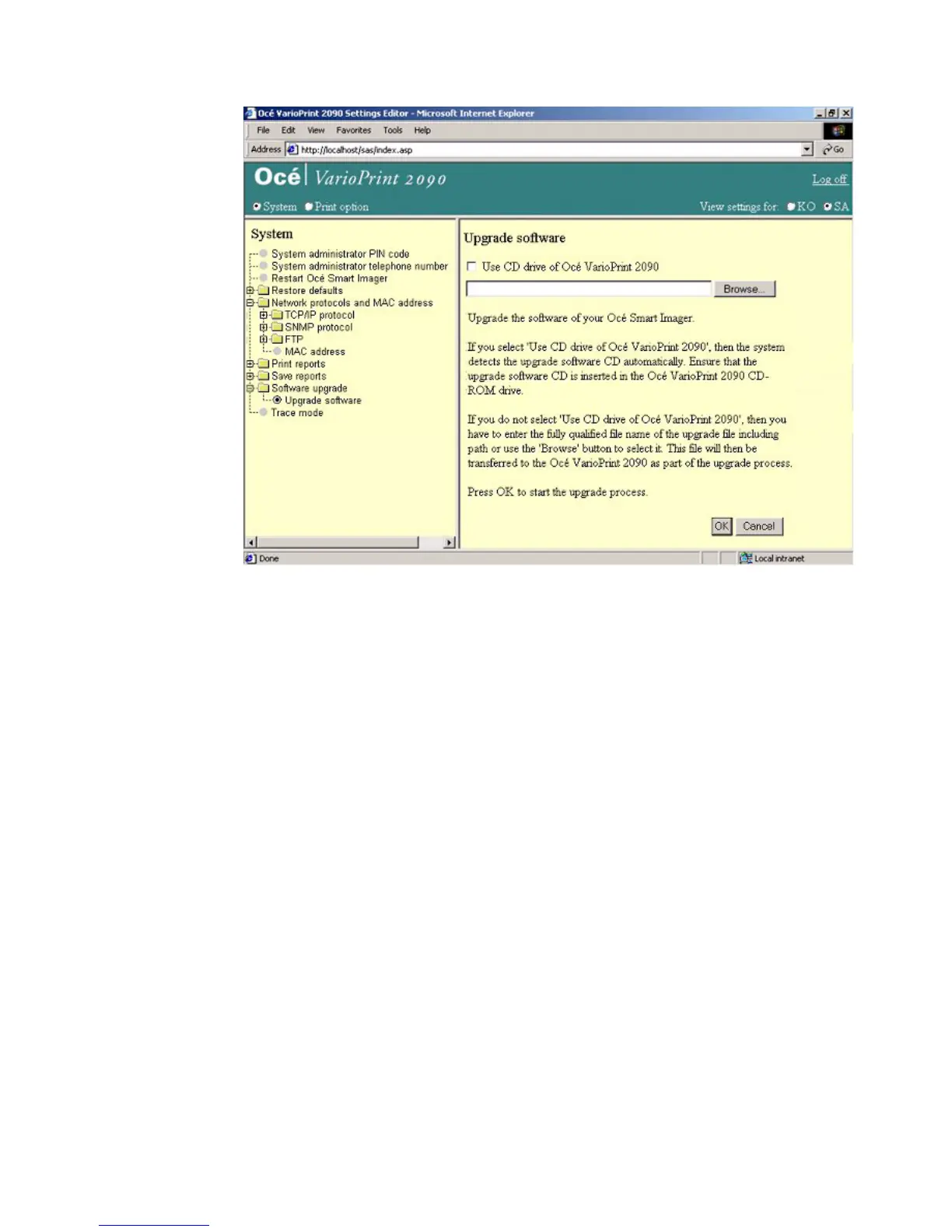
Illustration
[43] Upgrade the controller soft ware
[43] Upgrade the controller software
How to upgrade the controller software
1
Click 'Software upgrade'.
2 Click 'Upgrade software'.
3 Insert the CD-ROM into the CD-ROM drive.
Note: If the check box is selected, the upgrade is performed via the CD-ROM.
If the checkbox is not selected, the upgrade file is uploaded from the desktop to
the Smart Imager. The upgrade is performed after the upload is complete.
4 Click the 'OK' button to start the upgrade.














 To Next Page