System maintenance 95
Before you begin
Start the Océ VarioPrint 2090 Settings Editor in your web browser in the key
operator mode (see ‘Access the Océ VarioPrint 2090 Settings Editor in key
operator mode’ on page 9).
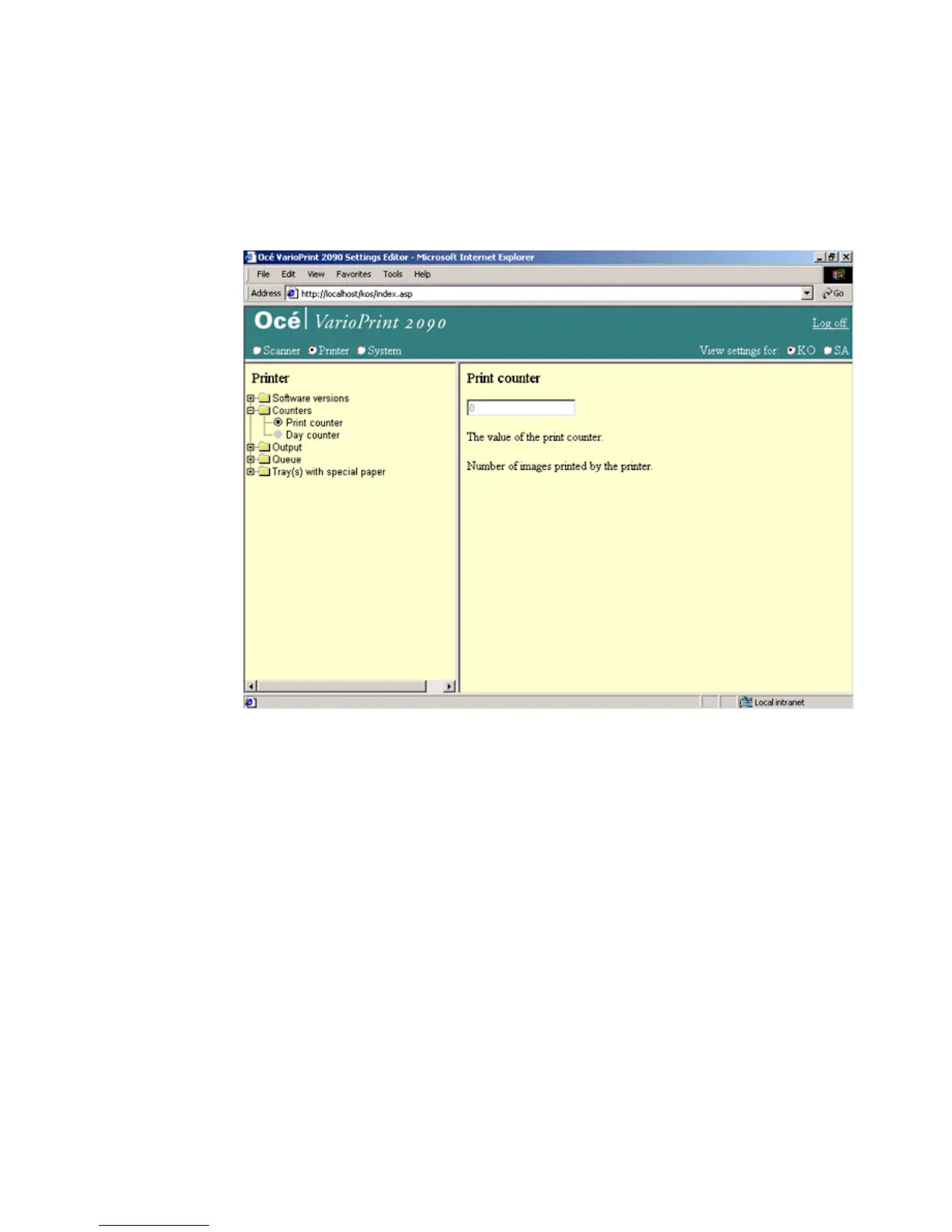
Illustration
[45] The print counter
[45] The print counter
How to read the print counter
1
Select 'Printer' in the title bar of the Océ VarioPrint 2090 Settings Editor.
2 Click 'Counters'.
3 Select 'Print counter'.
4 The value of the print counter appears in the right-hand window.














 To Next Page