51
During conditions in which Cautionary type information is displayed (e.g., No Decom-
pression Safety Stop, Decompression, High PO2, etc.), there is a Main Display of impor-
tant information relevant to the specific condition. The diver can access another display,
but it will automatically revert to the Main Display after 3 seconds.
To activate the Backlight during a dive, press the Right (Select) button.
• The display will be illuminated as long as the button is depressed, plus it will remain
illuminated for the Backlight Duration time that has been set (3 or 7 seconds).
• The Backlight will not activate during a Low Battery condition or if the Backlight
duration is set for 0.
NO DECOMPRESSION DIVE MODE
The Pro Plus 2 will enter the No Decompression Dive Mode
when you descend deeper than 4 feet (1.2 meters).
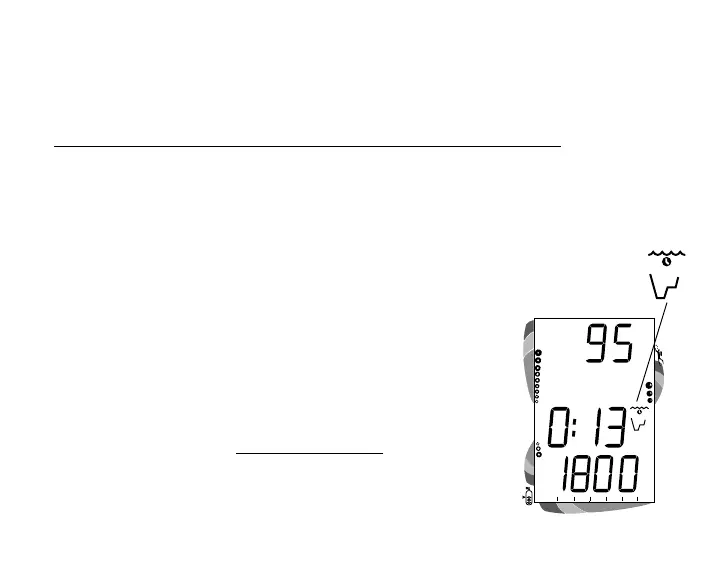
No Decompression Dive Mode - Display #1 (Fig. 49)
Information includes Current Depth, Dive Time Remaining and
icon, Tank Pressure, and the applicable bar graphs.
• Press and release the Left (Advance) button to view Display
#2.
Fig. 49 - No Deco #1
No Deco
Mode icon



 To Next Page