11
PROPLUS X OPERATING MANUAL
© Pelagic, 2016 Doc. No. 12-5655-r01 (8/19/16)
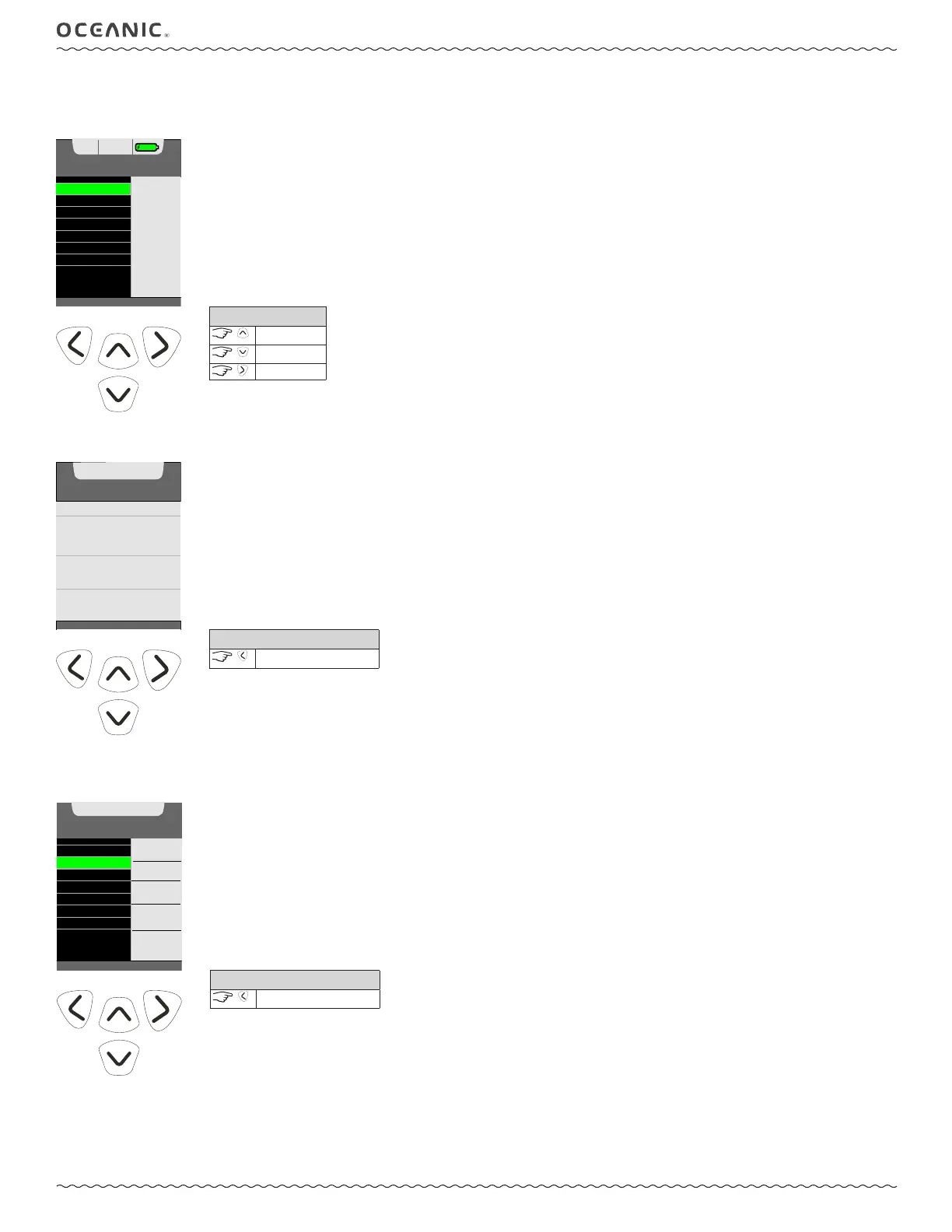
HOME MENU
This is a base menu that provides access to general items common to all the operating dive modes. When the ProPlus X is activated manually, this is
the rst screen you will see after the Welcome screen. When ready to dive, select Norm or Gauge Mode from the menu.
PERSONAL
ENTERED
USING
DATA
APP
DIVERLOG
HOME MENU
74°F
12:36
PM
MY INFO
PROPLUS X INFO
SETUP MENU
LOG
NORM MODE
HISTORY
GAUGE MODE
60%
CONTROLS
scroll up
scroll down
to access
MY INFO
This screen displays personal information. Information must be entered using the Diverlog interface.
PROPLUS X INFO
Information displayed on the DC Info screen should be recorded and kept with your sales receipt. It will be required in the event that your ProPlus X
requires factory service.
PERSONAL
INFORMATION
JAMES KIRK
2002 DAVIS ST, SAN LEANDRO
CA 94577
TEL: 510-562-0500
E-MAIL: JKIRK@PELAGIC.COM
DAN MEMBER NO: 123456789
BLOOD TYPE: A+
TYPE 2 DIABETIC
ERGENCY CONTACT:
CY KIRK - TEL: 510-562-0501
CONTROLS
back to Home Menu
MY INFO
PROPLUS X INFO
SETUP MENU
LOG
NORM MODE
HISTORY
GAUGE MODE
SN - 123456
PROPLUS-X
FIRMWARE
REV - 1A01
8.27.14
LAST CAL -
DEVICE NAME
AB123456
BLUETOOTH
INFORMATION
CONTROLS
back to Home Menu



 To Next Page