14
PROPLUS X OPERATING MANUAL
© Pelagic, 2016 Doc. No. 12-5655-r01 (8/19/16)
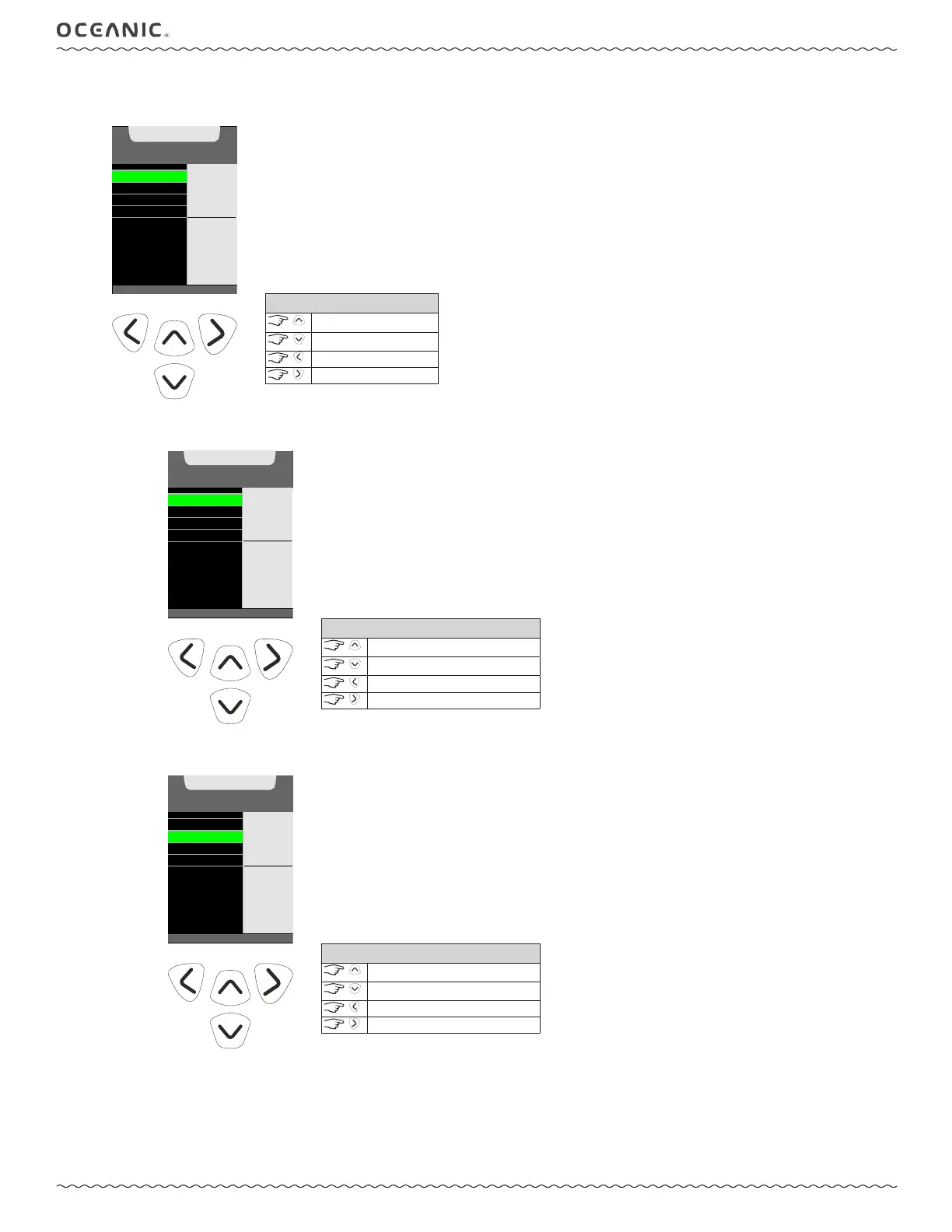
3: DATE, TIME SET MENU
Within this menu you can set the formats, date, and time of day.
DATE FORMAT
DATE
TIME
TIME FORMAT
SET MENU
M.D
SELECT
TO
ACCESS
CONTROLS
scroll up
scroll down
back to Setup Menu
to set
A: Set DAte FormAt
You can choose between D.M (Day Month) and M.D (Month Day).
(<) BACK TO S ET MENU
DATE FORMAT
DATE
TIME
TIME FORMAT
DATE FORMAT
D.M
VALUE
^
- INCREASE
v - DECREASE
> - SAVE
CONTROLS
toggle setting
toggle setting
back to Set Menu
to save setting
B: Set DAte
Set the year, month, and day in order. The corresponding digit will ash, allowing it to be set.
(<) BACK TO ME NU
DATE FORMAT
DATE
TIME
TIME FORMAT
DATE
SET
6.15.14
M.D.Y
VALUE
^
- INCREASE
v
- DECREASE
>
- SAVE
CONTROLS
increase value
decrease value
back to Set Menu
to save value



 To Next Page