26
PROPLUS X OPERATING MANUAL
© Pelagic, 2016 Doc. No. 12-5655-r01 (8/19/16)
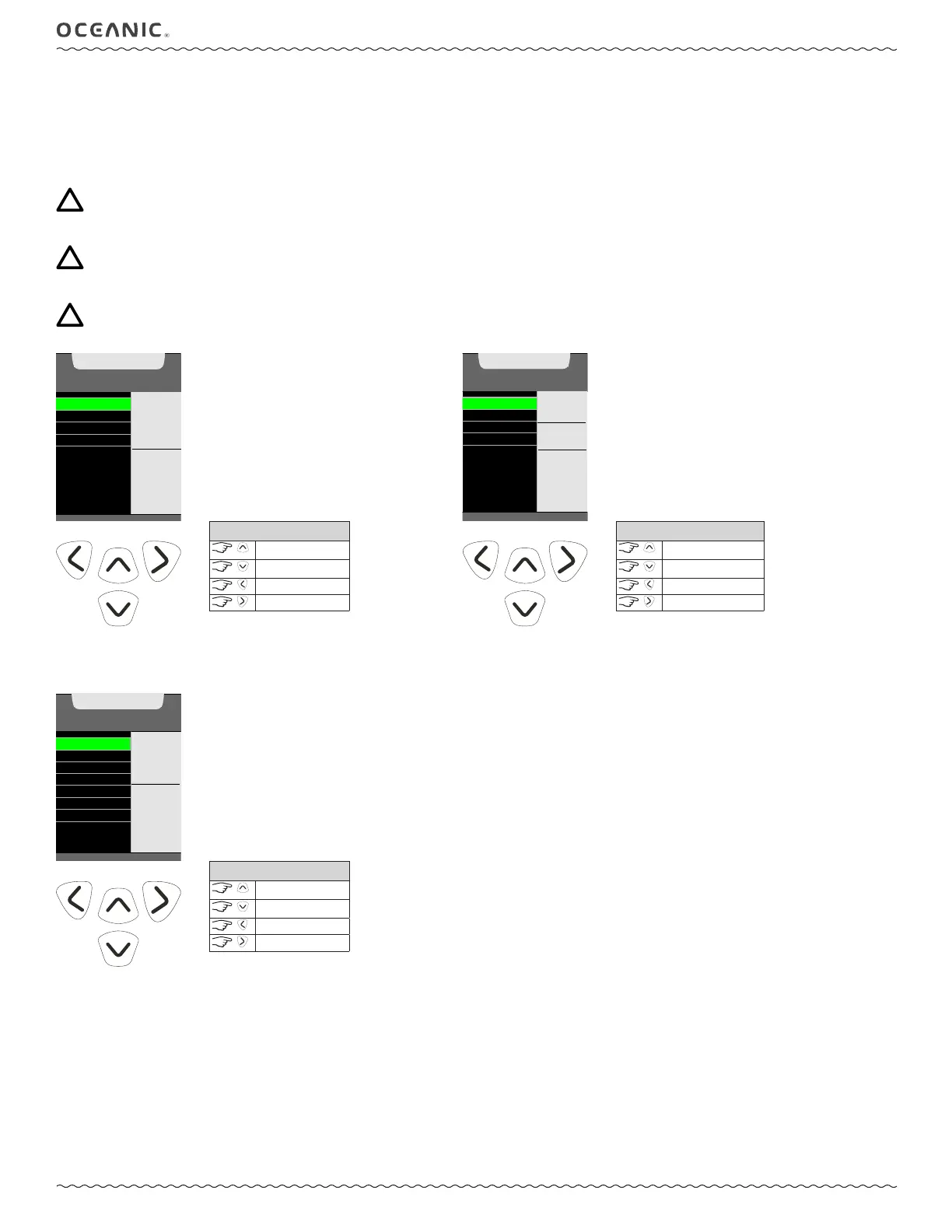
SET GAS
Within this submenu you can change the available gas mixes from OFF, AIR, or to any nitrox mix between 21 - 100 FO2 (% O2). Nitrox mixes are
displayed with their corresponding MOD (Maximum Operating Depth) and the current PO2 Alarm setting for the selected gas. Default settings are
FO2 Air with no PO2 alarm value for Gas 1, and OFF for Gas 2, 3, and 4. Settings revert to the defaults when 24 hours elapse without conducting
a dive. If you save a nitrox mix value for any gas, the ProPlus X will highlight the PO2 alarm value allowing it to be set. Additionally, the ProPlus X
allows for each gas (1 - 4) to have individual PO2 alarm settings.
NOTE: Once any Gas is set for Nitrox, any other Gas set for AIR will automatically be set to 21%. The AIR option will not be dis-
played as an FO2 setting until 24 hours elapse after the last dive.
NOTE: When FO2 is set for AIR, oxygen related data (such as PO2, % O2) will not be displayed at any time during the dive, on
the surface, or in Plan Mode. Though these oxygen values will be tracked internally for use in any subsequent nitrox dives.
NOTE: Gas 1 cannot be set to OFF.
GAS 1
GAS 2
GAS 3
GAS 4
SET MENU
FO2
AIR
ACCESS
FO2 &
TO SET
PO2
ALARM
CONTROLS
scroll up
scroll down
to Main Menu
to set gas
GAS 1
GAS 2
GAS 3
GAS 4
GAS 1
FO2
32 %
1.40
PO2 ALARM
VALUE
^
- INCREASE
v - DECREASE
> - SAVE
CONTROLS
increase value
decrease value
to Gas Set Menu
to save value
Gas Set Menu Set FO2 then PO2 Alarm
SET ALARMS
Within this submenu you can customize the following seven alarm settings. When one of these alarms is triggered the critical data will ash on the
Dive Main screen.
DEPTH
AUDIBLE
EDT
TLBG
TURN PRESS
DTR
LOW PRESS
SET MENU
ALARMS
OFF
OFF WILL
DISABLE
BEEPS
EXCEPT A
VIOLATION
CONTROLS
scroll up
scroll down
to Main Menu
to set



 To Next Page