36
PROPLUS X OPERATING MANUAL
© Pelagic, 2016 Doc. No. 12-5655-r01 (8/19/16)
SET BRIGHTNESS
GAS SWITCH
MORE DATA
DS PREVIEW
DIVE MENU
80 %
ADJUST
SELECT TO
BY %
CONTROLS
scroll up
scroll down
to Dive Main
to Set
DIVE MENU
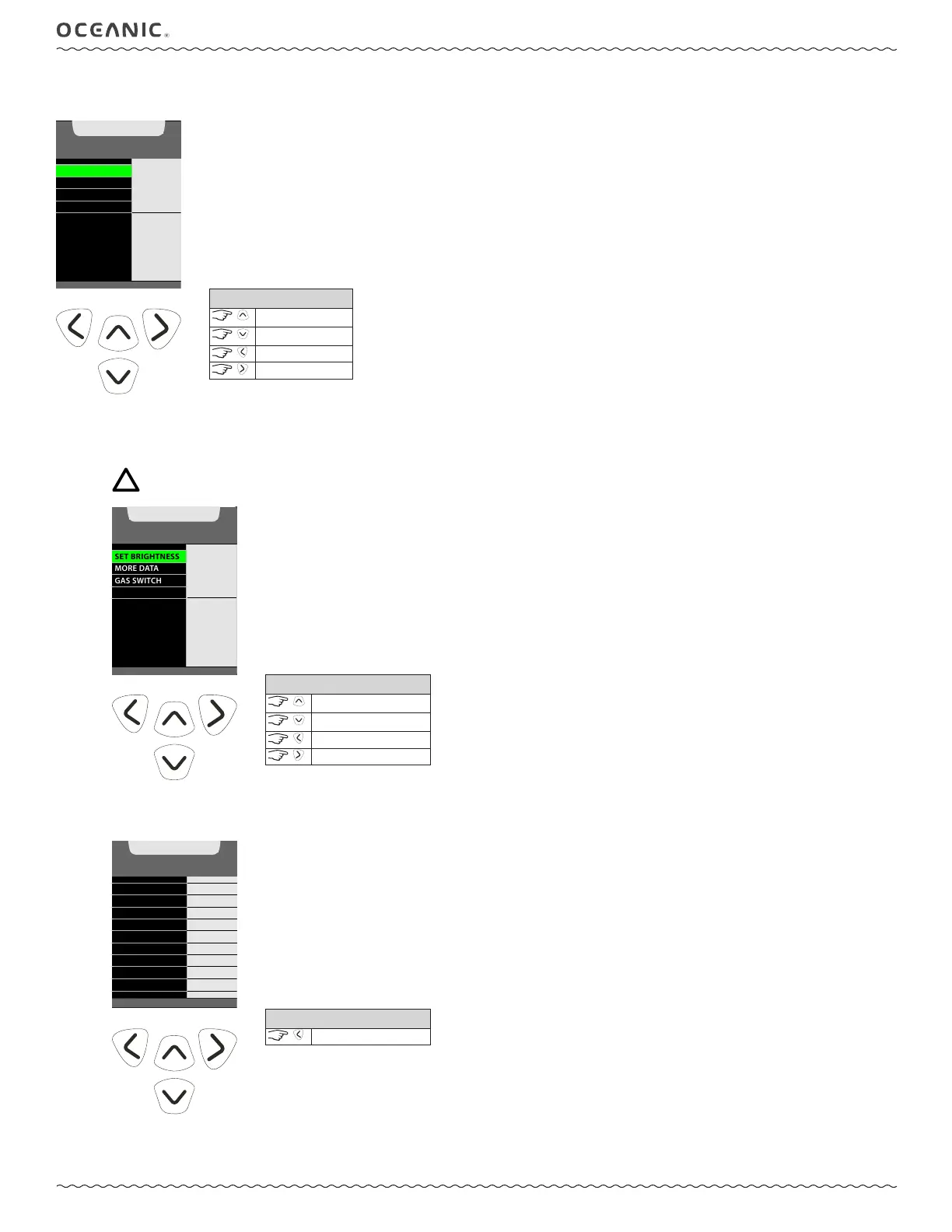
Set Brightness, More Data, Gas Switches, and Deep Stop Preview are all accessed from the Dive Menu.
1: SET BRIGHTNESS
The level (%) of screen brightness can be adjusted to optimize screen appearance in different lighting conditions or to conserve battery
power.
NOTE: During a Low Battery Warning or Alarm condition, the level will be limited to 60% maximum.
SET BRIGHTNESS
GAS SWITCH
MORE DATA
DS PREVIEW
BRIGHTNESS
20 %
VALUE
^
- INCREASE
v - DECREASE
> - SAVE
CONTROLS
increase value
decrease value
to Dive Menu
to save setting
2: MORE DATA
This screen reveals additional dive data.
MORE DIVE DATA
NDC
DIVE TIME
MAX DEPTH
TIME OF DAY
GAS 1 FO2
TEMPERATURE
GAS 1 PO2 AL
CURRENT PO2
O2 SAT
= 13 min
= 37 min
= 132 FT
= 11:46 AM
= 74°F
= 32%
= 1.40
= 24
%
= 0.84
(<) B ACK TO MENU
CONTROLS
to Dive Menu



 To Next Page