12
PROPLUS X OPERATING MANUAL
© Pelagic, 2016 Doc. No. 12-5655-r01 (8/19/16)
SETUP MENU
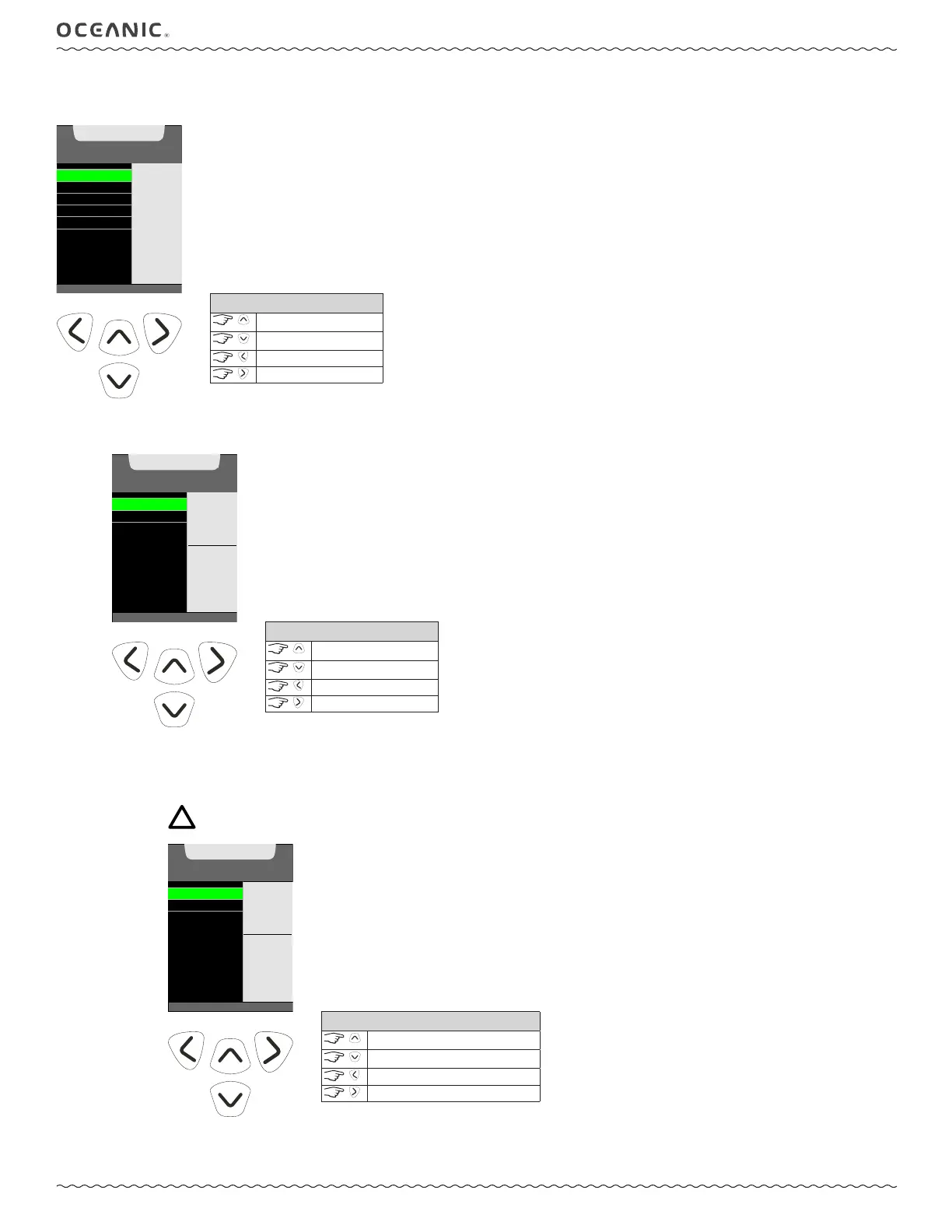
This menu allows you to adjust the Brightness, Bluetooth®, Set Date-Time, Calibrate Compass, and Set Declination features.
(>) TO S ET
BRIGHTNESS
BLUETOOTH
SET DATE, TIME
CAL COMPASS
SET DECLINATION
HOME
SETUP MENU
SET
BRIGHTNESS
LEVEL
AND
AUTO DIM
FUNCTION
CONTROLS
scroll up
scroll down
back to Home Menu
to set
1: BRIGHTNESS SET MENU
This submenu allows you to set the Brightness level and a power saving Auto Dim feature.
A: Set BrightneSS
The level (%) of screen brightness can be adjusted to optimize screen appearance in different lighting conditions or to conserve
battery power.
NOTE: During a Low Battery Warning or Alarm condition, the level will be limited to 60% maximum.
SET BRIGHTNESS
SET AUTO DIM
SET MENU
60 %
SELECT
TO
ADJUST
BY %
CONTROLS
scroll up
scroll down
back to Setup Menu
to set
(<) BACK TO MENU
SET BRIGHTNESS
SET AUTO DIM
ADJUST
BRIGHTNESS
60 %
VALUE
^ - INCREASE
v - DECREASE
> - SAVE
CONTROLS
increase value
decrease value
back to Brightness Set Menu
to save value



 To Next Page