13
PROPLUS X OPERATING MANUAL
© Pelagic, 2016 Doc. No. 12-5655-r01 (8/19/16)
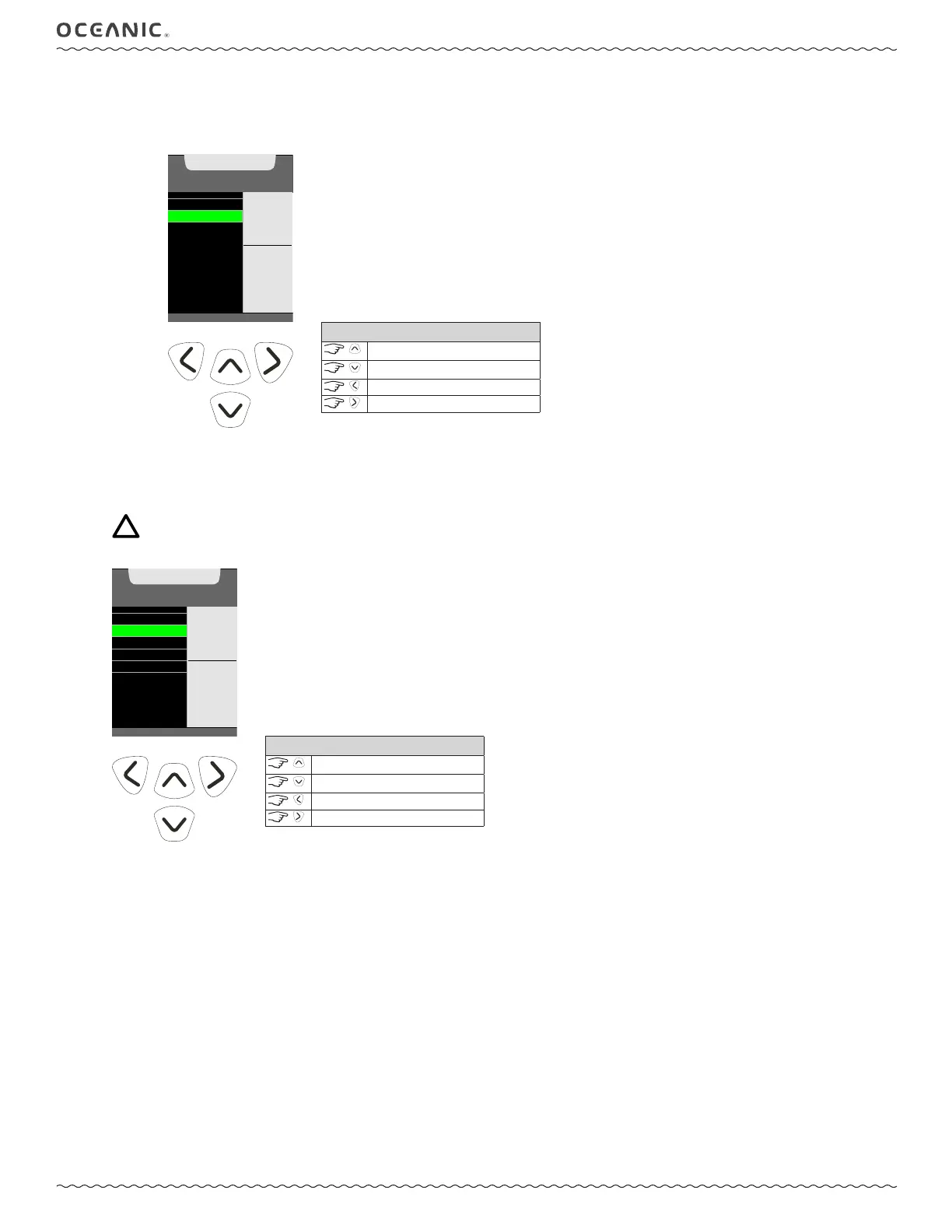
B: Set Auto Dim
While underwater the ProPlus X screen dims after a set time interval from the last button press. This is done to reduce distractions
during the dive and to conserve power. The ProPlus X allows you to customize the time interval and degree of dimming. This
feature may also be turned off.
SET BRIGHTNESS
SET AUTO DIM
AUTO DIM
SET
0:30
MIN:SEC
30 %
TO
VALUE
^ - INCREASE
v - DECREASE
> - SAVE
CONTROLS
increase value
decrease value
back to Setup Menu
to save value
2: BLUETOOTH
Within this screen the Bluetooth® may be turned on or off. When Bluetooth® is turned on it will operate in snifng mode (searching for
compatible devices) while on the surface. Comunication with your ProPlus X must be initiated with your traditional computer or mobile
device using Diverlog software.
NOTE: When Bluetooth® is ON the Bluetooth® icon will displayed while on the surface. Bluetooth® is temporarily deac-
tivated when a dive is started and returns to "sniffing" mode when the ProPlus X returns to Surface Mode after a dive.
BRIGHTNESS
BLUETOOTH
SET DATE, TIME
CAL COMPASS
SET DECLINATION
SET
BLUETOOTH
SETTING
^
- TOGGLE
v - TOGGLE
ON
> - SAVE
CONTROLS
toggle setting
toggle setting
back to Brightness Set Menu
to save setting



 To Next Page