32
PROPLUS X OPERATING MANUAL
© Pelagic, 2016 Doc. No. 12-5655-r01 (8/19/16)
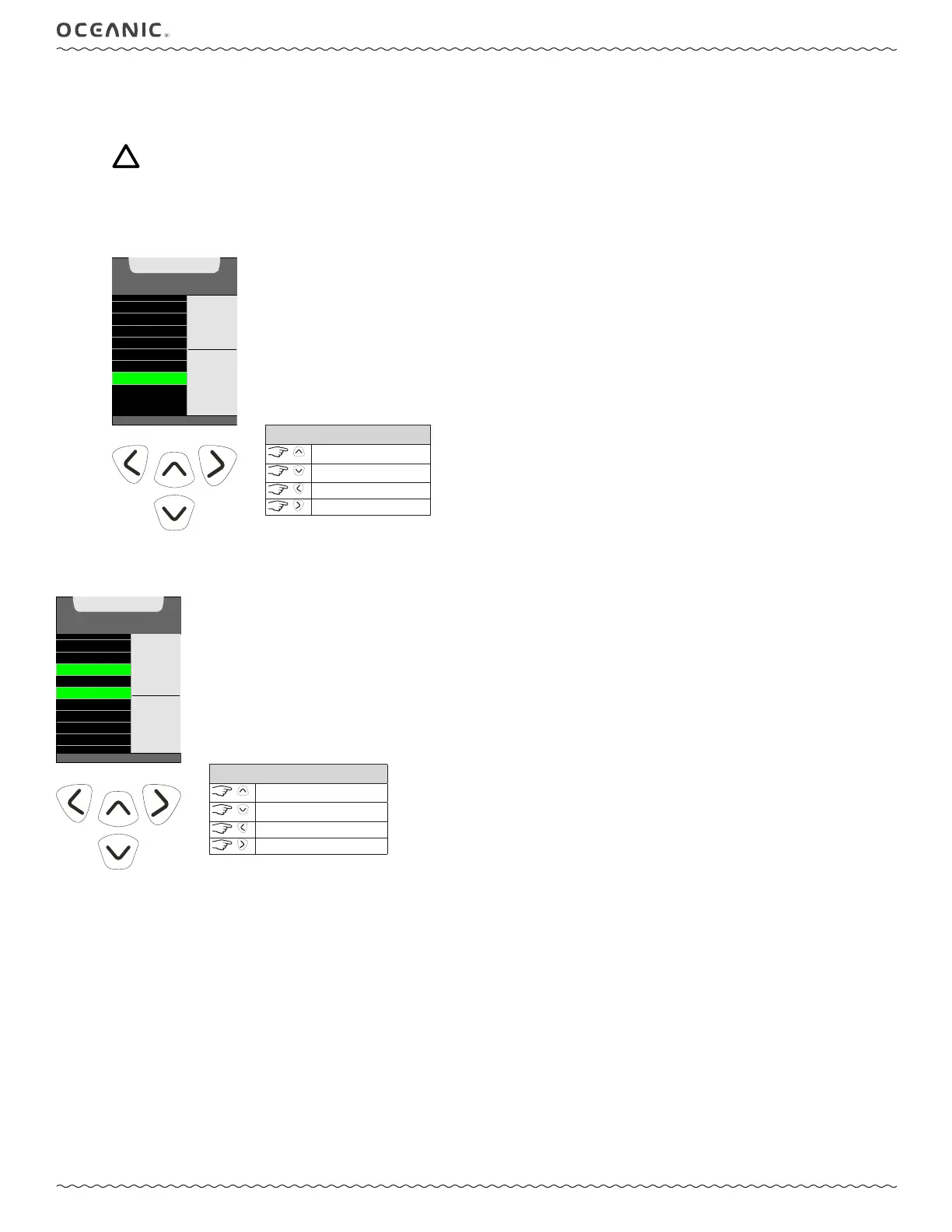
7: SAMPLE RATE
The Sample Rate controls how frequently the ProPlus X stores a data snapshot for PC Download during a dive. Setting options are 2, 15,
30, or 60 second intervals. Shorter intervals will provide a more precise record of your dives.
NOTE: New data will automatically overwrite the oldest data in memory when the memory becomes full. The ProPlus
X Log and PC Download data is stored separately in different partitions of the memory. The Log only stores a short
summary of each dive. Alternately, the PC Download function stores much larger files for each dive. Depending on the
chosen settings and dive durations, it is possible to see dives stored in the ProPlus X's onboard Log that have already
been overwritten in the PC Download Partition. Choosing a longer Sample Rate interval will consume less memory per
dive. Remember to download your dives more frequently if you are using a shorter Sample Rate interval.
UNITS
WATER TYPE
DEEP STOP
SAFETY STOP
ALGORITHM
CONSERVATIVE
SAMPLE RATE
SET
SAMPLE RATE
(<) B ACK TO MENU
VALUE
^
- INCREASE
v - DECREASE
> - SAVE
60 sec
CONTROLS
increase value
decrease value
to Utilities Set Menu
to save setting
SET MENU
PREVIEW
TURN PRESS AL
LOW PRESS AL
DEEP STOP
WATER TYPE
ALGORITHM
SAFETY STOP
CONSERVATIVE
SAMPLING RATE
GO TO SCREEN 1
SELECT
UP TO
9 ITEMS
^ - UP LIST
v - DOWN LIST
> - SAVE
(FLASH/SOLID)
(<) B ACK TO MAIN MENU
CONTROLS
scroll up
scroll down
to Main Menu
to select/deselect item
SET PREVIEW
Using this listing, you can select up to 9 items (set points that have been entered) for display on a Preview screen that can be ac-cessed from the
Norm Main Menu.



 To Next Page