12
TaringTaring
TaringTaring
Taring
When weighing material or objects that
must be held in a container, taring en-
ables you to store the container weight in
the balance’s memory, separate from the
weight of the material in the container.
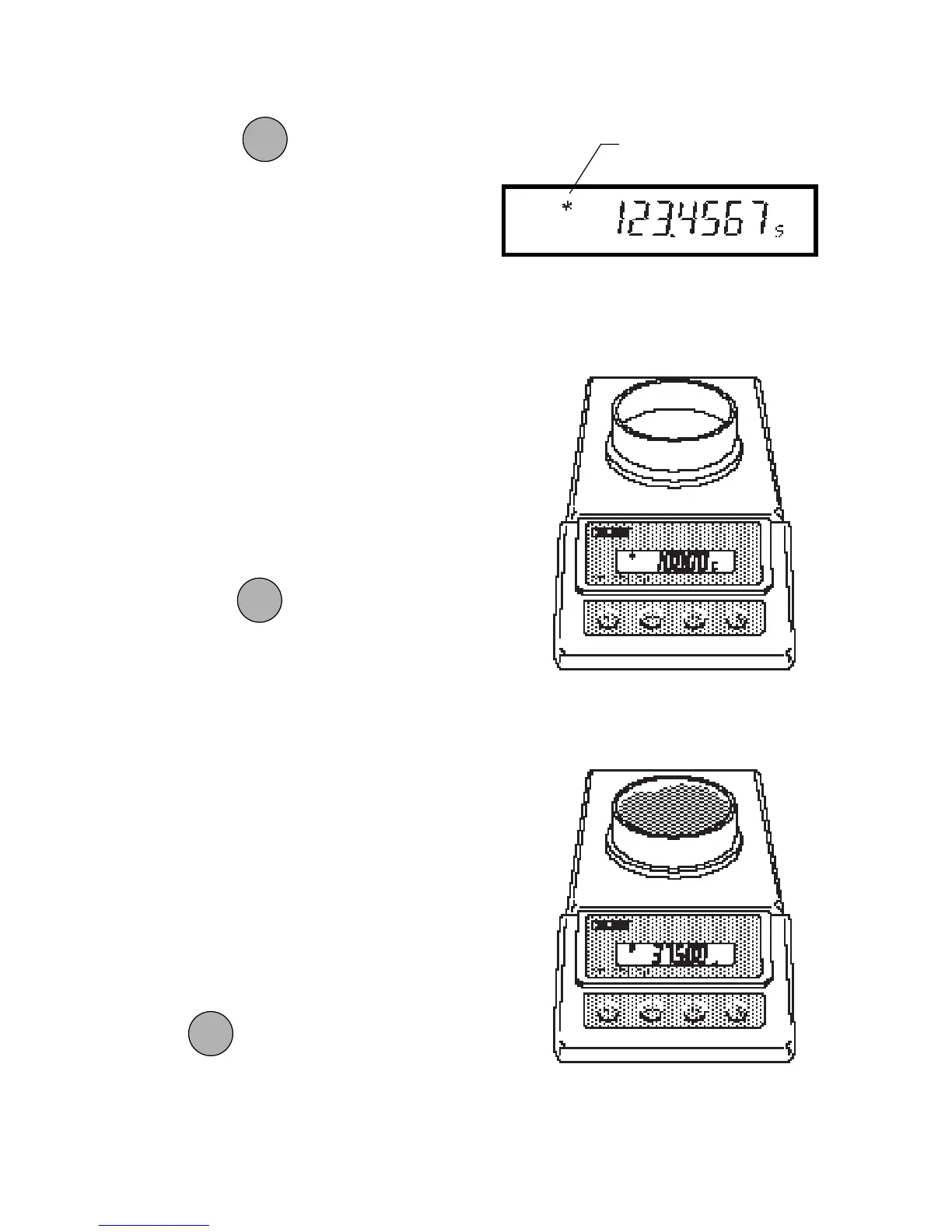
1. Place an empty container on the pan.
Its weight will be displayed.
2. Press
.
The display will show zero and the
container’s weight will be stored in
memory.
3. Add material to the container. As
material is added, its net weight will
be displayed.
4. Removing the container and material
from the pan will cause the balance to
display the container’s weight as a
negative number.
Tared weight remains in balance memory
until
is pressed again.
WeighingWeighing
WeighingWeighing
Weighing
1. Press to rezero the display.
2. Place the object(s) or material to be
weighed on the pan.
3. Wait for the stability indicator to ap-
pear before reading the weight.
STABILITY
INDICATOR
ONON
ONON
ON
TARETARE
TARETARE
TARE
ONON
ONON
ON
TARETARE
TARETARE
TARE
ONON
ONON
ON
TARETARE
TARETARE
TARE







 To Next Page