31
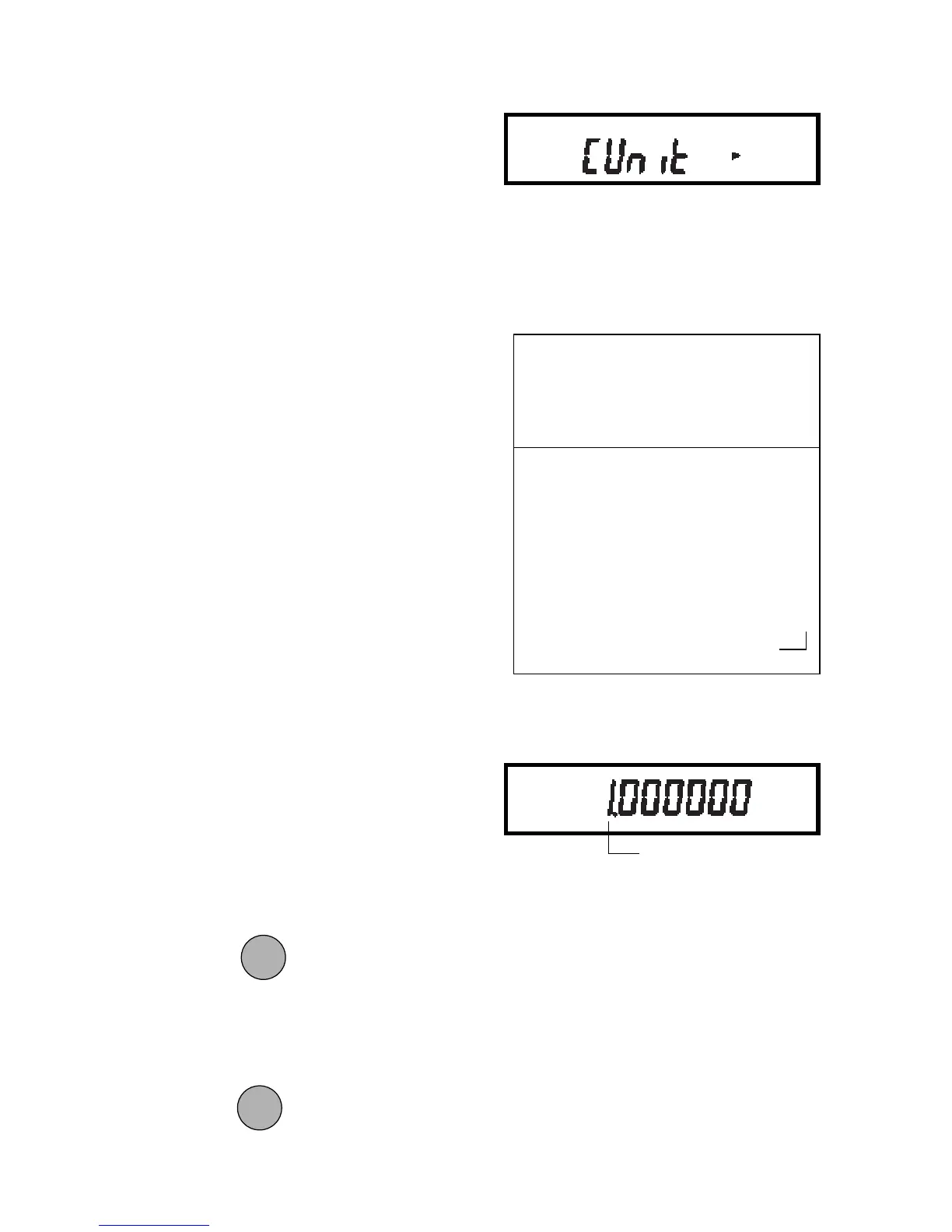
1. Access the C Unit submenu.
2. The mantissa of the current conver-
sion factor will be displayed. This will
be a number between 0.1 and
1.999999 with the first digit flashing.
For conversion factors outside of this
range, the exponent will be be used
to move the decimal point.
3. Press
to change the value of
the first digit.
4. When the desired value is displayed,
press
to accept it and the next
digit will begin flashing.
Custom Unit Conversion FactorCustom Unit Conversion Factor
Custom Unit Conversion FactorCustom Unit Conversion Factor
Custom Unit Conversion Factor
When you need to display weight mea-
surements in a weighing unit other than
those provided standard with the balance,
this feature can be used to create your
own custom weighing unit. It permits you
to enter a conversion factor which the
balance will use to convert grams to the
desired unit of measure.
Conversion Weight Weight
Factor x in = in
grams custom unit
Conversion factors are expressed in sci-
entific notation and entered into the bal-
ance in three parts:
• a number between 0.1 and 1.999999
called the mantissa
• a power of 10 called the exponent
• a least significant digit (LSD)
Use the following procedure to enter con-
version factors:
SCIENTIFIC NOTATIONSCIENTIFIC NOTATION
SCIENTIFIC NOTATIONSCIENTIFIC NOTATION
SCIENTIFIC NOTATION
NumberNumber
NumberNumber
Number
BetweenBetween
BetweenBetween
Between
Conv.Conv.
Conv.Conv.
Conv.
0.1 and0.1 and
0.1 and0.1 and
0.1 and
PowerPower
PowerPower
Power
Man-Man-
Man-Man-
Man-
FactorFactor
FactorFactor
Factor
1.9999991.999999
1.9999991.999999
1.999999
of 10of 10
of 10of 10
of 10
tissatissa
tissatissa
tissa
Exp.Exp.
Exp.Exp.
Exp.
123.4 = .1234 x 1000 = .1234 x 10
3
12.34 = .1234 x 100 = .1234 x 10
2
1.234 = .1234 x 10 = .1234 x 10
1
.1234 = .1234 x 1 = .1234 x 10
0
.01234 = .1234 x .1 = .1234 x 10
-1
.001234 = .1234 x .01 = .1234 x 10
-2
.000123 = .123 x .001 = .123 x 10
-3
ExponentExponent
ExponentExponent
Exponent
ONON
ONON
ON
TARETARE
TARETARE
TARE
FLASHING
MODEMODE
MODEMODE
MODE







 To Next Page