19
CALIBRATION MENUCALIBRATION MENU
CALIBRATION MENUCALIBRATION MENU
CALIBRATION MENU
Precision Plus balances can be calibrated in two ways: Span calibration or Linearity
calibration. Span calibration resets the balance’s weighing range using two weight
values: zero and a weight value at or near the balance’s capacity. Linearity calibration
minimizes deviation between actual and displayed weights within the balance’s
weighing range. Three weight values are used: zero, a weight value within the
balances weighing range, and a weight value at or near the balance’s specified
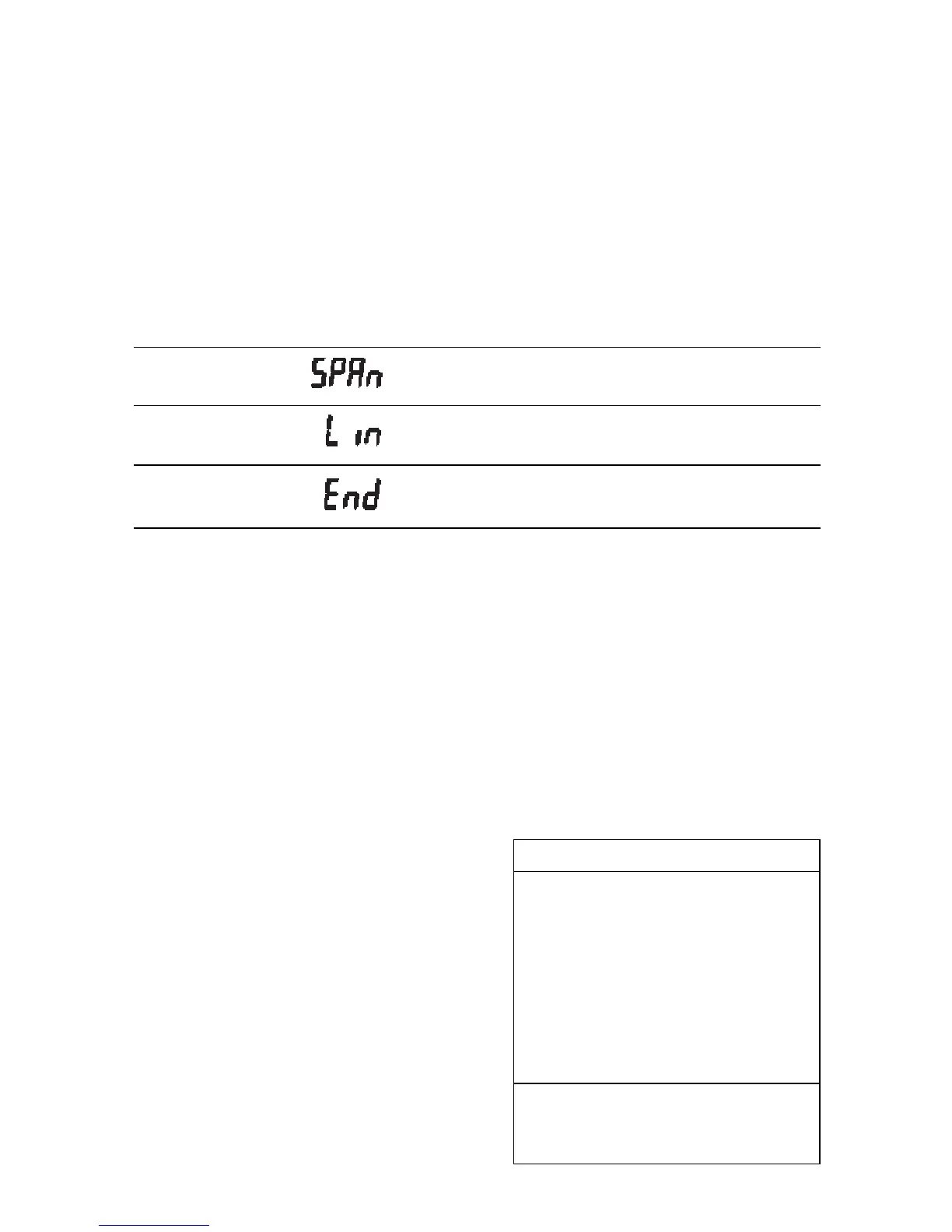
capacity. The following table shows the sequence in which submenus appear on the
Calibration menu.
CALIBRATION MENU TABLECALIBRATION MENU TABLE
CALIBRATION MENU TABLECALIBRATION MENU TABLE
CALIBRATION MENU TABLE
Selects span calibration.
Selects linearity calibration.
Used to exit the Calibration menu.
Calibration Menu ProtectionCalibration Menu Protection
Calibration Menu ProtectionCalibration Menu Protection
Calibration Menu Protection
Calibration may be locked out to prevent
unauthorized personnel from changing
calibration. To lock out calibration menu,
refer to the section titled Menu Lock-Out
Protection.
NOTENOTE
NOTENOTE
NOTE: If calibration has been locked out,
you will not be able to access it.
Calibration MassesCalibration Masses
Calibration MassesCalibration Masses
Calibration Masses
Before beginning calibration, make sure
masses are on hand. If you begin calibra-
tion and realize masses are not available,
either turn the balance off, or go through
the procedure without masses. The bal-
ance will use previously stored calibration
data. Calibration should be performed as
necessary to ensure accurate weighing.
Masses required to perform the proce-
dures are listed in the adjacent table.
CALIBRATION WEIGHTSCALIBRATION WEIGHTS
CALIBRATION WEIGHTSCALIBRATION WEIGHTS
CALIBRATION WEIGHTS
LINEARITYLINEARITY
LINEARITYLINEARITY
LINEARITY
SPAN ONLYSPAN ONLY
SPAN ONLYSPAN ONLY
SPAN ONLY
MODELMODEL
MODELMODEL
MODEL
MASSESMASSES
MASSESMASSES
MASSES
MASSMASS
MASSMASS
MASS
TP200 100g, 200g 200g
TP400 200g, 400g 400g
TP400D 50g, 400g 400g
TP600 200g, 500g 500g
TP2K 1kg, 2kg 2kg
TP4K 2kg, 4kg 4kg
TP4KD 500g, 4kg 4kg
Masses must meet or exceed ASTM
Class 1 Tolerance. Calibration masses
are available as accessories.







 To Next Page