30
Unit SelectionUnit Selection
Unit SelectionUnit Selection
Unit Selection
The Unit Selection submenu permits you
to specify which weighing units and oper-
ating modes will be enabled for use during
operation. The adjacent table lists the
units and modes available on Precision
Plus balances.
To enable or disable the various weighing
units and operating modes, use the fol-
lowing procedure:
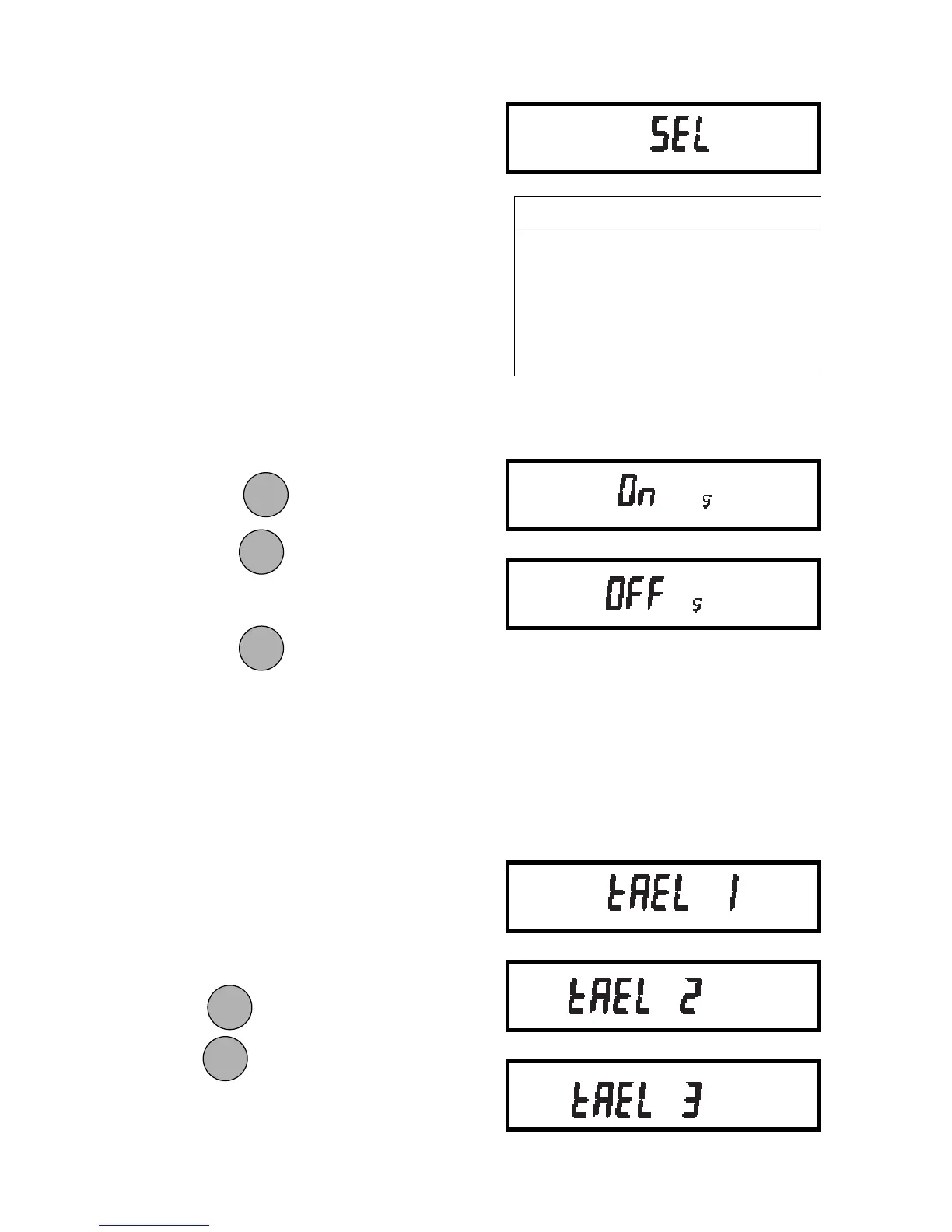
1. Access the Sel submenu.
2. The display will show the grams unit
indicator (g) along with the current
status (ON/OFF).
3. Press MODE to change the status.
Press TARE to accept the displayed
status.
When TARE is released, the display
will show the next unit indicator along
with the current status.
4. Set each unit or mode ON or OFF as
in step 3.
TaelsTaels
TaelsTaels
Taels
If taels are enabled, you will be required to
choose one of three different taels: Hong
Kong, Singapore, or Taiwan.
When the display shows TAEL 1,
press MODE to change to another tael,
press TARE to accept the displayed tael.
When the last weighing unit/mode has
been set, the display will show SEL again
and the Setup menu will be returned.
MODEMODE
MODEMODE
MODE
ONON
ONON
ON
TARETARE
TARETARE
TARE
ONON
ONON
ON
TARETARE
TARETARE
TARE
ONON
ONON
ON
TARETARE
TARETARE
TARE
MODEMODE
MODEMODE
MODE
Weighing Units and ModesWeighing Units and Modes
Weighing Units and ModesWeighing Units and Modes
Weighing Units and Modes
gramsgrams
gramsgrams
grams momme
pennyweight pounds
carats pounds : ounces
ounces custom unit
troy ounces parts counting
grains percent weighing
taels
Hong Kong
Singapore
Taiwan







 To Next Page