37
LockswitchLockswitch
LockswitchLockswitch
Lockswitch
Lockswitch enables you to lockout one or
more menu selections. Each menu can
be individually locked on or off after all
functions have been set. The Calibration,
User, Setup and Print menus can be indi-
vidually locked on or off by selecting the
appropriate menu and then locked by the
switch located under the right hand side of
the control panel. Before performing the
lockout procedure, decide which func-
tions of the balance are to be locked on or
off.
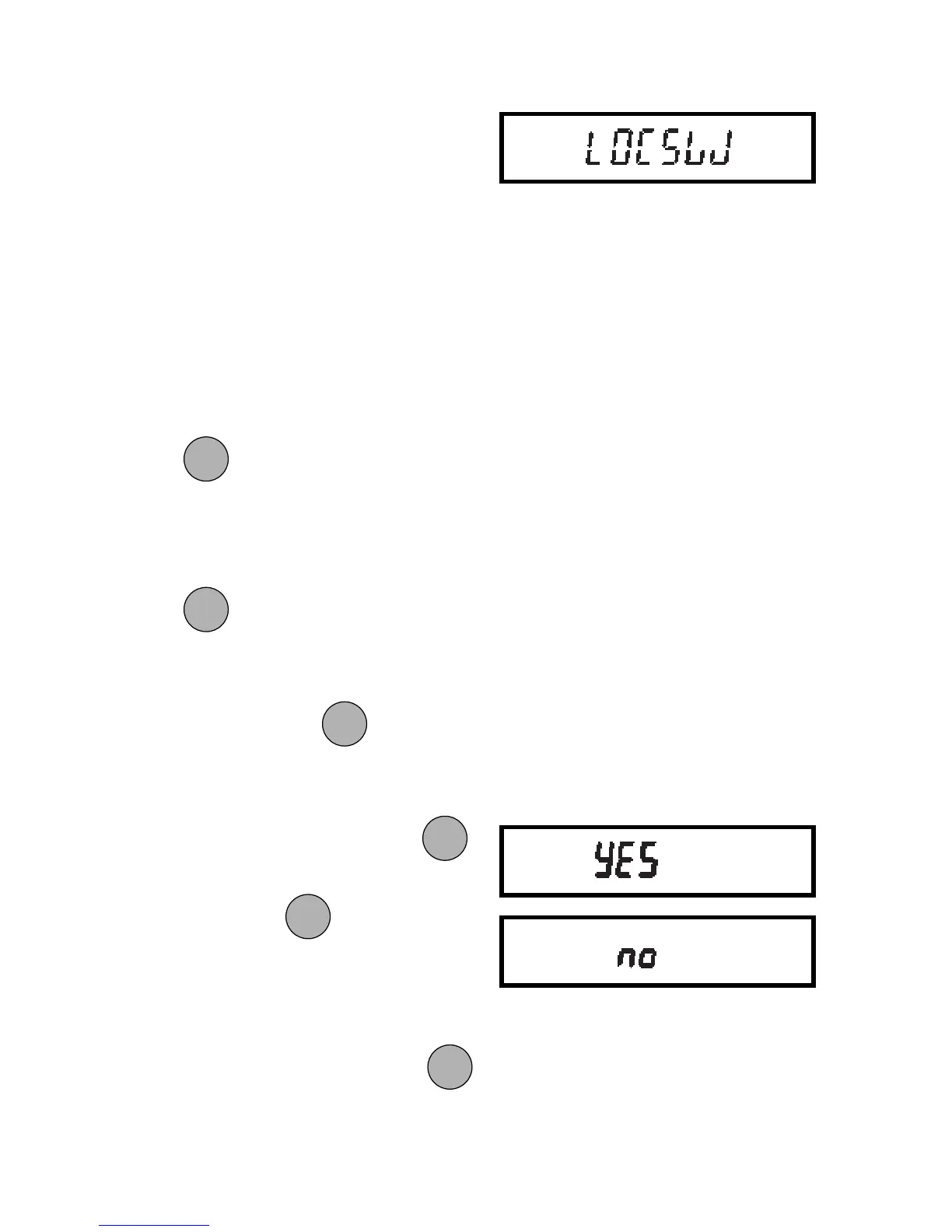
1. Access the Locksw submenu. When
is released, the LOCSW
submenu is displayed.
2. To access one or more menus, press
to select the calibration menu,
-CAL- is displayed.
NOTE:NOTE:
NOTE:NOTE:
NOTE: Pressing
changes the
selection to the other menus.
3. To select a YES or NO, press
.
NOTE: NOTE:
NOTE: NOTE:
NOTE: The
switch acts as a
toggle and can select either YES or
NO.
4. To confirm your selection, press
again. The display indicates the last
menu you were in.
ONON
ONON
ON
TARETARE
TARETARE
TARE
ONON
ONON
ON
TARETARE
TARETARE
TARE
MODEMODE
MODEMODE
MODE
MODEMODE
MODEMODE
MODE
MODEMODE
MODEMODE
MODE
ONON
ONON
ON
TARETARE
TARETARE
TARE







 To Next Page