43
Auto Print FeatureAuto Print Feature
Auto Print FeatureAuto Print Feature
Auto Print Feature
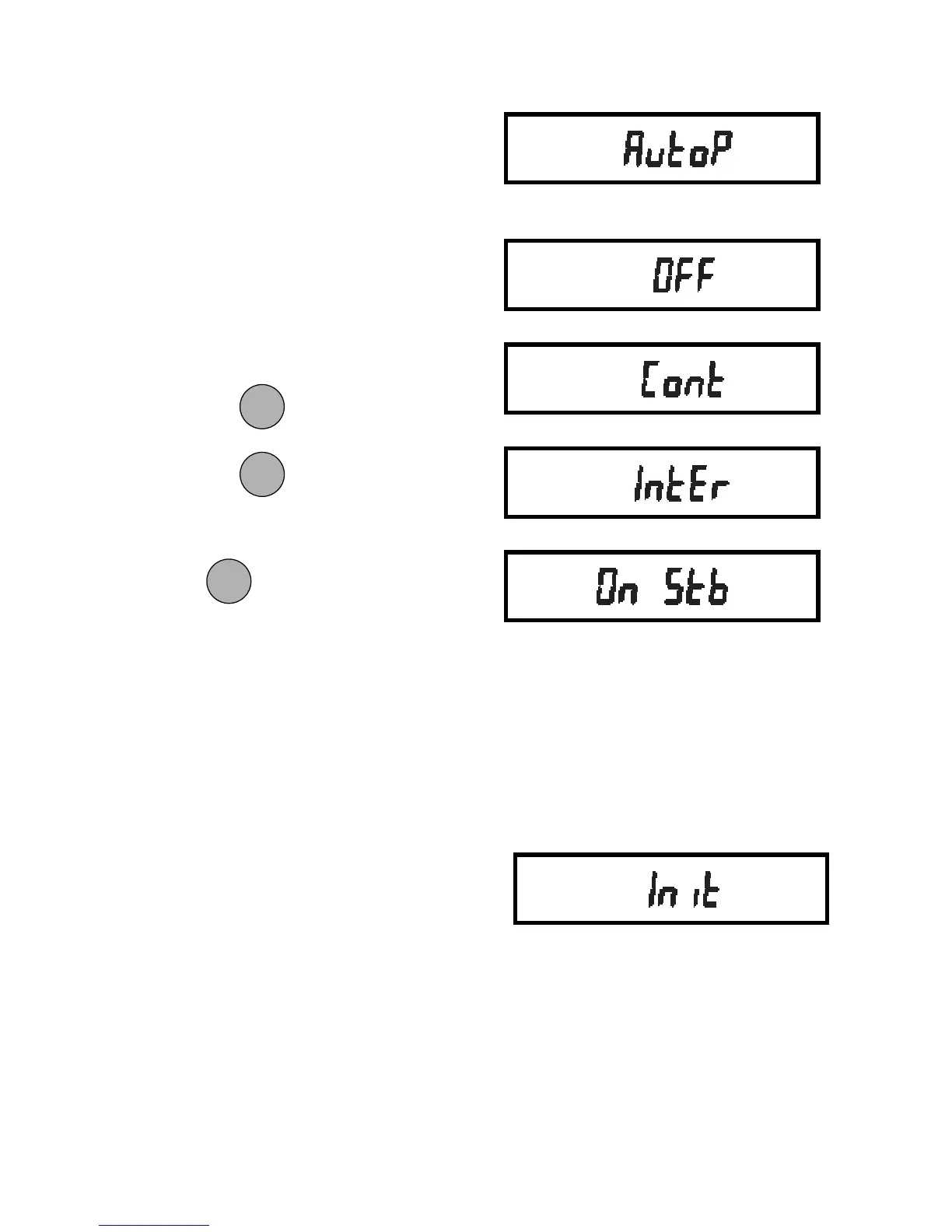
When enabled, the Auto Print feature
causes the balance to automatically out-
put display data in one of three ways:
continuously, at user specified time inter-
vals, or upon stability.
To select one of these Auto Print meth-
ods, or to turn the feature off:
1. Access the Auto P submenu to dis-
play the current setting.
2. Press
to change the setting.
Press
to accept the displayed
setting.
When is released, Auto P will be
displayed again and the Print menu will be
returned.
If you select INTER to automatically out-
put data user specified time intervals, the
interval is entered in the Init submenu
which follows.
Auto Print Time Interval andAuto Print Time Interval and
Auto Print Time Interval andAuto Print Time Interval and
Auto Print Time Interval and
Non Printing Weight ValuesNon Printing Weight Values
Non Printing Weight ValuesNon Printing Weight Values
Non Printing Weight Values
This submenu allows you to:
• Specify a time interval (in seconds) for
automatic output.
• Exclude a range of weights from being
output, or specify a range for output, by
the Auto Print feature.
It does not appear on the Print menu if
Auto Print is set to OFF. Use the following
procedure to set these features:
1. Access the Init submenu.
MODEMODE
MODEMODE
MODE
ONON
ONON
ON
TARETARE
TARETARE
TARE
ONON
ONON
ON
TARETARE
TARETARE
TARE







 To Next Page