40
If SAFE is displayed, the Print menu has
been locked out. Settings may be viewed
but not changed. See the Menu Lock-Out
Protection section to enable it for making
changes.
To access a submenu:
1. Repeatedly press
until the de-
sired submenu is displayed.
2. Press to select the displayed
submenu.
NOTE:NOTE:
NOTE:NOTE:
NOTE: You must use END to store any
changes you make to the Print menu.
The following sections describe each item
on the Print menu in detail.
ONON
ONON
ON
TARETARE
TARETARE
TARE
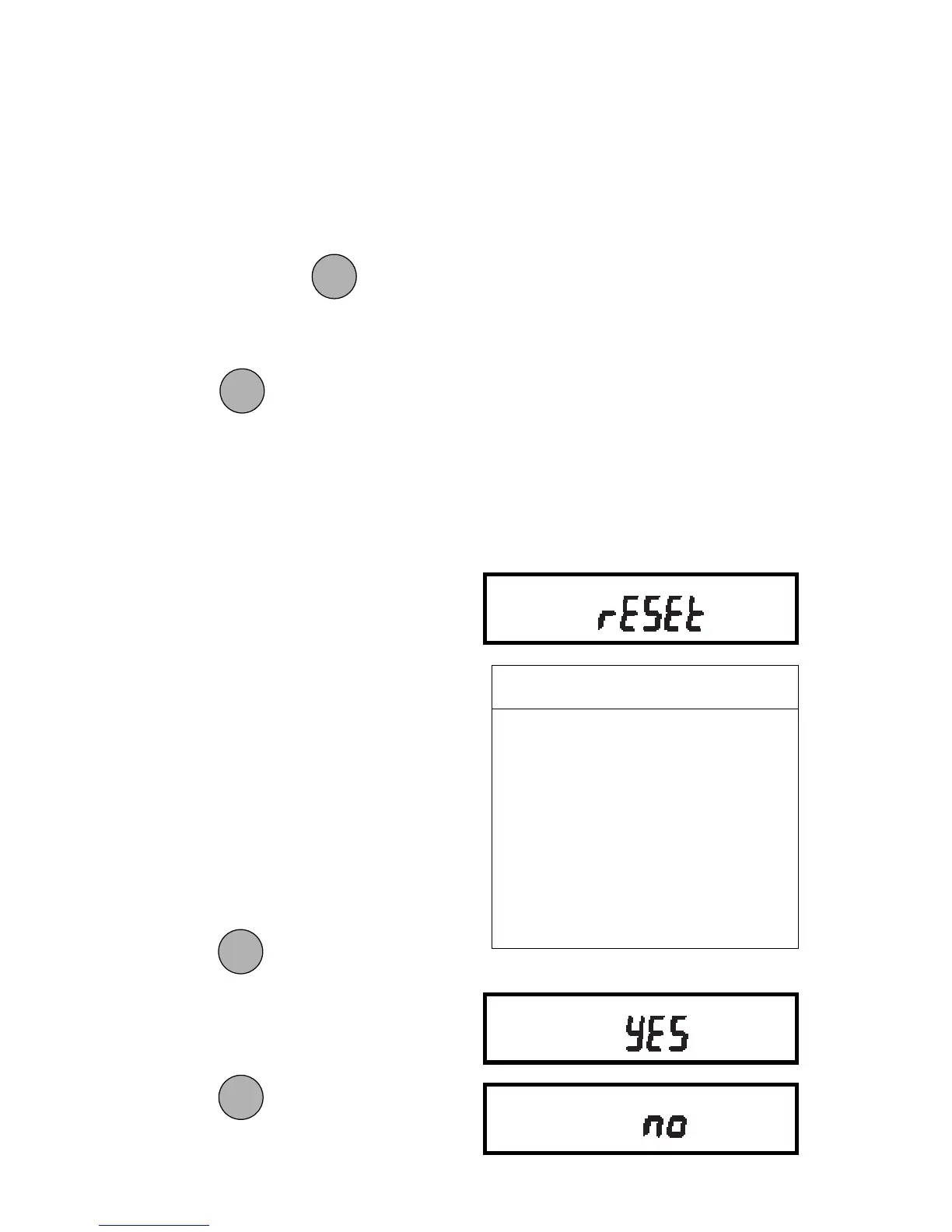
2. Press to change the setting.
(Select YES to reset settings or,
no to leave current settings.)
Press
to accept the displayed
setting.
Reset to Factory DefaultsReset to Factory Defaults
Reset to Factory DefaultsReset to Factory Defaults
Reset to Factory Defaults
This submenu enables you to reset all
RS232 menu selections to the original
factory default settings outlined in the
adjacent table.
To reset to factory defaults:
1. Access the Reset submenu to view
the current setting.
MODEMODE
MODEMODE
MODE
ONON
ONON
ON
TARETARE
TARETARE
TARE
PRINT MENUPRINT MENU
PRINT MENUPRINT MENU
PRINT MENU
FACTORY DEFAULTSFACTORY DEFAULTS
FACTORY DEFAULTSFACTORY DEFAULTS
FACTORY DEFAULTS
Baud rate br 2400
Data Bits 7 data
Parity None
Stop Bits 2 stop
Auto Print OFF
Auto Print Interval 1 second
Non Print Low Limit 0
Non Print High Limit 0
Stable Data Only OFF
Numeric Data Only OFF
MODEMODE
MODEMODE
MODE







 To Next Page