24
Reset to Factory DefaultsReset to Factory Defaults
Reset to Factory DefaultsReset to Factory Defaults
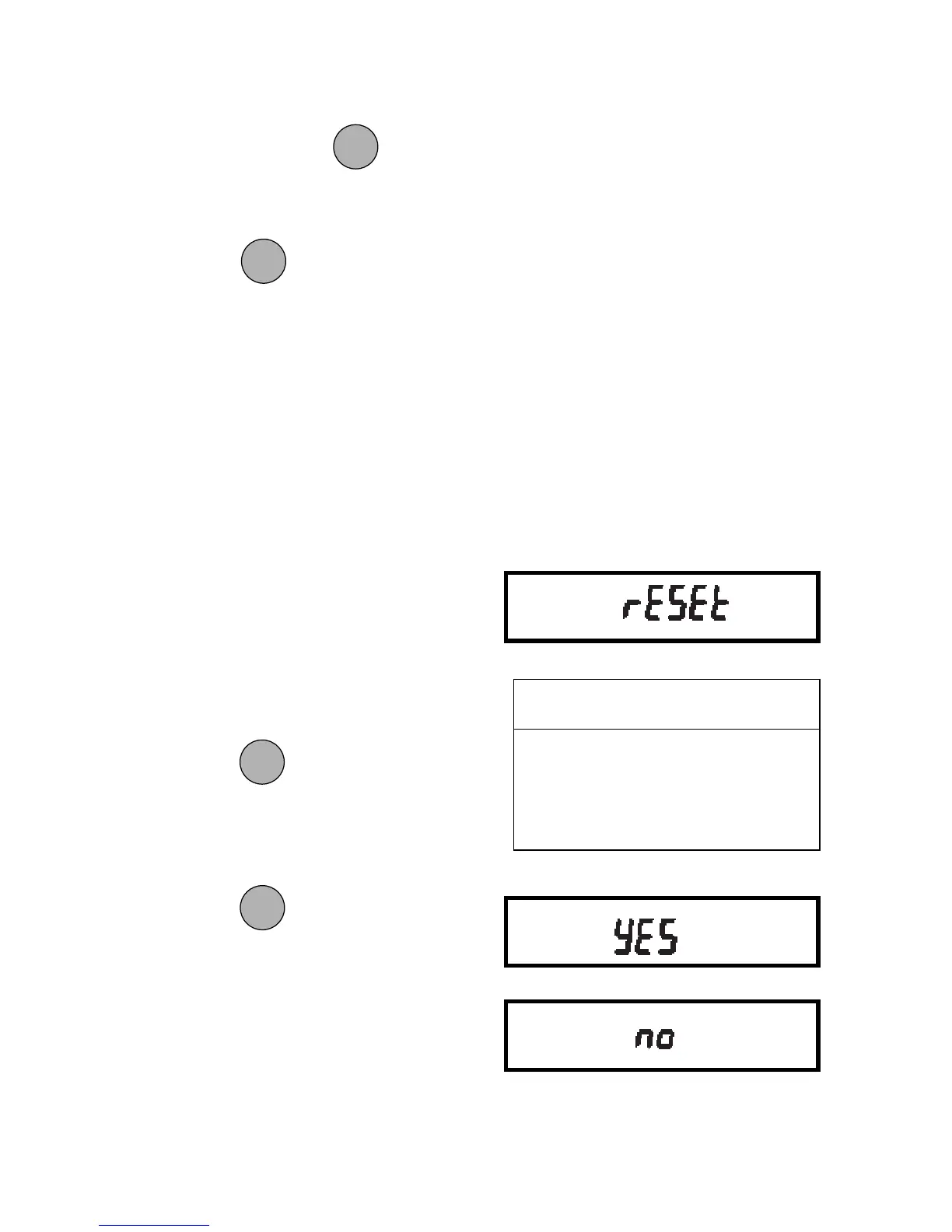
Reset to Factory Defaults
This submenu enables you to reset all
User menu selections to the factory de-
fault settings outlined in the adjacent table.
To reset to factory defaults:
1. Access the Reset submenu.
2. Press
to change the setting.
Select YES to reset settings or,
no to leave current settings.
Press
to accept the displayed
setting.
To access a submenu:
1. Repeatedly press
until the de-
sired submenu is displayed.
2. Press
to select the displayed
submenu.
NOTENOTE
NOTENOTE
NOTE: You must use END to store any
changes you make to the User menu.
The following sections describe each item
on the User menu in detail.
ONON
ONON
ON
TARETARE
TARETARE
TARE
USER MENUUSER MENU
USER MENUUSER MENU
USER MENU
FACTORY DEFAULTSFACTORY DEFAULTS
FACTORY DEFAULTSFACTORY DEFAULTS
FACTORY DEFAULTS
Averaging Level AL 1
Stability Range 1d
Auto-Zero Tracking .5d
MODEMODE
MODEMODE
MODE
ONON
ONON
ON
TARETARE
TARETARE
TARE
MODEMODE
MODEMODE
MODE







 To Next Page