42
2. Press
to change the setting.
Press to accept the displayed
setting.
NOTE: NOTE:
NOTE: NOTE:
NOTE: If all selections do not appear, total
number of data, parity and stop bits is
currently < 8 or > 10, data or stop bits must
be changed.
When
is released, PARITY will be
displayed again and the Print menu will be
returned.
Stop BitsStop Bits
Stop BitsStop Bits
Stop Bits
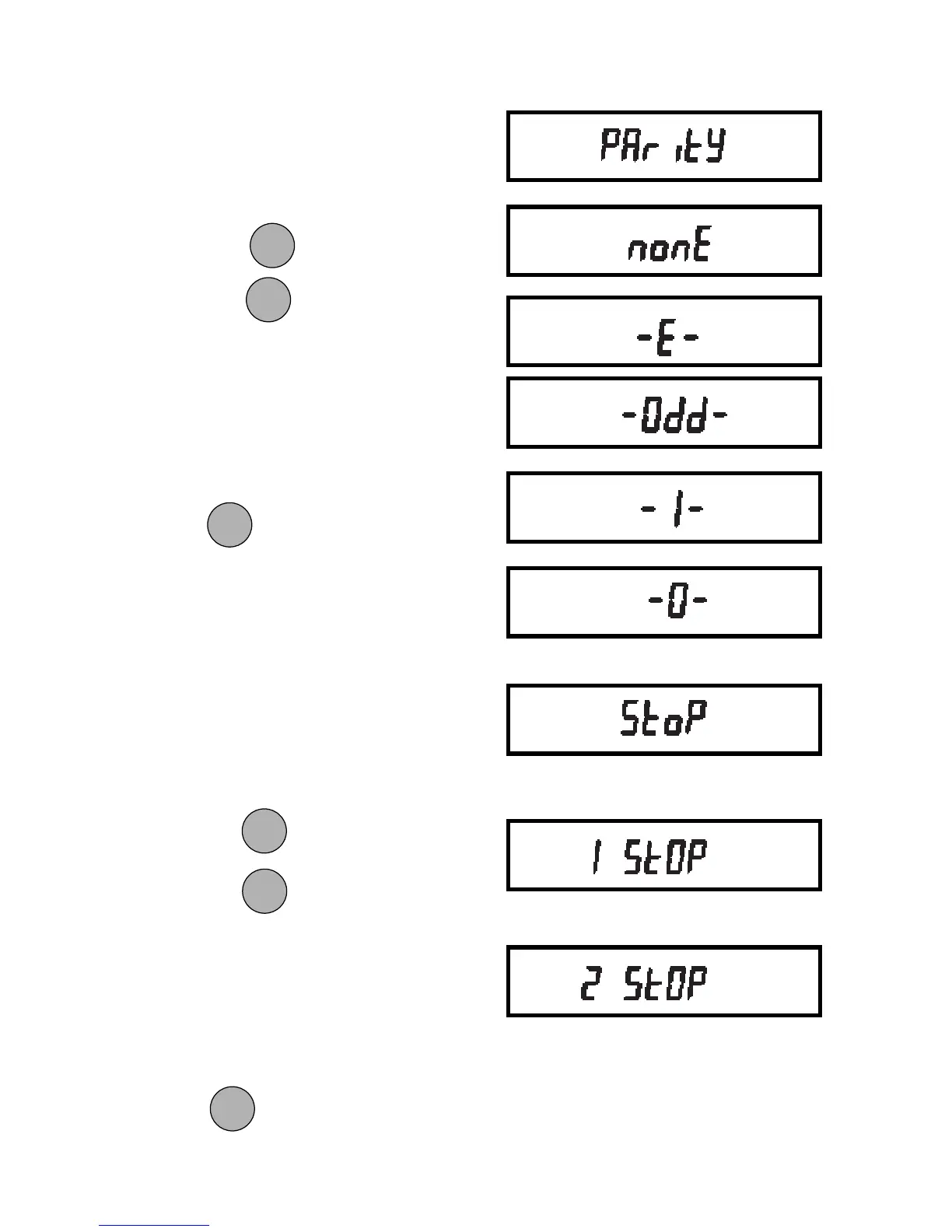
The number of stop bits can be set to 1 or
2 as follows:
1. Access the Stop submenu to display
the current setting.
2. Press to change the setting.
3. Press
to accept the displayed
setting.
NOTE: NOTE:
NOTE: NOTE:
NOTE: If all selections do not appear, total
number of data, parity and stop bits is
currently < 8 or > 10, data or parity bits
must be changed.
When
is released, STOP will be
displayed again and the Print menu will be
returned.
ParityParity
ParityParity
Parity
Parity can be set to Odd, Even, None, or
a marker of 0 or 1 as follows:
1. Access the Parity submenu to dis-
play the current setting.
ONON
ONON
ON
TARETARE
TARETARE
TARE
MODEMODE
MODEMODE
MODE
ONON
ONON
ON
TARETARE
TARETARE
TARE
ONON
ONON
ON
TARETARE
TARETARE
TARE
ONON
ONON
ON
TARETARE
TARETARE
TARE
MODEMODE
MODEMODE
MODE







 To Next Page