45
10. Set all digits in the same manner. If an
error is made, press
to backup
to the desired digit and change it.
11. After the last digit is entered, NON-PL
will be displayed again. Press
to proceed to NON-PH, the high limit.
12. Press
to view the current value
for the high end of the range.
13. Change the number as needed using
the same procedure as in step 8.
14. After the last digit is entered, NON-
PH will be displayed again. Press
to display End.
15. Press
when END is displayed
to return to the Print menu.
Print Stable Data OnlyPrint Stable Data Only
Print Stable Data OnlyPrint Stable Data Only
Print Stable Data Only
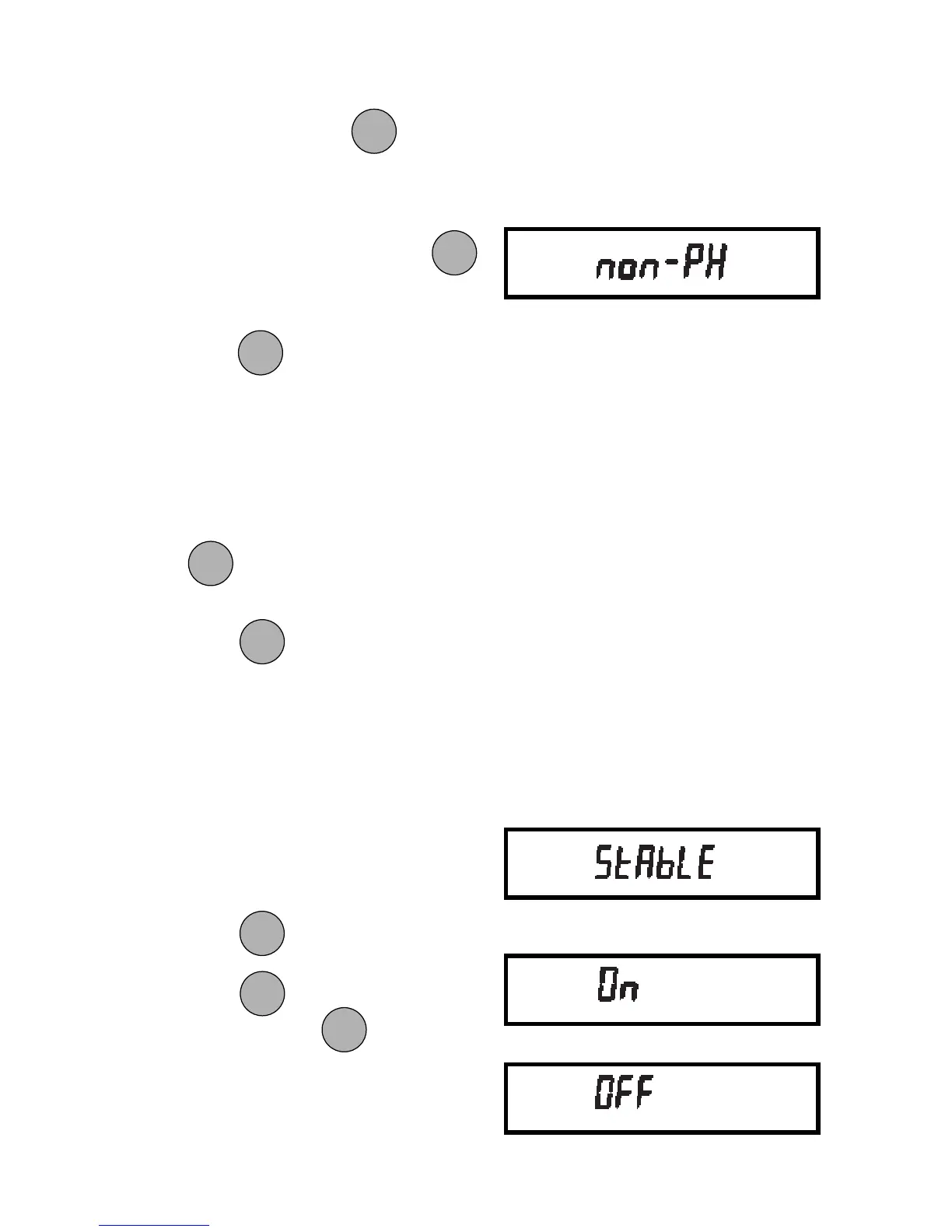
When enabled, this feature permits only
stable display data to be output. To set the
feature ON or OFF:
1. Access the Stable submenu to dis-
play the current status.
2. Press
to change the status.
Press
to accept the displayed
status. When is released,
STABLE will be displayed again and
the Print menu will be returned.
PRINTPRINT
PRINTPRINT
PRINT
MODEMODE
MODEMODE
MODE
ONON
ONON
ON
TARETARE
TARETARE
TARE
MODEMODE
MODEMODE
MODE
ONON
ONON
ON
TARETARE
TARETARE
TARE
MODEMODE
MODEMODE
MODE
ONON
ONON
ON
TARETARE
TARETARE
TARE
ONON
ONON
ON
TARETARE
TARETARE
TARE







 To Next Page