38
ListList
ListList
List
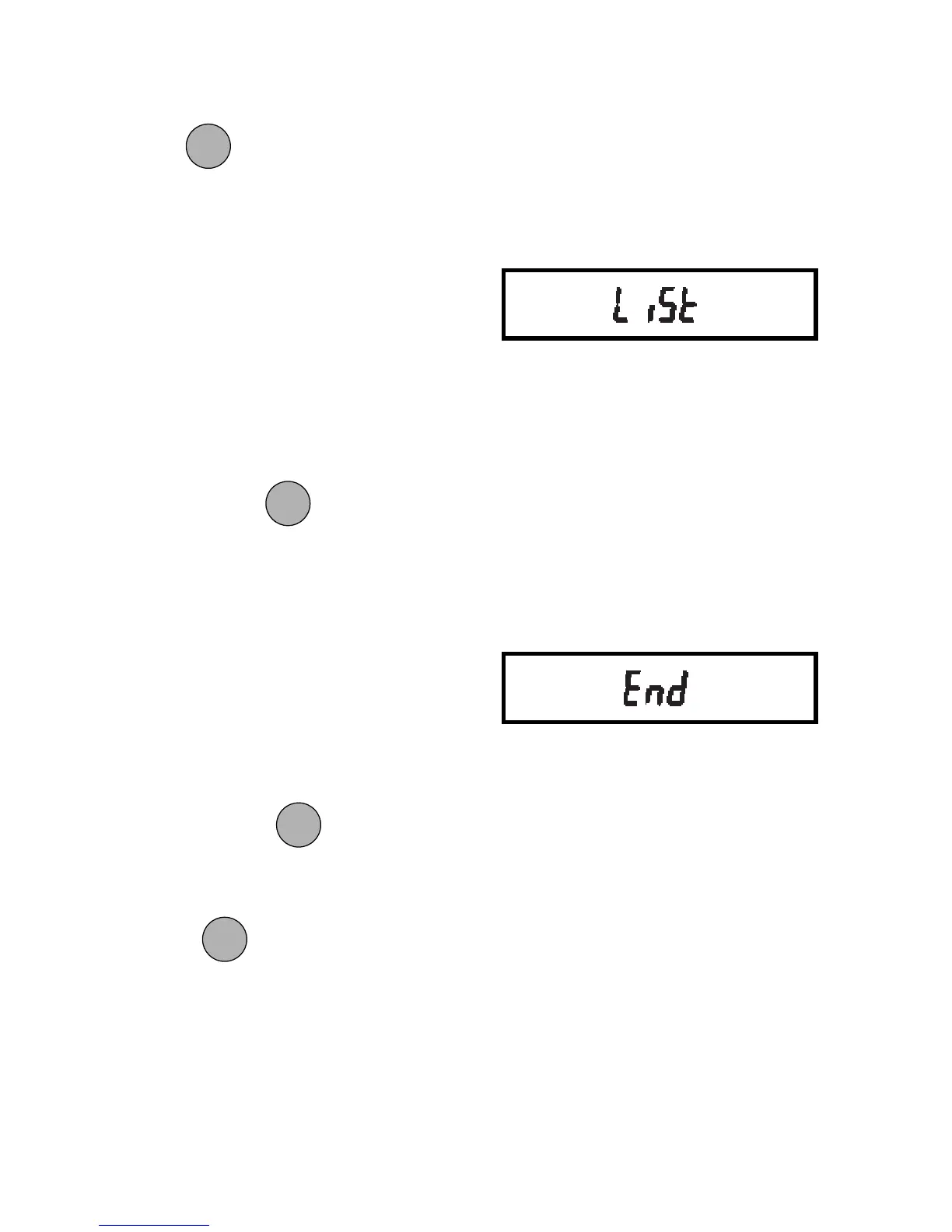
This submenu can be used to output a
listing of current menu settings via the
RS232 interface. When selected, menu
settings for the User, Setup and Print
menus will be output. To use this feature,
your balance must be connected to a
computer or printer.
To obtain a listing of current settings,
simply press
when LIST is dis-
played in the Setup menu.
EndEnd
EndEnd
End
You must use End to exit the Setup menu.
Changes you make in the Setup menuChanges you make in the Setup menu
Changes you make in the Setup menuChanges you make in the Setup menu
Changes you make in the Setup menu
are only stored in memory if you useare only stored in memory if you use
are only stored in memory if you useare only stored in memory if you use
are only stored in memory if you use
End.End.
End.End.
End.
To exit the Setup menu and store your
settings, press
when END is dis-
played.
When
is released, the balance will
be returned to normal weighing opera-
tions.
5. To lock out the other menus, press
and repeat the procedure in
steps 3 and 4.
ONON
ONON
ON
TARETARE
TARETARE
TARE
ONON
ONON
ON
TARETARE
TARETARE
TARE
ONON
ONON
ON
TARETARE
TARETARE
TARE
MODEMODE
MODEMODE
MODE







 To Next Page