32
5. Set the value of all digits in the same
manner. If an error is made, you can
press
to backup to the desired
digit and change it.
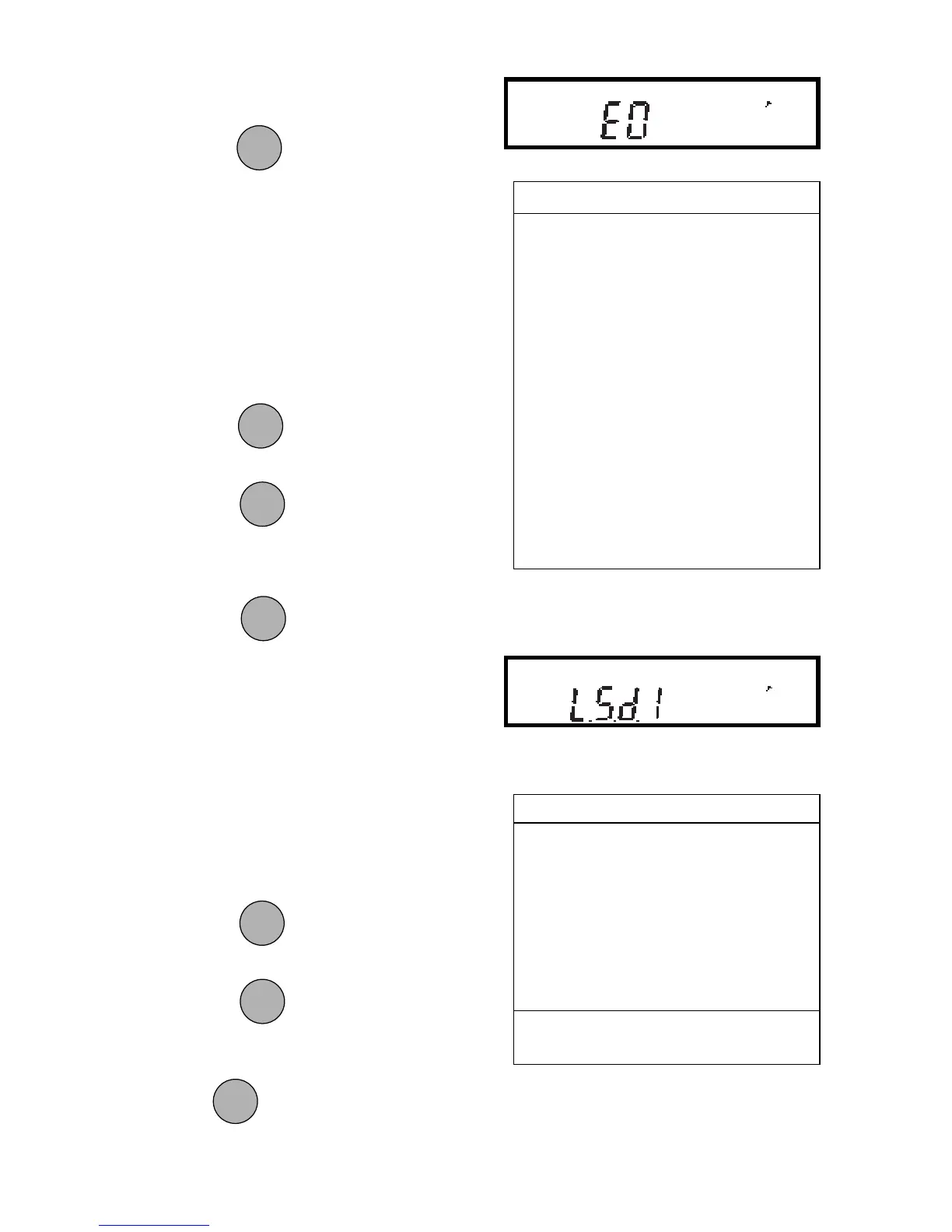
6. After the last digit is entered, the
display will show the current expo-
nent. The exponent is shown on the
display preceded by the letter E.
There are 7 exponent values which you
can choose from (see table).
7. Press
to change the exponent.
8. Press
to accept the displayed
exponent.
9. When
is released, the display
will show the current least significant
digit.
The least significant digit is the digit in the
last decimal place on the display. The
selection you make causes the balance to
count by 1’s, 2’s or 5’s in this position.
There are 6 LSD settings you can choose
from (see table).
10. Press
to change the LSD.
11. Press
to accept the displayed
LSD.
When
is released, C Unit will be
displayed again and the Setup menu will
be returned.
EXPONENTSEXPONENTS
EXPONENTSEXPONENTS
EXPONENTS
E-3 Moves decimal point 3
places to the left.
E-2 Moves decimal point 2
places to the left.
E-1 Moves decimal point 1
place to the left.
E0E0
E0E0
E0
Leaves decimal pointLeaves decimal point
Leaves decimal pointLeaves decimal point
Leaves decimal point
in normal position.in normal position.
in normal position.in normal position.
in normal position.
E1 Moves decimal point 1
place to the right.
E2 Moves decimal point 2
places to the right.
E3 Moves decimal point 3
places to the right.
LSD’sLSD’s
LSD’sLSD’s
LSD’s
LSD .5* Adds one decimal place
display counts by 5’s.
LSD 1LSD 1
LSD 1LSD 1
LSD 1
Display counts by 1’s.Display counts by 1’s.
Display counts by 1’s.Display counts by 1’s.
Display counts by 1’s.
LSD 2 Display counts by 2’s.
LSD 5 Display counts by 5’s.
LSD 10 Display counts by 10’s.
LSD 100 Display counts by 100’s.
* Sensitivity to vibration is increased
with this LSD setting.
PRINTPRINT
PRINTPRINT
PRINT
MODEMODE
MODEMODE
MODE
ONON
ONON
ON
TARETARE
TARETARE
TARE
ONON
ONON
ON
TARETARE
TARETARE
TARE
ONON
ONON
ON
TARETARE
TARETARE
TARE
ONON
ONON
ON
TARETARE
TARETARE
TARE
MODEMODE
MODEMODE
MODE







 To Next Page