14
5. To change the sample size, repeat-
edly press until the desired
quantity is displayed.
6. Add the sample number of pieces to
the container.
7. Press
.
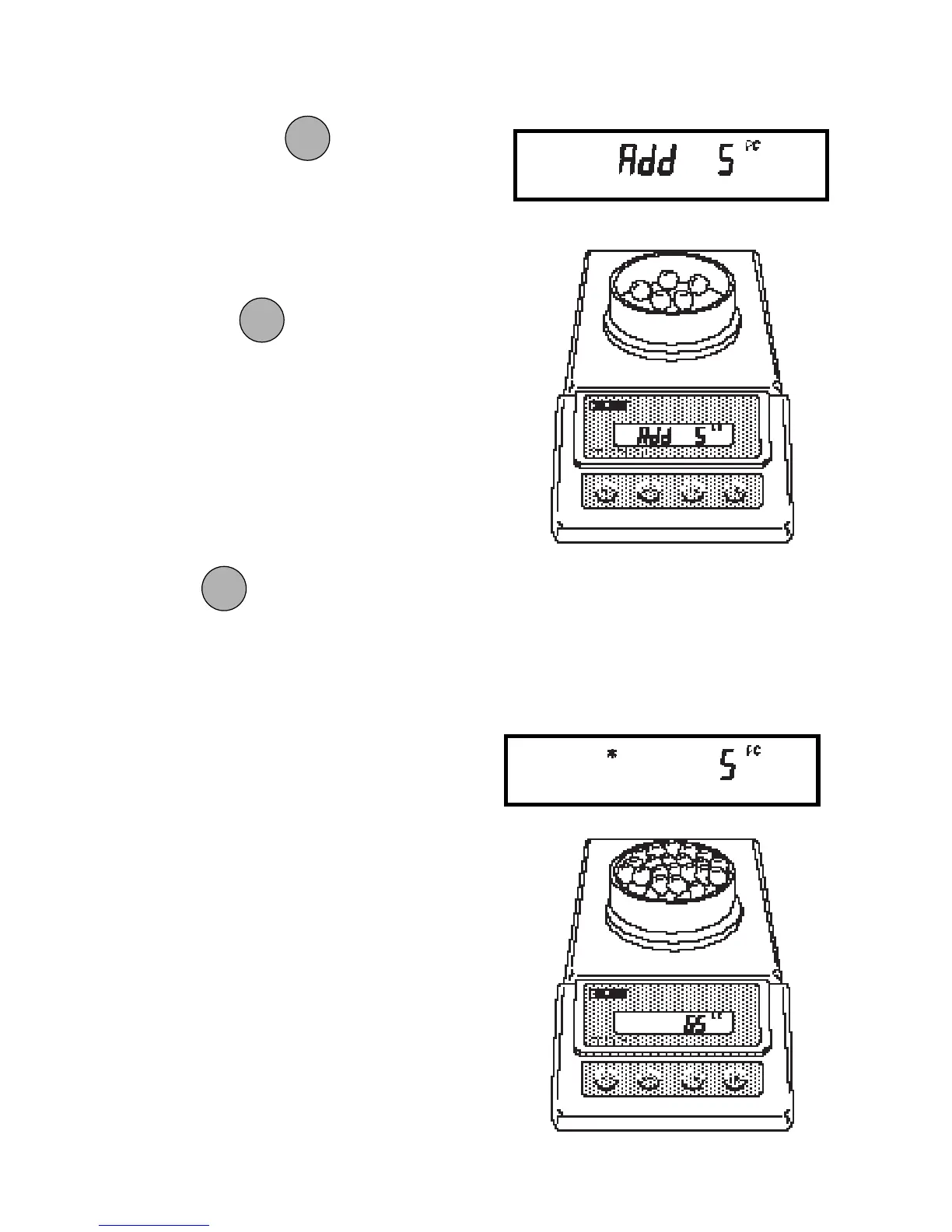
If Add X is displayed, the sample is too
small to provide results within the se-
lected error level (PC Err of the Setup
menu). X represents the number of addi-
tional parts needed to provide a sufficient
sample.
Add the required number of parts, then
press
again.
8. The balance will calculate the aver-
age piece weight based on the net
weight of the sample, and then dis-
play the current number of parts.
9. Add parts to the container as desired
and read the quantity on the display.
MODEMODE
MODEMODE
MODE
ONON
ONON
ON
TARETARE
TARETARE
TARE
ONON
ONON
ON
TARETARE
TARETARE
TARE







 To Next Page