17
IF NETIF NET
IF NETIF NET
IF NET has been selected for the alternate
display, you may repeatedly tare the bal-
ance between weighings. The alternate
display will show the net weight of mate-
rial added since the last tare.
IF TOTALIF TOTAL
IF TOTALIF TOTAL
IF TOTAL has been selected for the alter-
nate display, the balance will display the
gross weight (relative to weight of con-
tainer already tared) or percentage of
material on the pan. Taring will not affect
the alternate display.
NOTE:NOTE:
NOTE:NOTE:
NOTE: The primary percentage display
always shows the NET percentage.
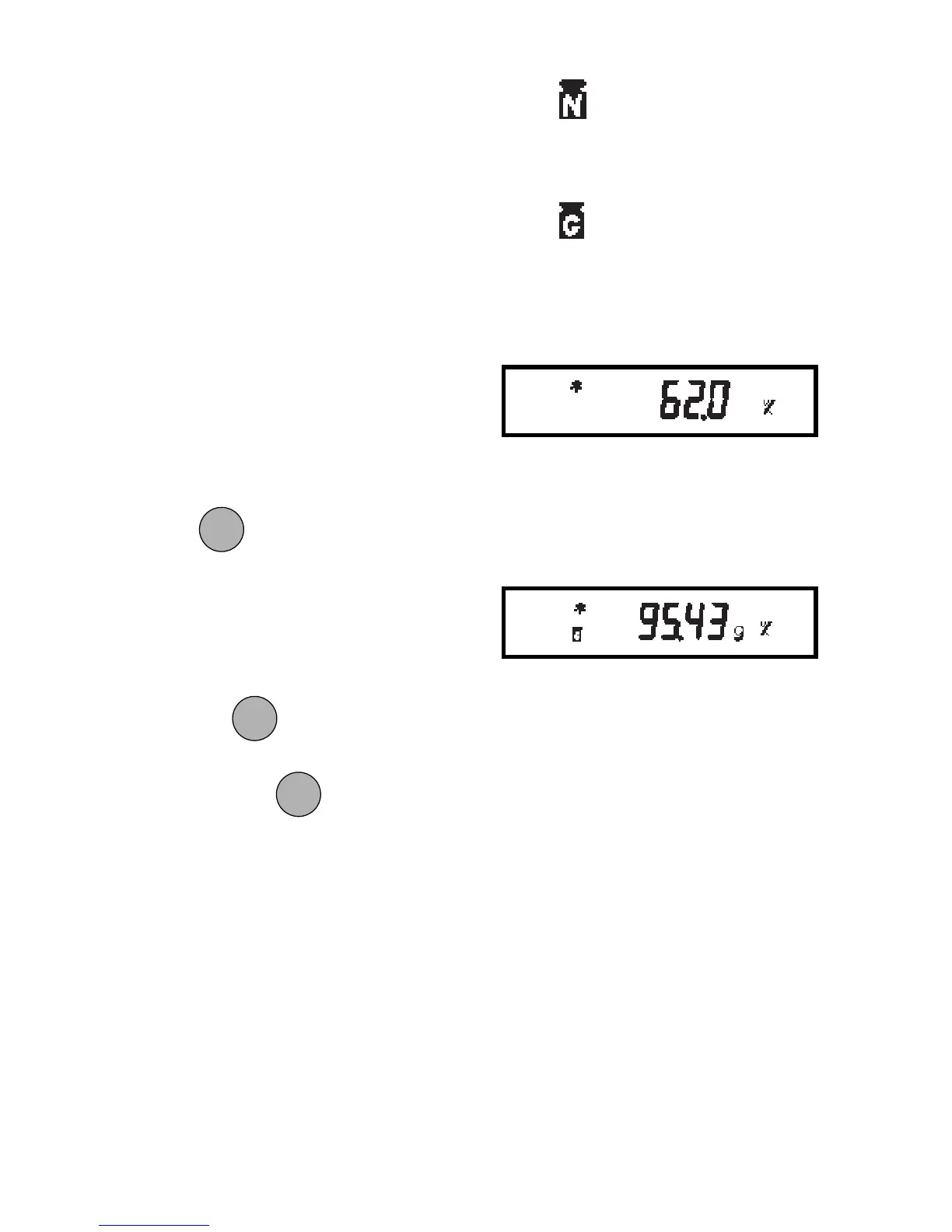
To switch between the alternate display
and the percentage display, repeatedly
press
.
NOTE:NOTE:
NOTE:NOTE:
NOTE: You may change the alternate
display unit through the Setup menu with-
out losing the current reference.
To exit or restart percent weighing, press
and hold
until PCT CON is dis-
played, then release it. Return to step 2 to
restart, or press to change to anoth-
er weighing mode.
Lights to indicate NET.
Lights to indicate TOTAL
or Gross.
Alternate Display
Percent Display
MODEMODE
MODEMODE
MODE
MODEMODE
MODEMODE
MODE
MODEMODE
MODEMODE
MODE







 To Next Page