OJMAR 64
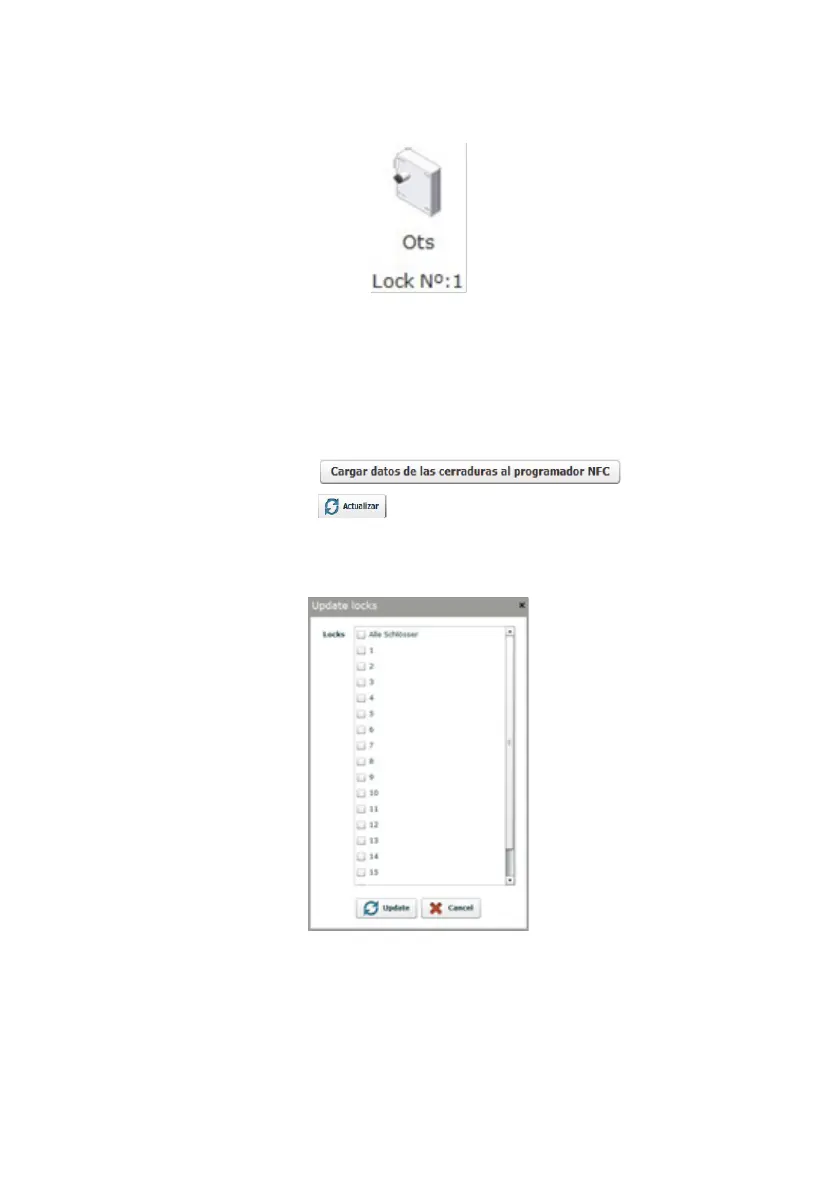
3. Locks window: This displays the locks that have been created (lock type and
number).
4. Browse by locks: This enables you to move around the list of locks and apply a
filter to simplify the search.
5. Load programmer data: The locks on which events are to be read or initialised
must be loaded to the memory of the Ojmar NFC programmer.
NOTE: The Ojmar NFC programmer can include a total of 32 events.
To do so, click on this button , select the locks
to be loaded and click on the button.
The lock information is then saved to the programmer, allowing for direct
communications with the locks.
NOTE: If an attempt is made to load a large number of locks, the operation may
take several minutes.
NOTE: This process must be performed when:
A lock is to be initialised from the programmer.
A property of the lock has been modified from the Software.



 To Next Page