64
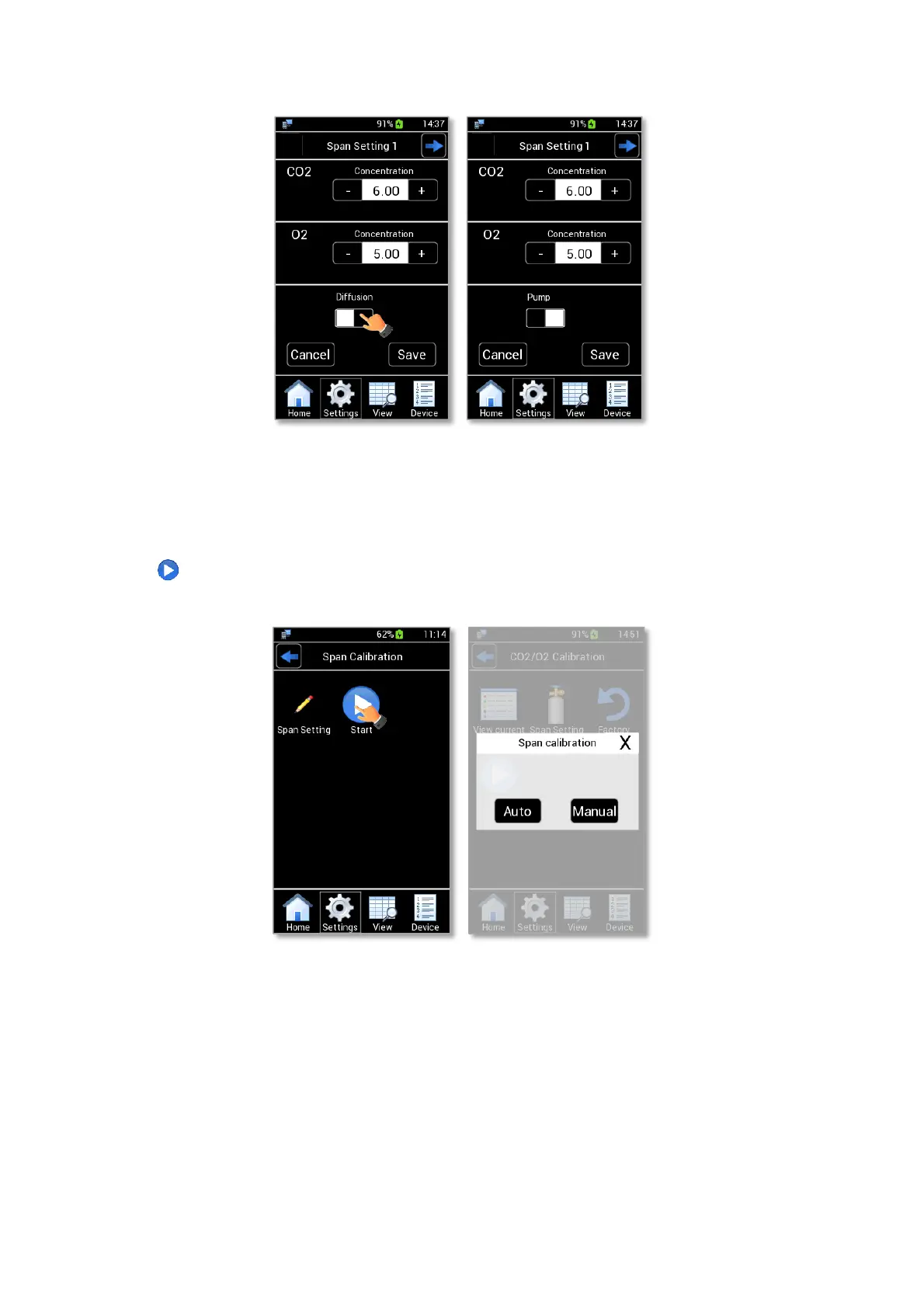
Figure 84. Span Setting in Aspiration mode (a - b).
13.2.4 Start
After checking the reference gas concentrations in Span Settings page (see Paragraph 13.2.3), press the
Start icon (see Figure 85 a) to start a Span Calibration. The pop-up dialog shown in Figure 85 b appears. Select
Auto for an automatic calibration or Manual for a manual calibration.
Figure 85. Span gas start (a – b)
13.2.4.1 Auto Gas calibration
By pressing on Auto in Figure 85 b, Figure 86 a appears.
Press Continue (see Figure 86 a) to start the Span Calibration after checked the proper span gas cylinder
is connected to LEO.
During an Auto calibration, you can see CO2 and O2 readings on the display (see Figure 86 b).
Wait until CO2/O2 User Calibration is completed for the first span gas and the message shown in Figure
86 c appears. CO2/O2 User Calibration stops automatically, when the gas measurement becomes stable.



 To Next Page