10
TV Installation and Connection Guide
Identifying Front and Rear Panels
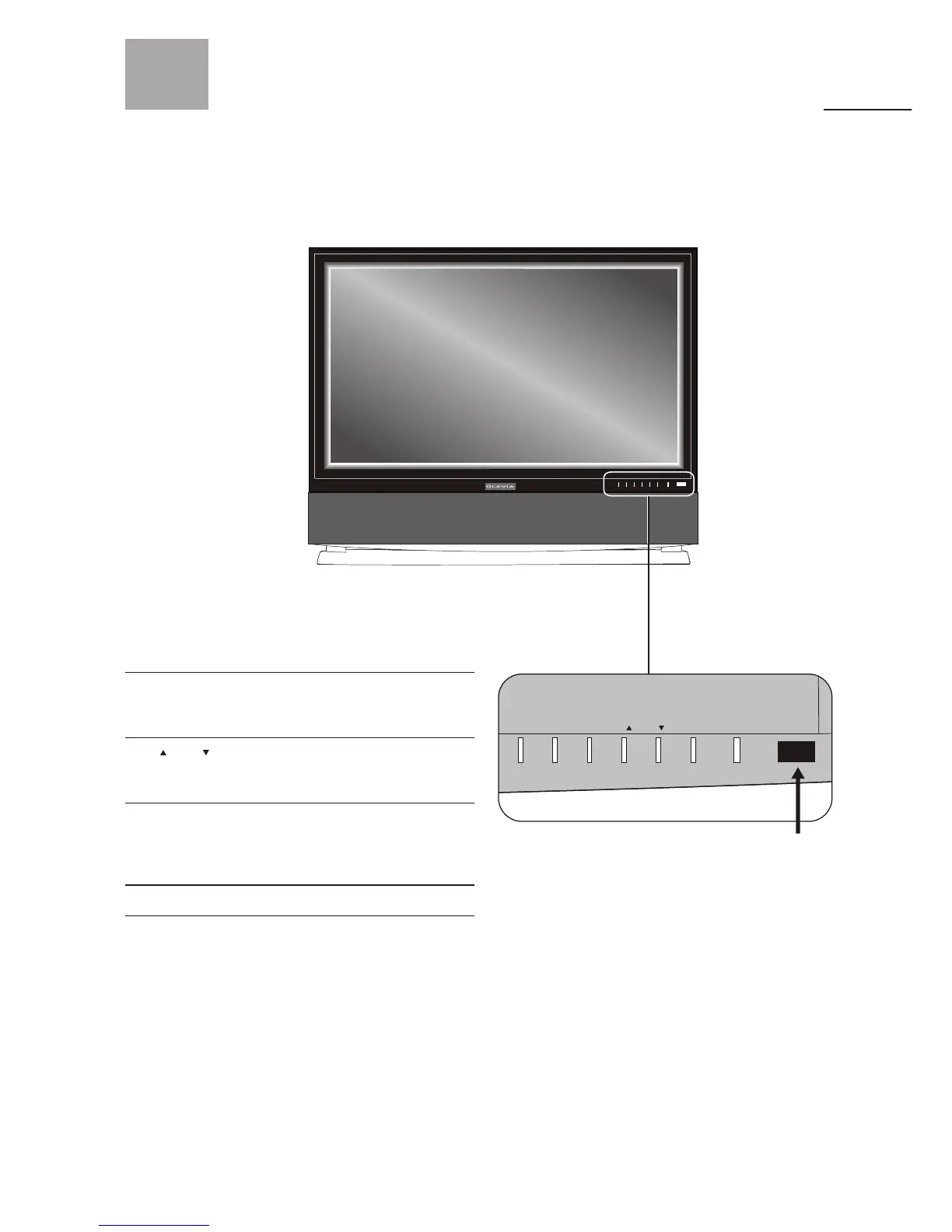
Front Panel
Turns display on/off
Displays the On Screen Display(OSD)
menu. In OSD menu, press it to return
to the previous screen or to exit.
Adjusts Channel. In the OSD menu,
both keys are used to navigate within
menu.
Adjusts Volume. In the OSD menu, both
keys are used to navigate within menu.
Vol+ is used to select the highlighted
option.
Press to switch the input sources.
Contains Infra-red light for digital
data transmission by the remote
control. Please point remote control
at IR Sensor for function.
POWER
MENU
CH / CH
VOL+/VOL-
SOURCE



 To Next Page