50
Adjusting On Screen Displays (OSD)
PIP Mode
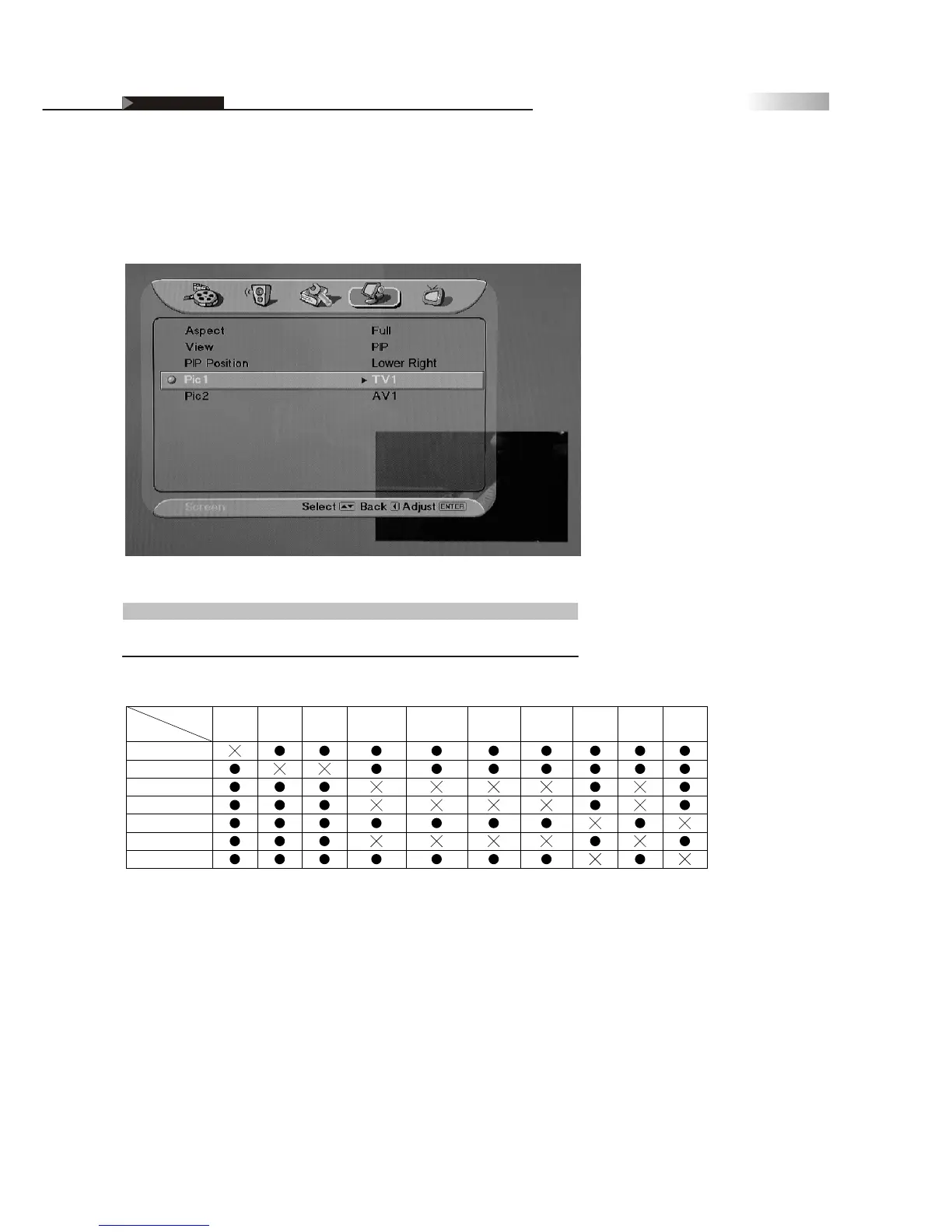
You may adjust setting for each Picture source. Only Pic1 supports a TV
input source, while Pic2 supports all other TV input sources.
Item
PIP Position
Adjustment
Upper Left / Upper Right /
Lower Left / Lower Right
Function
Changes the position of Picture 2
For example: While selecting "TV" as PIP-Pic 1 source, the other available
sources except "TV"can be selected as PIP-Pic 2 source.
When you use the swap function, the signals from the main window and
the PIP window will swap positions no matter what sources you specified
on either window.
OSD-Screen



 To Next Page