31
Adjusting On Screen Displays (OSD)
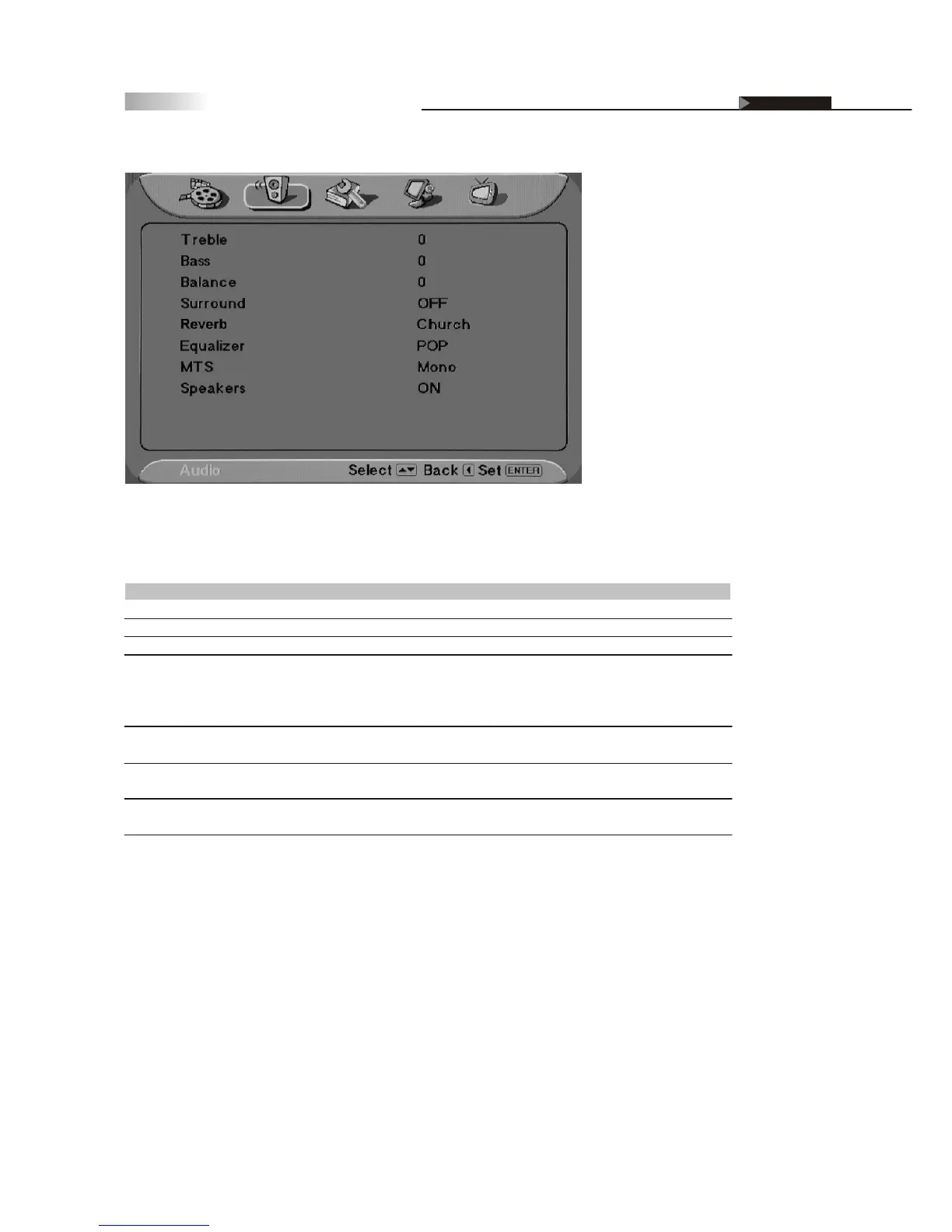
OSD-Audio
Item
Treble
Bass
Balance
Surround
Reverb
Equalizer
MTS
Speakers
Adjustment
On / Off
Off, Concert, Living Room,
Hall, Arena, Church
Off, Rock, Pop, Live, Classic,
Soft
Mono, Stereo, SAP
On / Off
-50~50
-50~50
-20~20
Function
Adjusts higher pitched sounds
Adjusts lower pitched sounds
Adjusts volume balance in Left and Right
Creates a panoramic stereo audio image by producing
deep and rich bass tones and clear treble tones. This
enables you to enjoy powerful sound effects like those
in a movie theatre
Adjusts the sound as occurred in an enclosed space
of varying spaces
Adjusts the volume of different bands (ranges of
frequencies (HZ)) to control the overall sound
Adjusts sound reception of stereo, bilingual and mono
programs under the TV Source.
Turns off the speakers of the TV when using a
Receiver or Home Theater System.
Audio setting
Definition of Terms
Audio Adjusting Sound Quality



 To Next Page