47
Adjusting On Screen Displays (OSD)
Adjusting Screen Modes
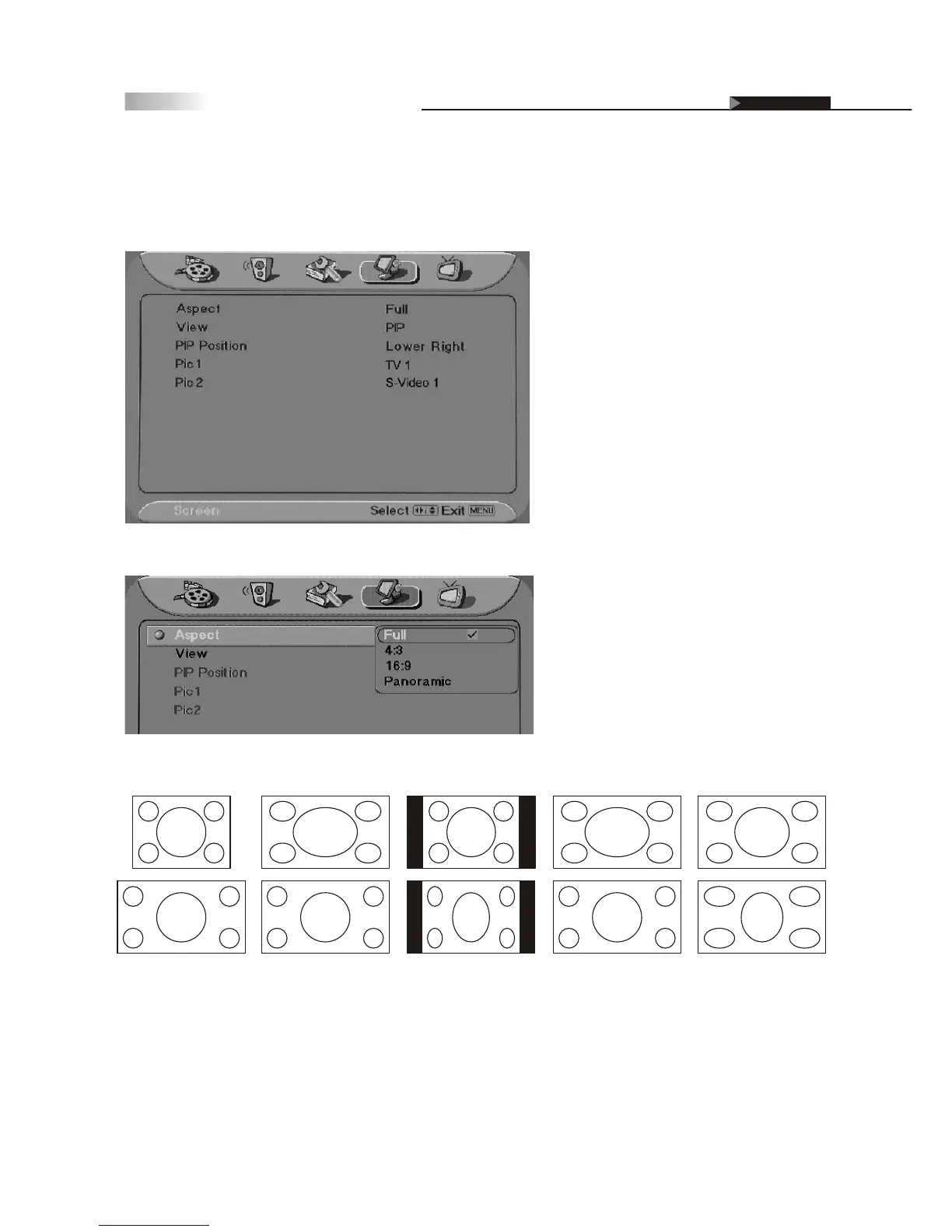
You can alter the aspect ratio of a picture by choosing between these four options:
Changing the Screen Mode
There are two options in Screen Mode, "Aspect & View". Aspect will
allow user to select different aspect ratios, whereas the View function
will display different modes of viewing between 2 different sources.
Full Screen Enlarges the picture to 16:9 wide mode, by stretching the picture horizontally only.
4:3 Returns the 4:3 picture to its original size. This is considered the "normal" viewing mode.
16:9 Enlarges (zoom-in) the size of a 4:3 picture on screen as geometric ratio, keeping the
original image as much as possible.
Panoramic select to widen the displayed image. (only applies to content larger than 16:9)
Full Screen
4:3
16:9
Panoramic
4:3
Input
16:9
Input
OSD-Screen



 To Next Page